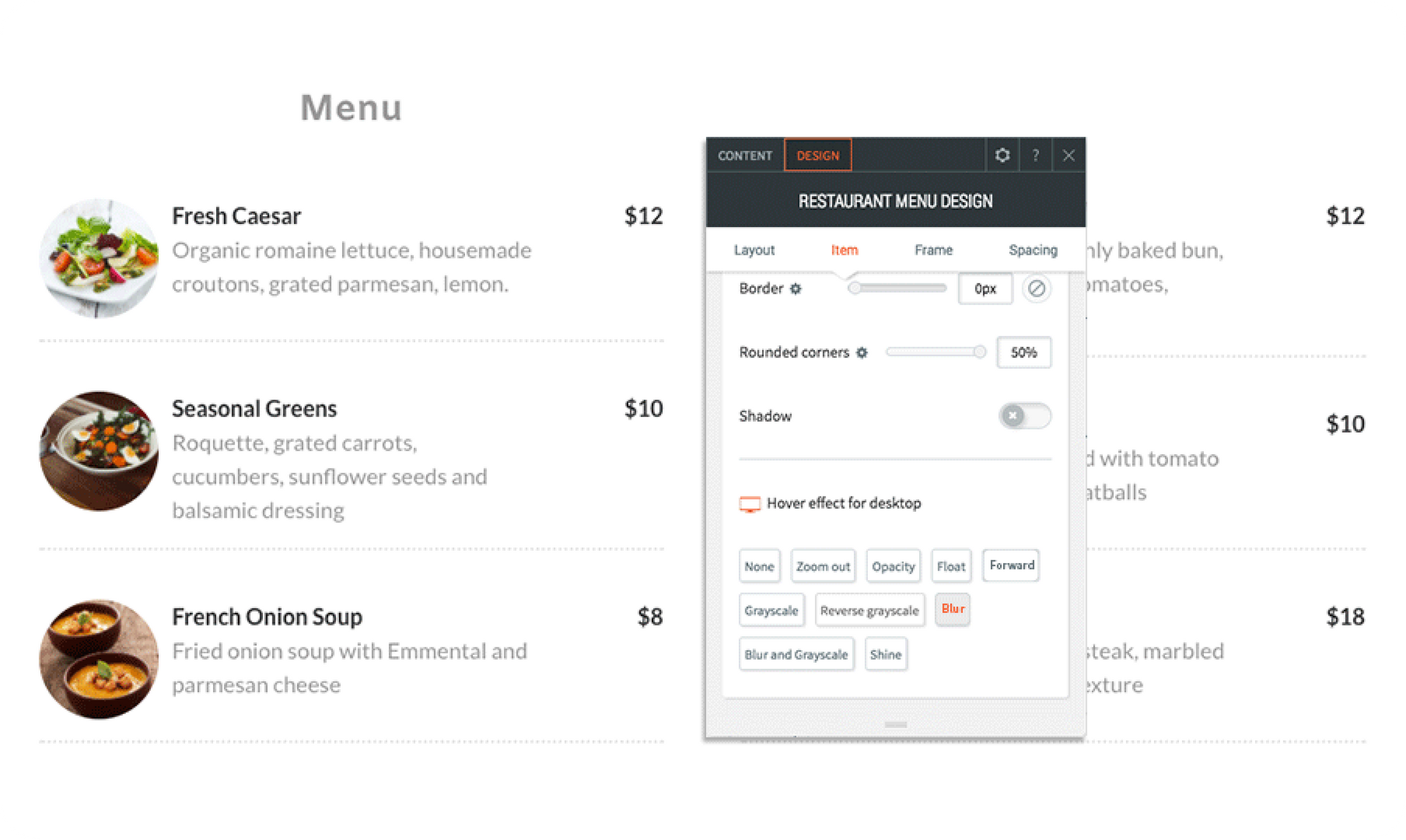
The fantastic hover effects that were recently added to the Navigation and Photo Gallery widgets are now available in several more widgets. Add cool hover effects such as grayscale, float, blur and more to images and icons in the following widgets:


  • Image
  • Icon
  • Social icons
  • Restaurant menu
  • List widget


Hover effects make websites more interactive and attractive. They encourage visitors to explore the site and enhance their overall experience. Use them to liven up a restaurant menu, draw attention to clickable icons, or encourage people to share, tweet and like.


Note that all hover effects are only visible on desktop versions of the site.

October 8, 2017
Roni Landau

 • 

Hover Effects on Images

Stay in the Loop with Duda Updates

Sign up to get feature releases, tools, and more to your inbox.

Latest product updates

Canva design editor showing a beach-themed layout with a selected text box on the canvas.
By Ofri Baram August 26, 2026
Create, edit, and manage almost anything on your site, including custom widgets, from one Copilot chat - in the editor.
Blurred discount setup form with fields, dropdowns, and a blue action button on a white dialog.
By Rim Elfahem August 24, 2026
Updates to help your eComm clients increase sales, streamline store management, and deliver a better shopping experience.
Side-by-side ChatGPT and Gemini cards with blurred text on a soft pink background
By Naama Mizrahi August 20, 2026
Give your clients an edge in AI search with visibility insights and tailored optimization suggestions - all within Duda.