As we keep rolling out more updates and improvements to how you design and build sites with our main editor, here are a few worth mentioning that give you more design customization power.


Design any button with any icon, any way you want


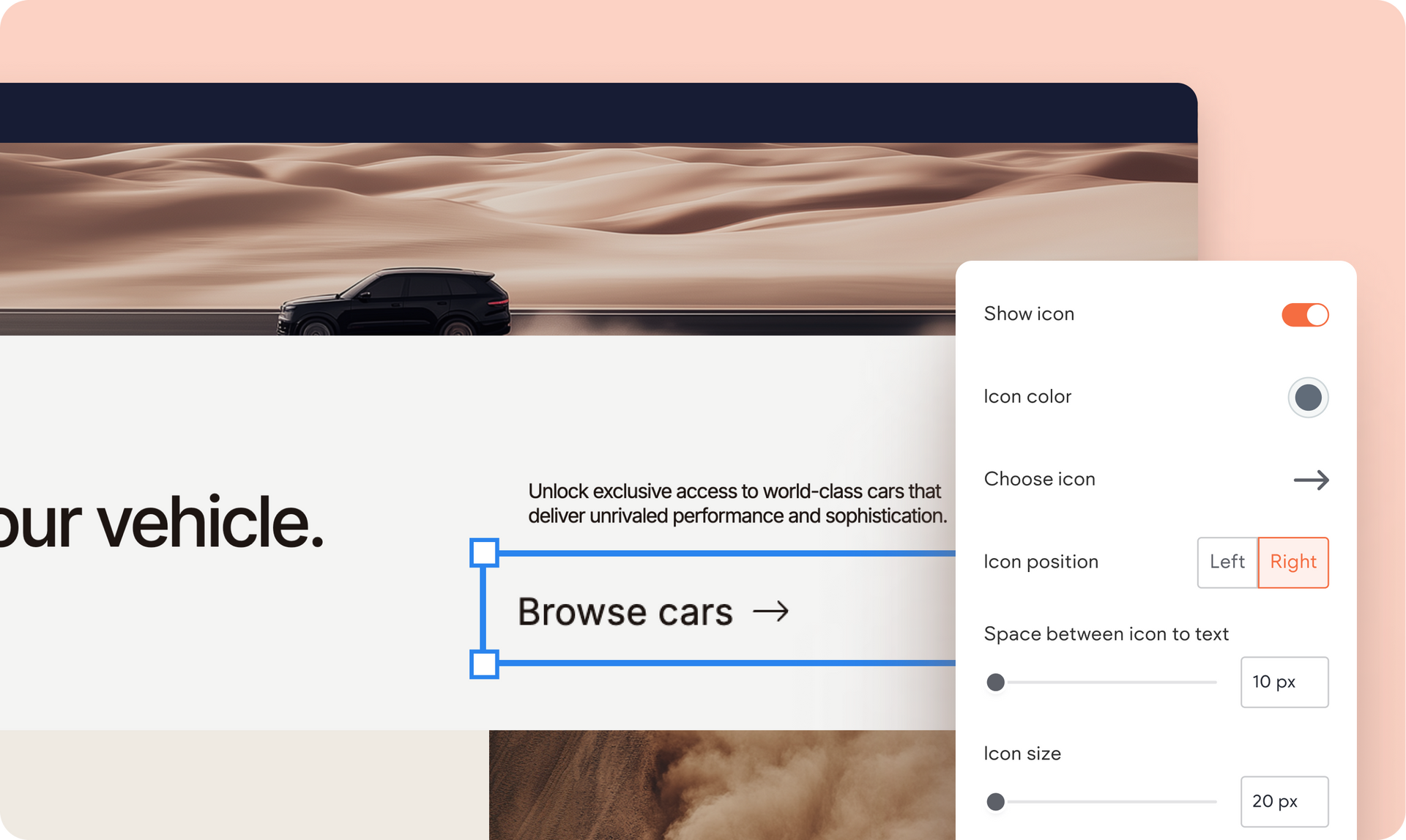
You now have a lot more design flexibility with multiple editing and customization options when working with buttons and icons. You can pretty much change and tweak any aspect of it:

  • Add any icon to any button layout (using any of the 1000s of icons from a free library)
  • Change the icon’s position, hover color or size
  • Change the distance between icon and button text 


This applies to any new button you add to a site built with Editor 2.0, including the click-to-call, click-to-email, and mobile buttons in the Map widget.


How does this affect existing buttons you have on your sites?

If your sites have buttons without icons and you wish to add icons to them, go to their design settings and toggle the show icon switch to enable it. For buttons with the previous icon version, go to the same design settings, then toggle the Icon option off, then on again to enjoy the new button with icon capability.

Create an effect where visitors see only the site navigation on scroll


You can now set your site header to show just the navigation widget as visitors scroll your site page. This is available in Editor 2.0 for advanced headers with multiple sections, where at least one of these contains a navigation widget.


How to set it up?


1.
  Enable the advanced header option, then add more sections to it

2. Under the Scroll Behavior section in your header’s design panel, turn on the Set as sticky header and Change header on scroll options

3. Turn on the Show only nav section on scroll option


This works seamlessly across all breakpoints, and we also included this as a default effect in multiple Editor 2.0 templates for a cleaner, more focused navigation experience.


Here are some templates that include this scroll effect:

The Chef Restaurant template (here we also show the steps of how set this up):


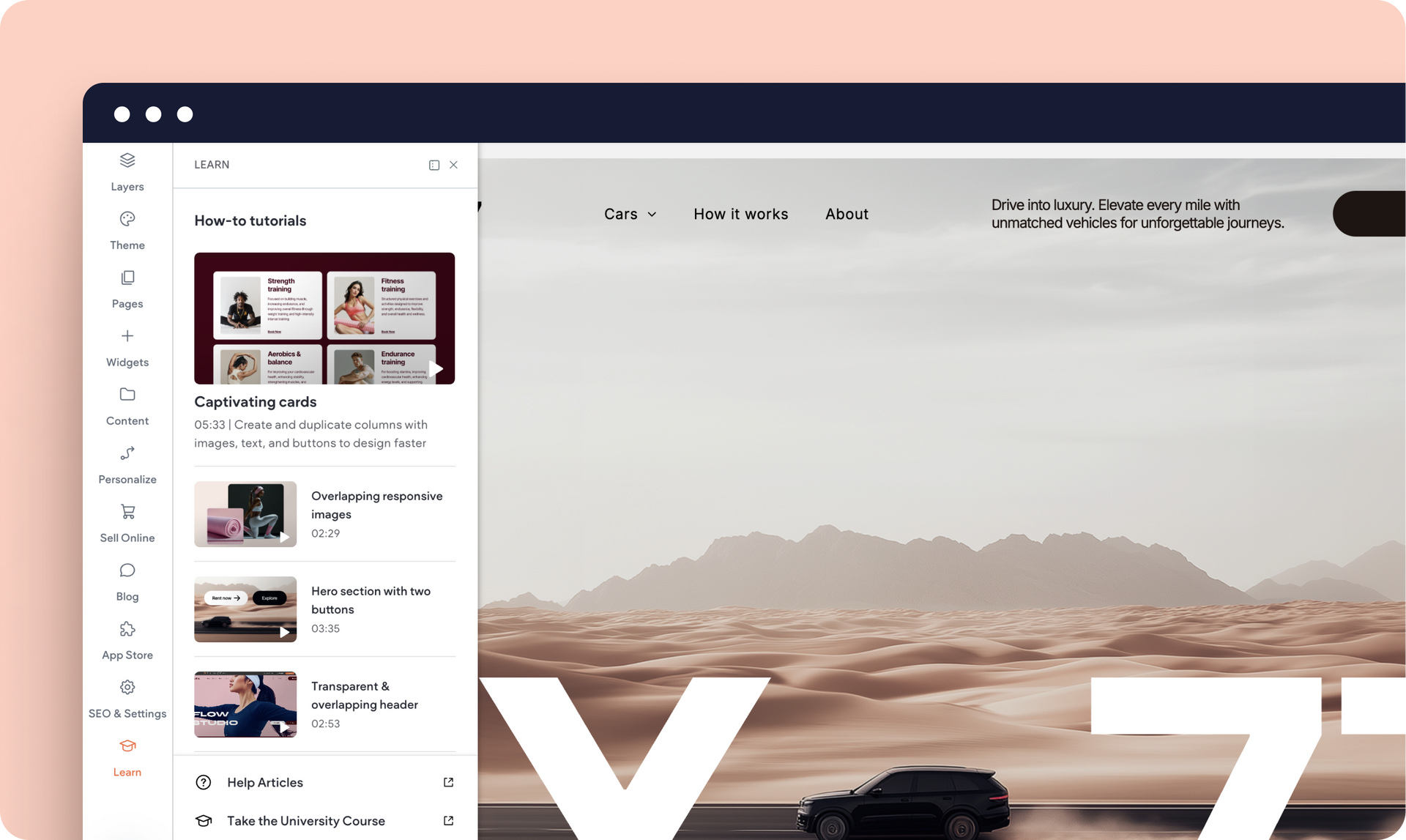
Revamped Learn area to help you design ‘wow’ effects


We’re adding more step-by-step tutorials to our Editor 2.0 library so you can quickly hone your advanced design skills and create engaging visual effects in the sites you build. These are available in the redesigned Learn panel, which you can quickly access right on the canvas as you design a site. 

Within minutes, you can learn how to:

  • Create captivating text, images, and button cards
  • Use overlapping, responsive images
  • Create an engaging hero section
  • Set up a fixed newsletter signup form


Check out some of these new tutorials:

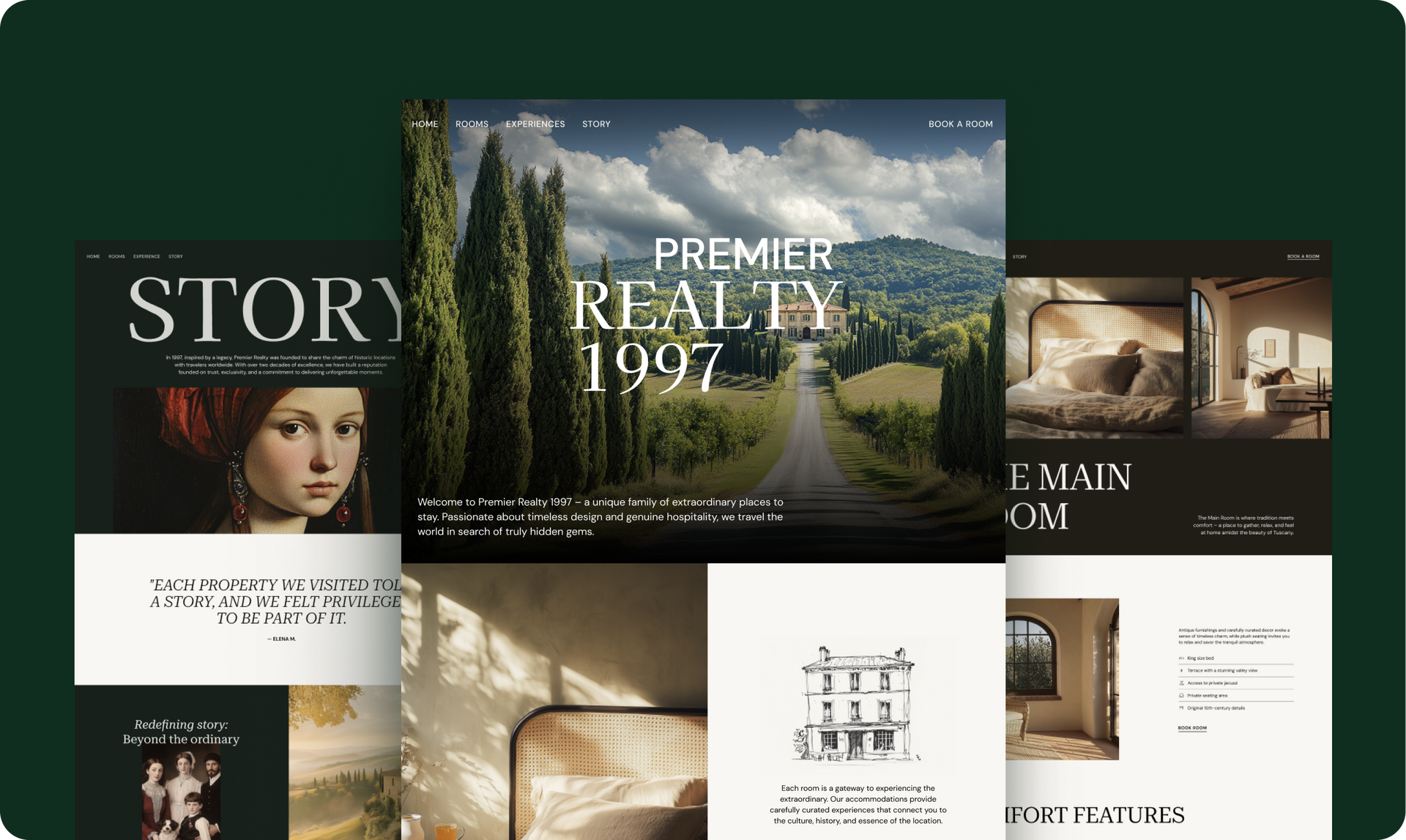
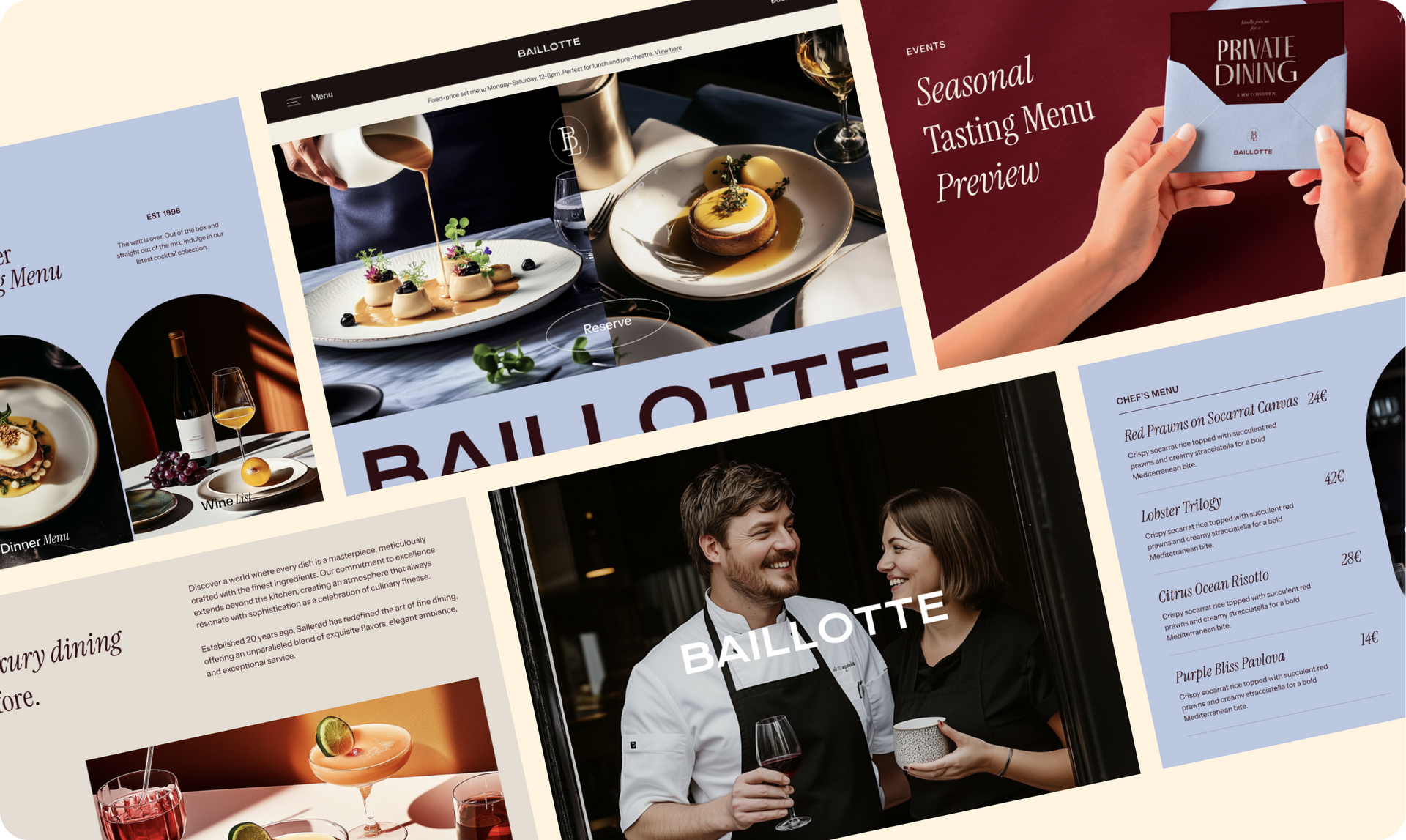
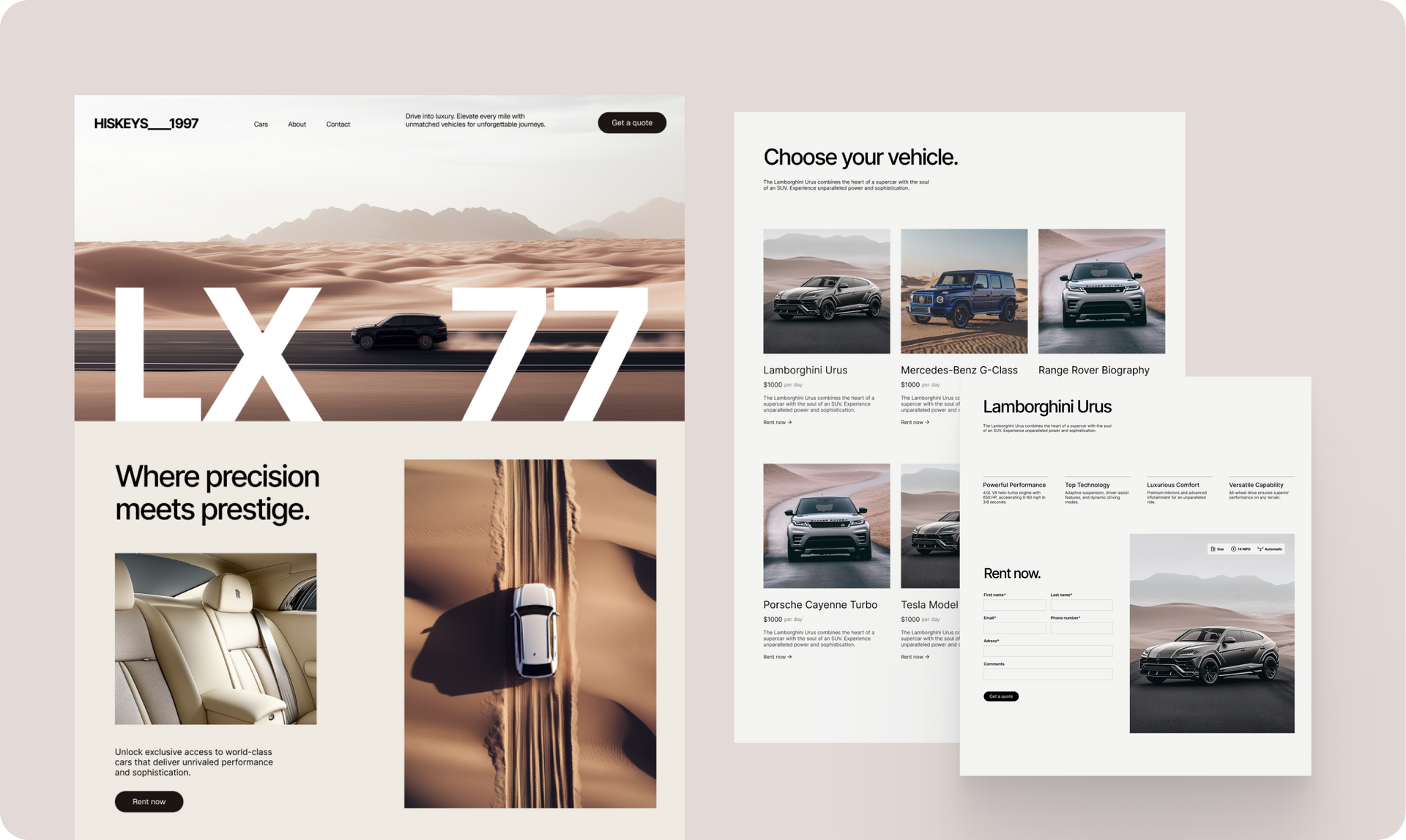
New Editor 2.0 templates to help you hit the canvas running


There isn’t much to say about these stunning new templates, because their design and functionality speak for themselves. Plus, a kind reminder that you can customize these to any business or vertical. Here they are:


Heritage Hotel


Chef Restaurant


Luxury Car Rental

A brochure for the lx 77 is shown on a white background.


That about wraps it up for these design updates. We hope you find these useful and that they'll help you design beautiful sites your clients will love.

March 14, 2025
Ofri Baram

 • 

Smarter Button & Icon Customizations, Pro Design Tutorials & More

Stay in the Loop with Duda Updates

Sign up to get feature releases, tools, and more to your inbox.

Latest product updates

Dashboard UI with a dark line chart, $3,650 total, category dropdown, and filter sidebar
By Tal Levi August 17, 2026
More ways to build, customize, test, and get better results with Duda Vibe.
Contact form editor with “Manage form” settings menu and “Hidden Fields” selected over a pink-purple background
By Yanir Moskovitz July 27, 2026
Automatically capture valuable visitor metadata in form submissions to help to better track and target your audience.
Blank white chat interface with “Ask anything” prompt and a “Build” dropdown at the bottom.
By Tal Levi July 22, 2026
Go beyond websites and create custom digital experiences through conversation.