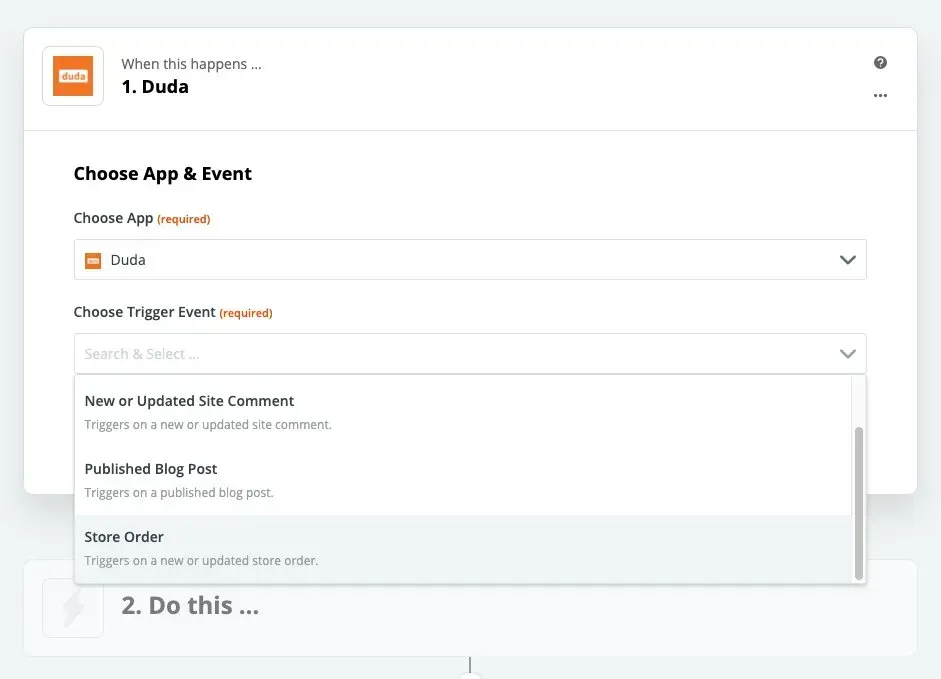
eCommerce is booming these days, and Duda sites are seeing more sales than ever! With Duda’s new Zapier integration, you’ll be able to manage the increase in orders, save yourself time, and improve your workflow.

Zapier automates actions & improves your workflow


Zapier connects the apps you use every day to automate your workflow, enabling you to be more productive.


With the new store order trigger, you can create integrations such as: 


  • Track orders by adding a row to a Google Spreadsheet
  • Create a customer list for retargeting by connecting customers’ email addresses to a CRM
  • Quickly act on an order by notifying team members on Slack when a new order is made
  • Streamline your accounting by generating an invoice when a new store order is made 
  • And much much more

Duda Zapier events


There are already hundreds of automated Zaps which use Duda events as triggers and actions like new form responses, publish blog post, new comment added and more.


Tune into this webinar with Duda CTO Amir Glatt to hear more about Duda’s integration with Zapier, or read about it here. 

What you need to get started 


To set up Zapier integrations for your sites, you’ll need your Duda API credentials, currently available for Agency plans and up.


For more about API options, see this. To enable automatic integrations right now, go to Zapier.

May 31, 2020
Roni Landau

 • 

New Store Order - Zapier Integration

Stay in the Loop with Duda Updates

Sign up to get feature releases, tools, and more to your inbox.

Latest product updates

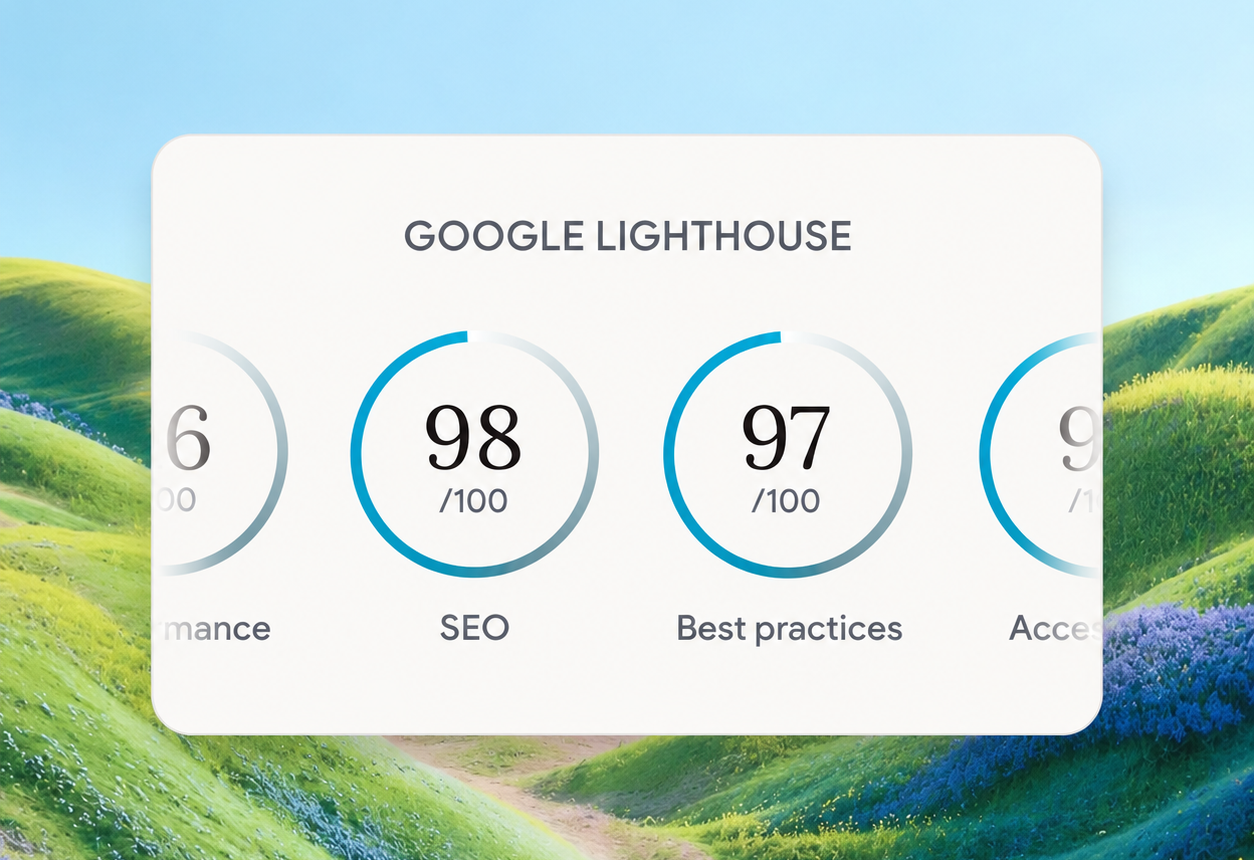
Google Lighthouse score card showing SEO 98 and Best Practices 97 on a white panel over a landscape background
By Tal Levi • October 9, 2026
A stronger foundation for every new Vibe project, with faster load times, better performance, and built-in SEO.
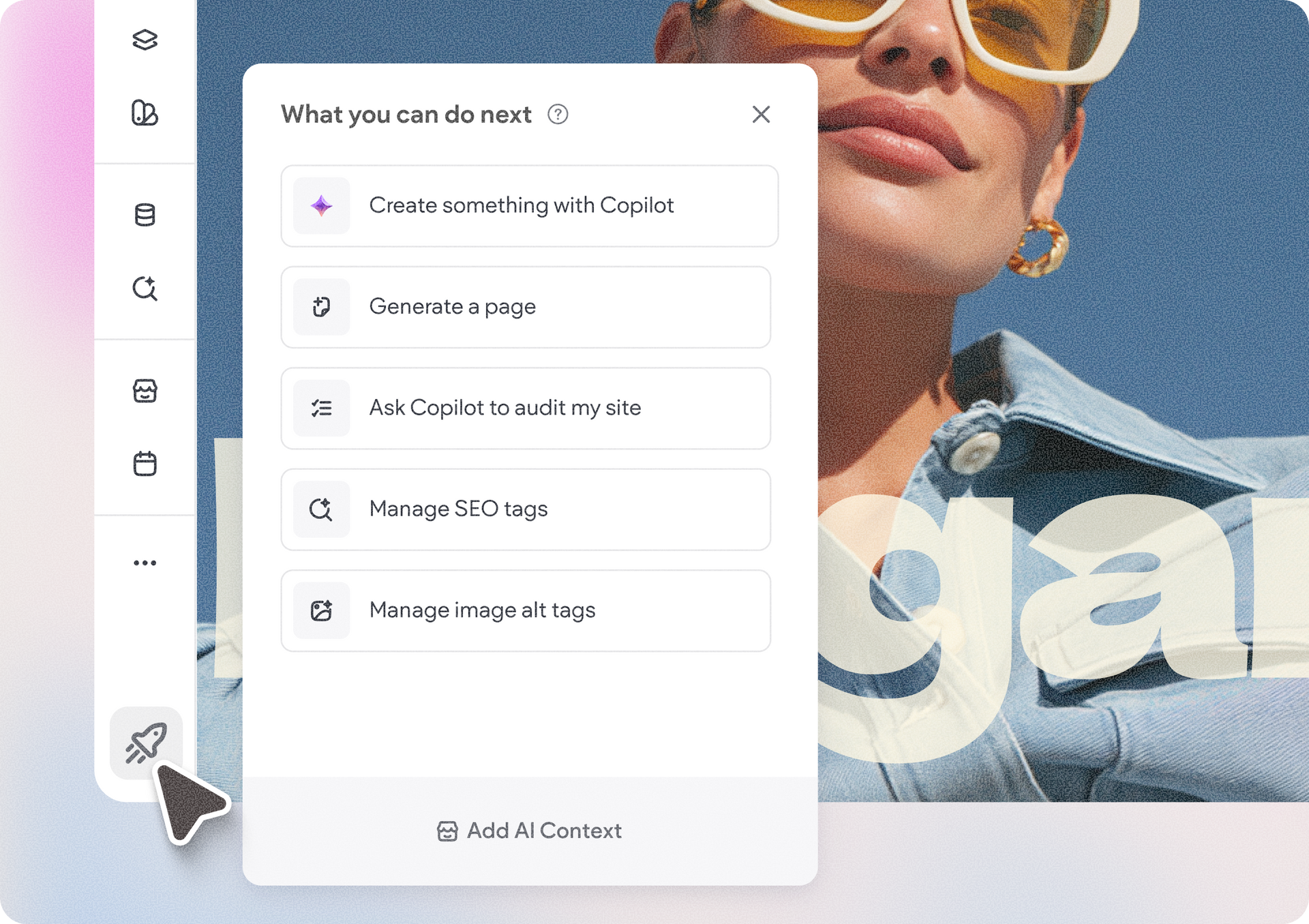
Accessibility app menu overlay on a photo background with a woman in sunglasses
By Ofri Baram • October 5, 2026
More updates for you that make Copilot a more integrated part of building and managing sites in Duda.
Interior scene with potted tree by a window and a dark sidebar menu on the right.
By Avigayil Lewin • October 2, 2026
Create and work on Vibe projects directly from Claude, ChatGPT, or any other AI assistant that supports MCP.