Offer your clients professional, unique logos with LOGO.com
Have a client who needs a logo? Or maybe someone who wants to refresh their existing look and feel? The new Logo app in Duda’s App store is just what you need to provide a fantastic logo, easily and quickly. It’s a great addition to your service offerings, and presents a fantastic upsell opportunity.
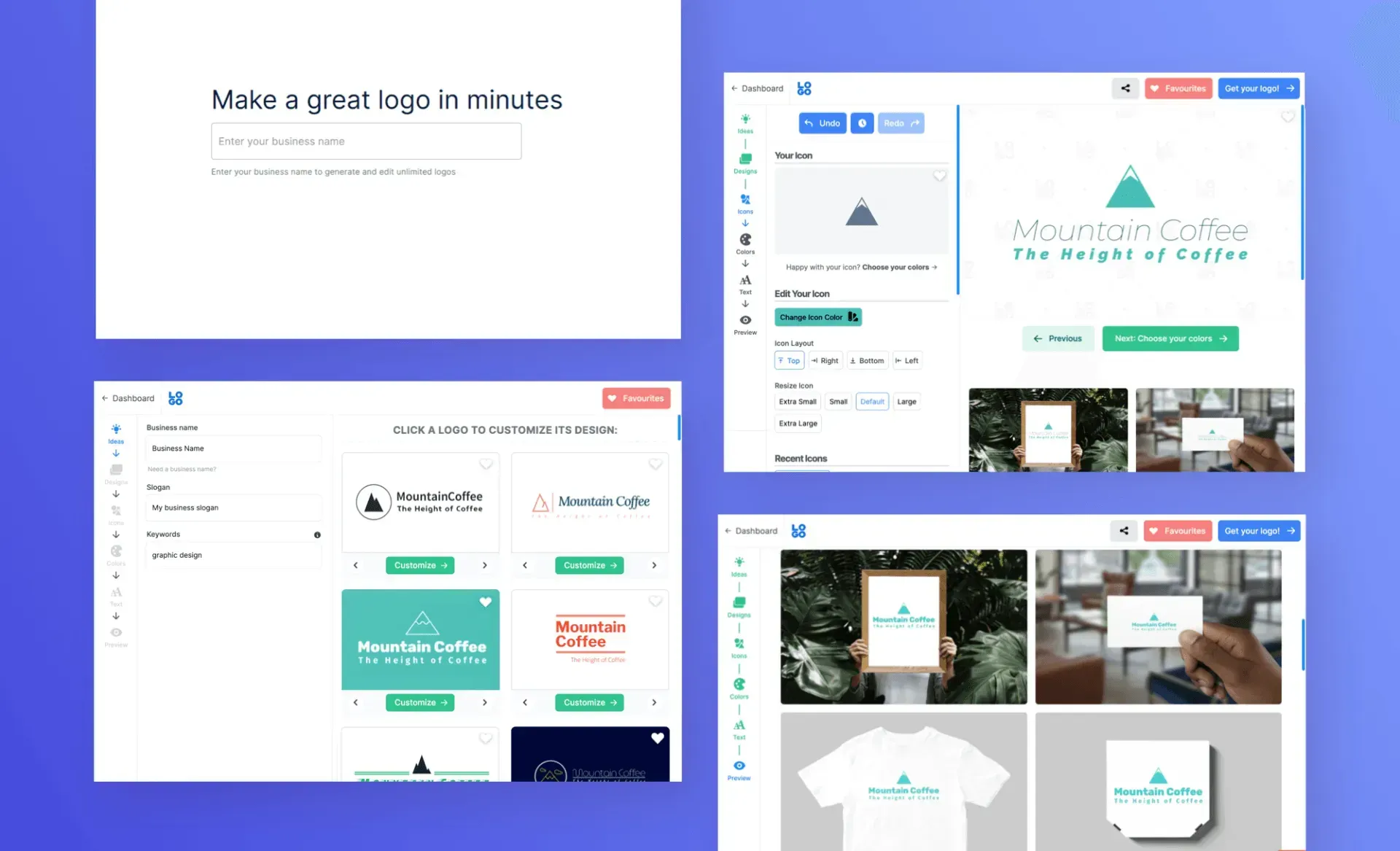
LOGO.com eliminates the back-and-forth of logo creation, empowering you create unique, professional logo designs in moments. With basic information such as business name, area of specialty and more, you’ll be able to create hundreds of logo designs for your client to choose from. Customize colors, fonts, layouts and more, and you’re set.
LOGO.com is your answer to quickly and professional logos. Choose from several pricing options so you have a huge range of options at your fingertips. Depending on the plan you choose, you’ll get:
- Unlimited edits
- Hi-resolution file types (PNG, JPG, SVG)
- Color variants
- Different file sizes
LOGO.com also offers:
- Social media kits
- Zoom backgrounds
- Business card templates
- Shareable brand showcase
- Font files
- Advances file formats (AI, PDF)
Getting started with Logo is easy
To explore what this new app has to offer, open any site, go to the App Store and look for the new LOGO.com app. Choose the plan that suits you - there’s a free version that’s perfect for seeing just how easy it is use and get great results.
Learn more about the App Store
If you’re just getting started with the App Store or want more details on any of the apps in it, check out the resources
here.