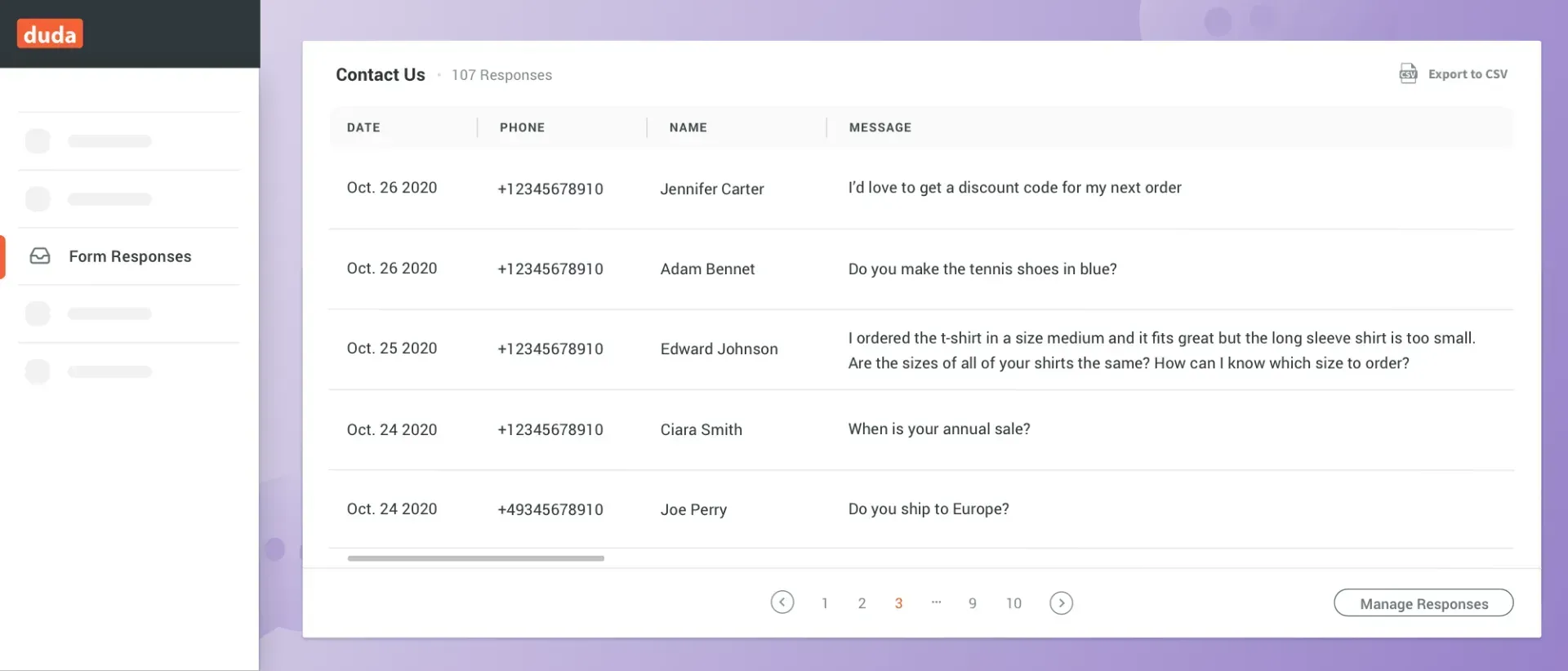
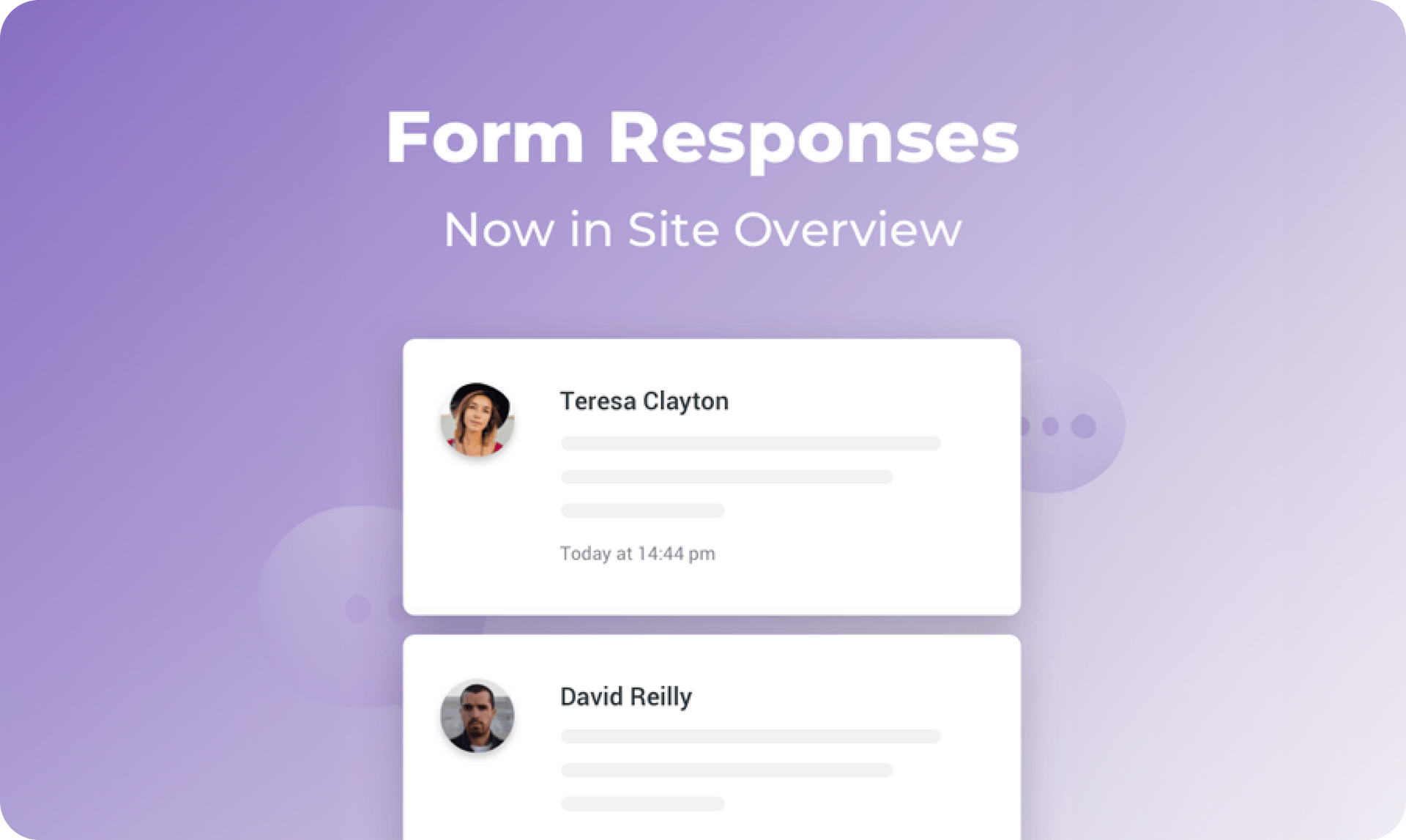
You can now track form responses directly in your Site Overview, so you’ve got more insight into what’s happening with your sites at a glance. This card allows you and your clients to see who is responding to their site forms, and how many responses the forms are getting.

Easier to access and stay up-to-date


Forms are a great way to collect information from site visitors. In addition to getting the results by email, having results in your Site Overview makes them visible at a glance.


Have multiple forms on your site? Great. You’ll be able to track all of them from Site Overview via the dropdown menu in the card. You can also export responses directly from the card.


For more on Site Overview, see this.


What else would you like to see in Site Overview? 


Please let us know in the form below.

January 25, 2021
Avigayil Lewin

 • 

Form Responses: Now in Site Overview

Stay in the Loop with Duda Updates

Sign up to get feature releases, tools, and more to your inbox.

Latest product updates

Website builder mockup with “Generate site with AI” headline and a green-and-white interface on a blurred background
By Ofri Baram July 10, 2026
Continuing to make Duda’s AI site generation more flexible, more accurate, and more aligned with how you actually work.
Workspace customization dashboard with white sidebar menu and dark preview panel on the right
By Naama Mizrahi July 8, 2026
Have a White Label account plan? You're going to love this.
ChatGPT dialog showing a task to add $2 to all T-shirt prices, with updated prices listed
By Annat Katz July 3, 2026
Noteworthy improvements to help you work faster while giving your clients an even better experience.