Duda’s Content Collection Form, the AI-powered tool that helps you gather site content from clients, just got a few updates to make your workflow smoother and your team’s access more flexible.

Choose who gets notified when new content comes in

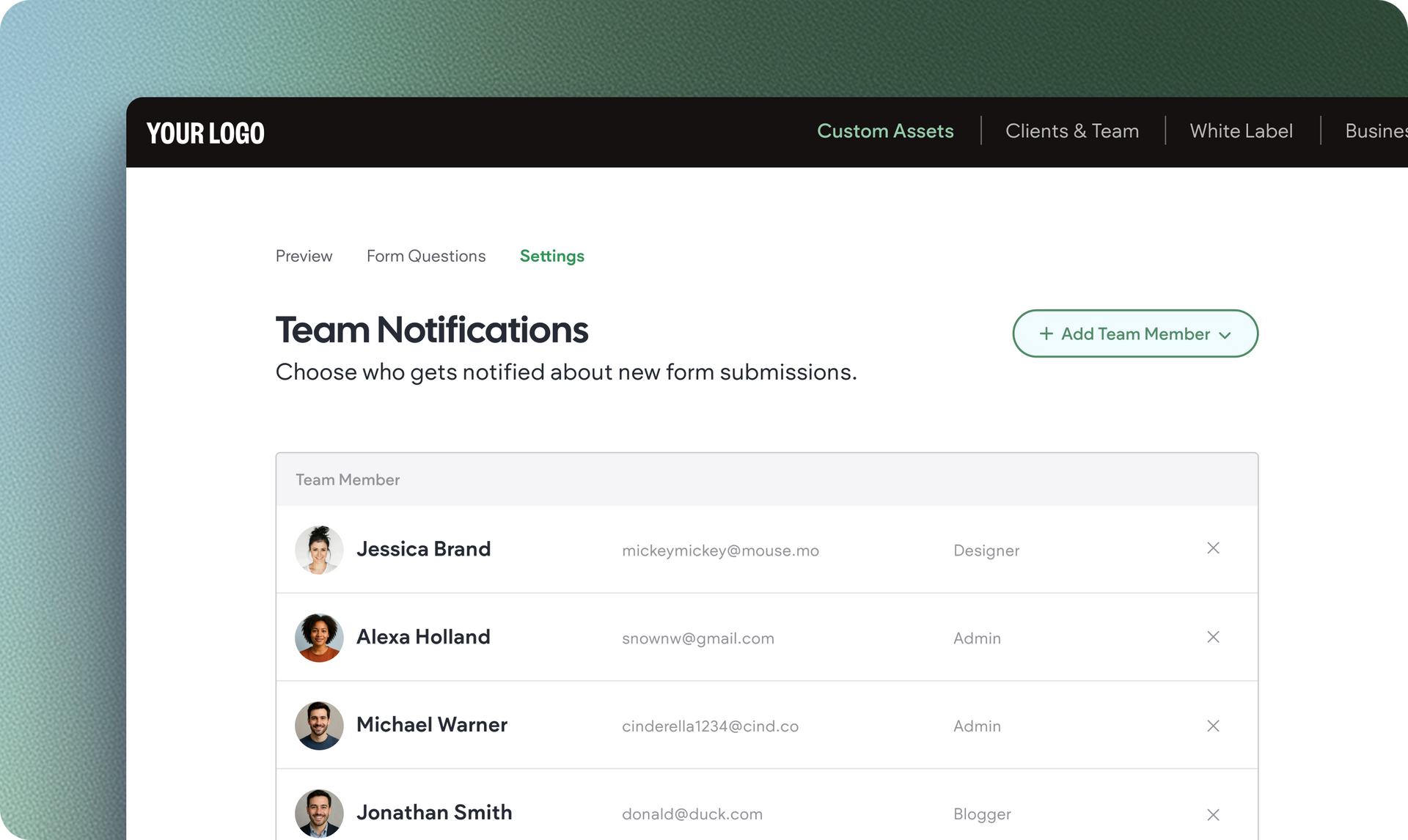
We’ve added the New Submission Notifications section in the form’s Settings tab. Now you can easily add one or more team members to get email alerts whenever someone submits that site’s form. No more relying on just the account owner to keep track of new assets.


Keep in mind that team members will still need the right permissions (i.e. Editor permission) to view submitted content, files, and data.

A cleaner, easier way to manage submissions

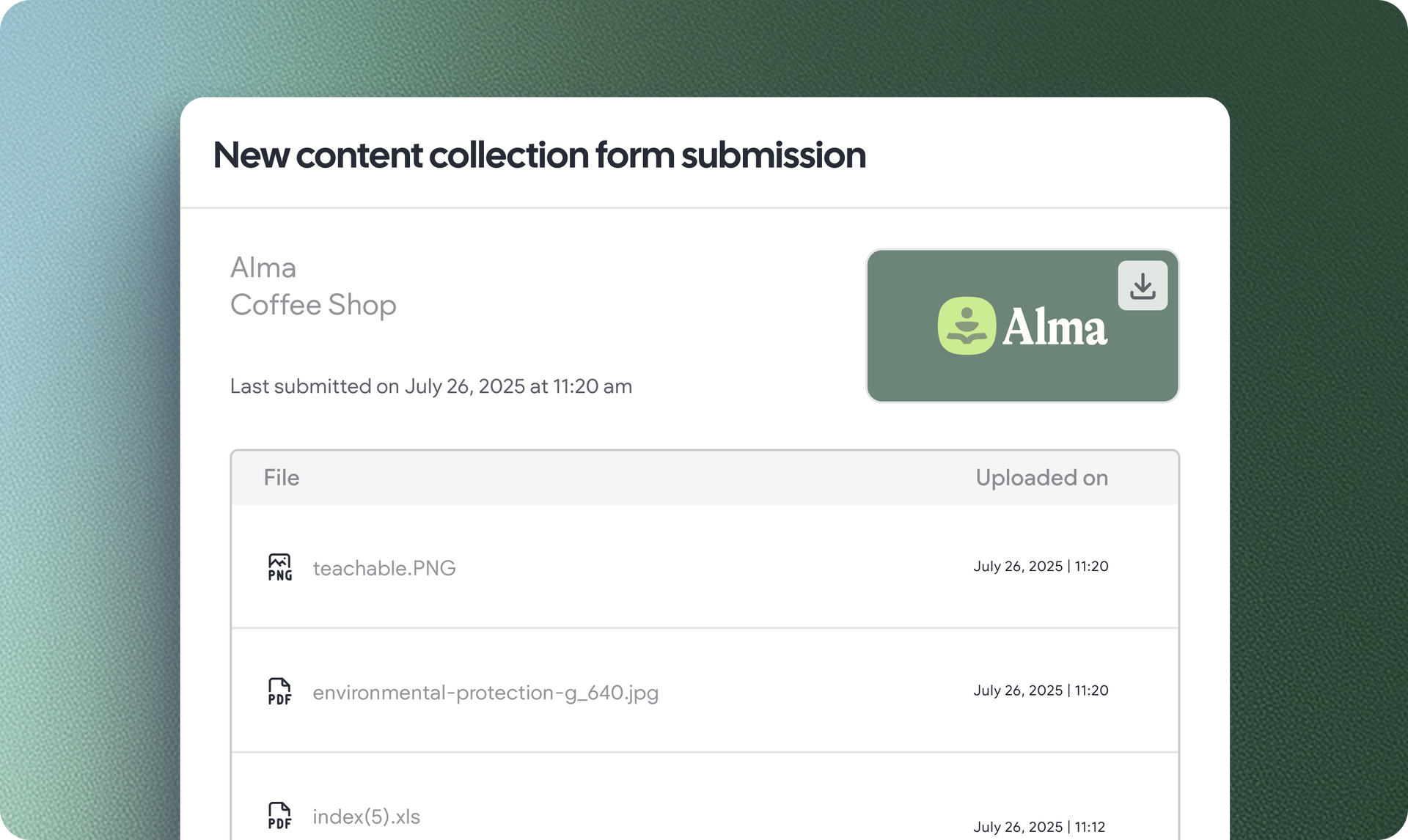
We’ve redesigned the form submissions page to help you and your team stay organized. Here's what you'll find there, once you or your client have filled out the form:


  • A timestamp of when the form was last submitted
  • The client’s business name, logo, and details at a glance
  • A table of uploaded files you can filter and download 


Content saved in the right place to simplify your work

Once submitted, the content is saved in two places: the Media Manager's Content Collection Uploads folder and the new Media area in the editor - where you can drag & drop images straight onto your canvas.

Set a default content collection form to automatically apply to any new site you build

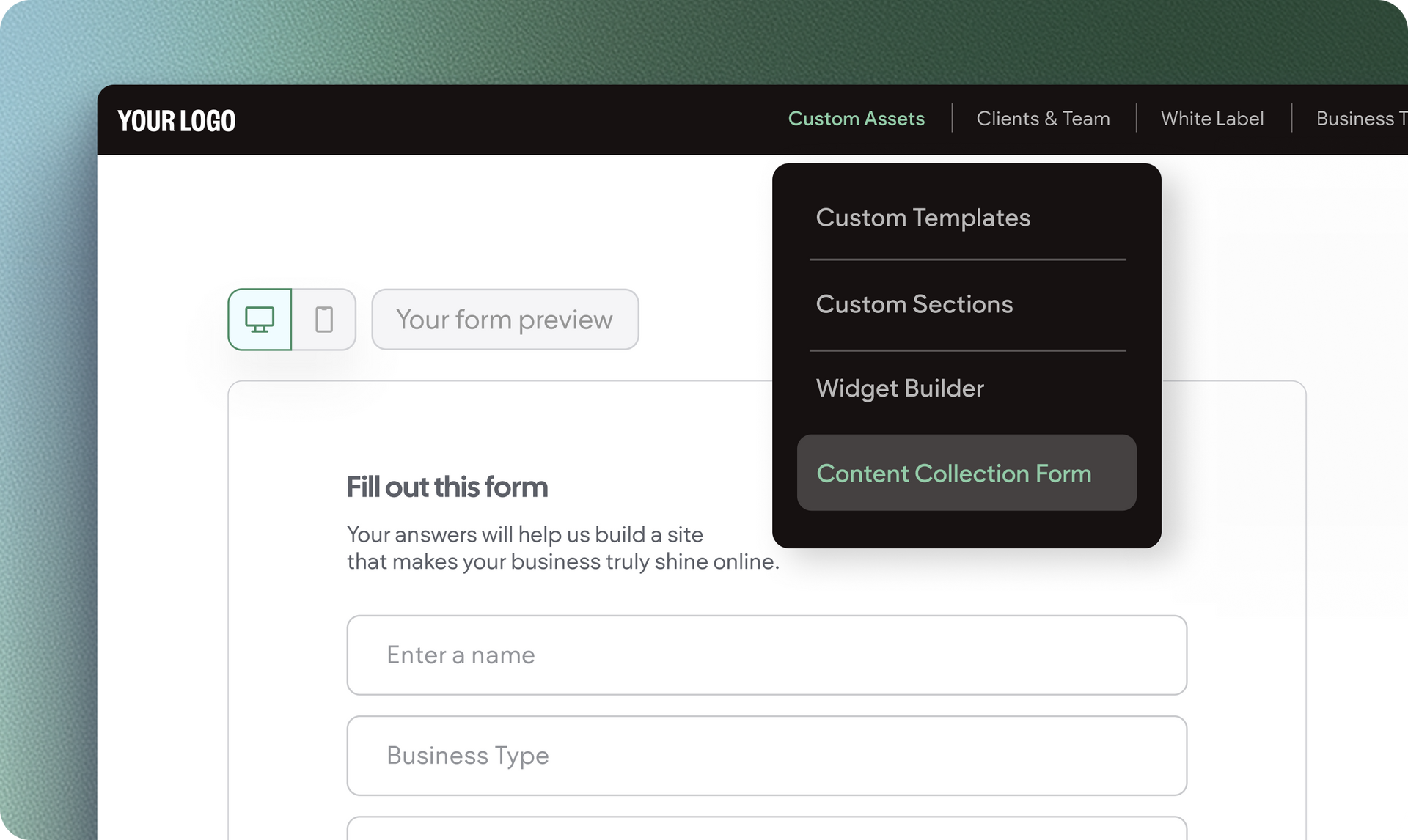
If you're on a Custom plan, you can now set a default version of your content collection form at the account level. This means any new site you build will automatically use that form, saving you setup time and helping you scale your process with ease.


Not on a Custom plan yet? It might be worth upgrading to unlock this feature, along with other advanced tools like API access. Want to learn more? Let’s talk.

September 19, 2025
Idan Sapir

 • 

Content Collection Form: New Submission Notifications & Account-Level Form

Stay in the Loop with Duda Updates

Sign up to get feature releases, tools, and more to your inbox.

Latest product updates

Website editor showing a “Private Tennis Class” page with a tennis-court photo on the right.
By Yanir Moskovitz May 12, 2026
Discover a new way to update dynamic content without leaving your design environment.
Whiteboard app with a sticky note prompt and a dropdown menu open for text style options
By Annat Katz May 6, 2026
A new plan mode in Copilot for generating widgets, Dynamic Repeater layout settings, stunning new templates, and more.
A product display of four different types of cookies against a light background, with navigation buttons at the top.
By Tal Levi April 30, 2026
Discover a new way to turn ideas into fully functional widgets in real time, right on the canvas.