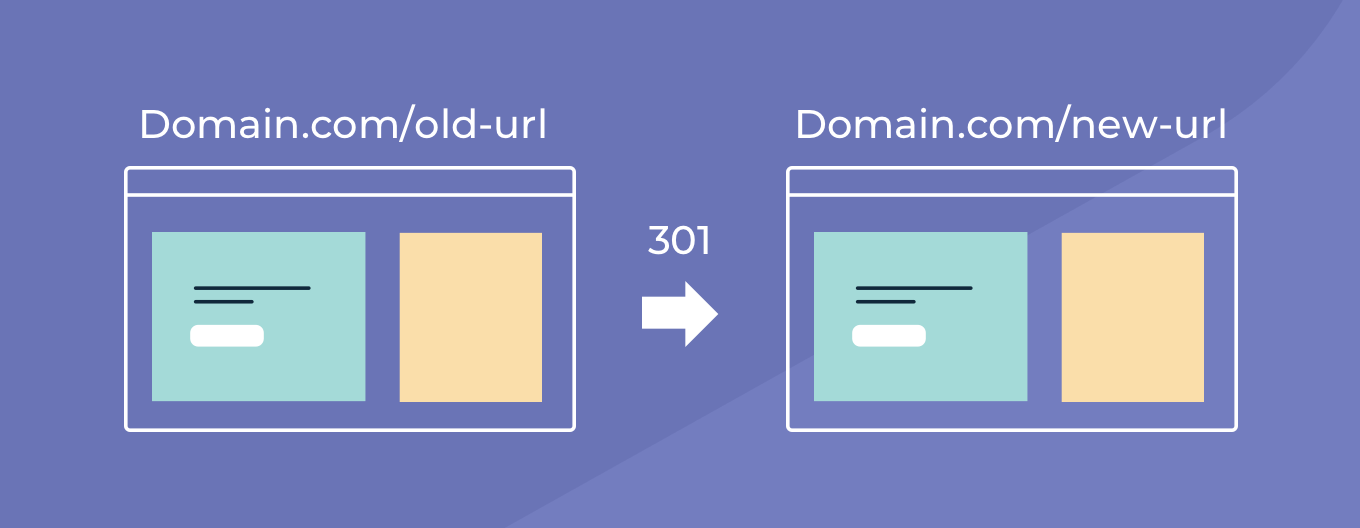
URL redirects enable you to reroute traffic from old URLs to new ones, ensuring your sites don’t lose any traffic. Now you can implement URL redirects without even entering the platform, with URL redirects via API.


(You can also redirect up to 200 pages directly via the platform - read more about that below.)

URL redirects are important for SEO, and for ensuring a great user experience. You can enable either permanent (301) or temporary (302) redirects.


To redirect URLs via the platform, open a site, and go to Settings > URL Redirect. To redirect URLs via API, see the instructions aquí


Situations when you’ll want to redirect a page URL


You may want to redirect users in any of the following situations: 


  • Restructuring a site
  • Redesigning a site 
  • Fixing a typo in the URL
  • Fixing dead links


For more about URL redirects, see this.


August 1, 2021
Inbar Amir

 • 

URL Redirect via API

Stay in the Loop with Duda Updates

Sign up to get feature releases, tools, and more to your inbox.

Latest product updates

Inventory management interface with a hand entering
By Mor Zamir February 13, 2026
Instant bulk price & inventory changes, color swatches for color options, bulk shipping data management, and more.
Three colorful product cards with beverage bottles and the cursor hovering over the middle one.
By Yanir Moskovitz February 11, 2026
Faster, cleaner design layouts that scale with your collection content.
Form with fields to fill out and
Por Annat Katz February 2, 2026
Multi-file upload in the Advanced Form, 2-trigger animations, meta tags import with Copilot and more.