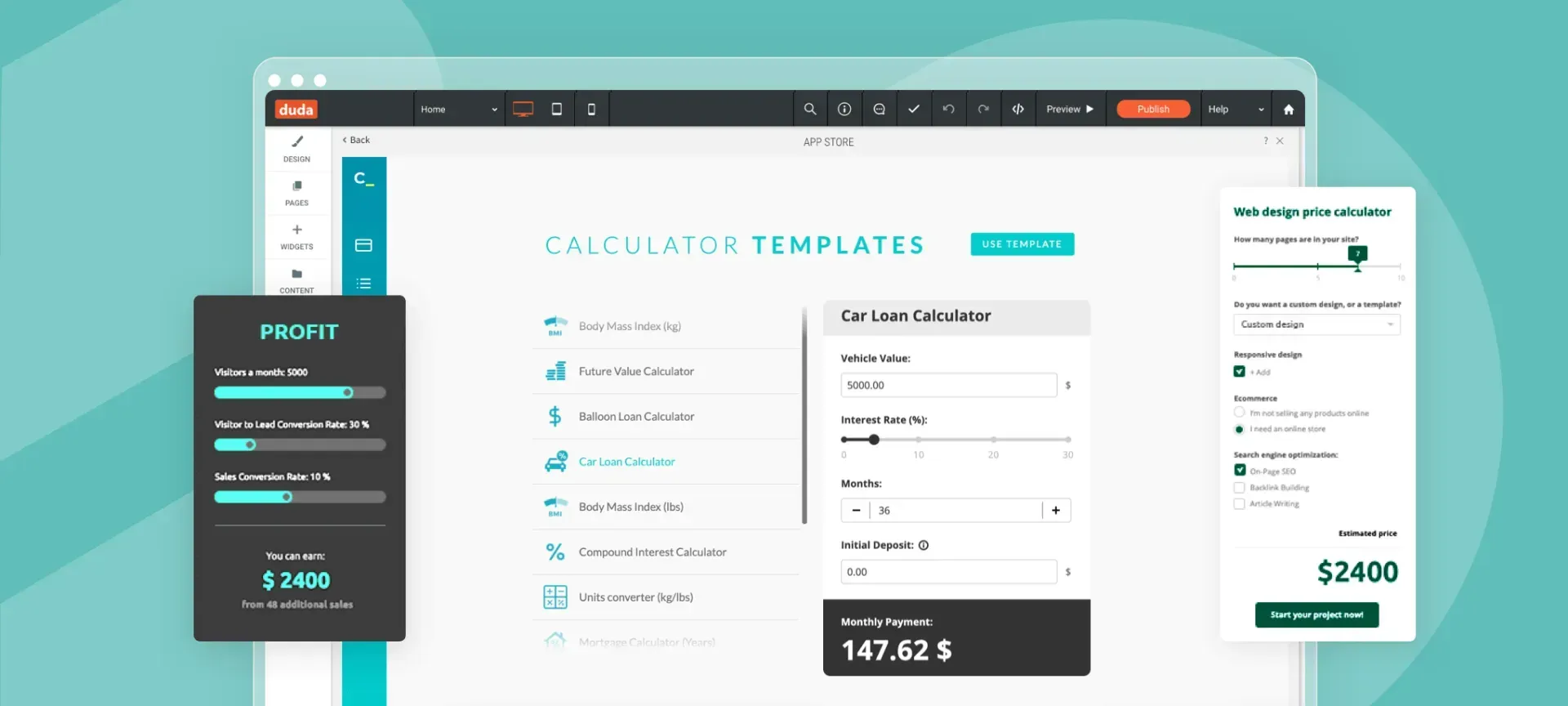
With
Calconic, you can give potential customers precise answers to questions such as How much? How many? What’s the data? empowering them to make informed decisions that can facilitate their shift from shopping cart to checkout.
The Calconic app comes with multiple plans, including a free one to get started.
Answer customer questions without a support team
If you sell wallpaper, bricks or tiles, or any other product sold in multiples, a built-in calculator can help customers count the quantity they need and get an instant price estimate. As a result, your support team can save time and focus on solving issues. Similarly, if you sell products by a unit of measurement (per square foot, cubic yard, etc.), a calculator lets customers calculate the required number of units and purchase price.
Calconic is also handy if you sell customizable products with dynamic pricing based on diverse factors and customizations. You can also add links and use the calculator to provide product recommendations according to users’ needs.
Provide quotes, collect orders & payments, generate leads, and much more
Calconic web calculators do more than basic arithmetic. Premium features enable you to guide your customer down the conversion funnel by providing detailed price quotes, collecting orders with an order form, processing payments with PayPal integration, and generating leads with a booking form. You can also collect customer contact information in exchange for sending results to their email address, thus growing your customer list.
Building your online calculator with Calconic is easy
You can build your calculator using the simple drag-and-drop editor, or choose a premade calculator from Calconic’s template library. Customize it to fit your site design and drag the Calconic widget onto the desired page.
To get started with Calconic now, go to Duda’s App Store, and add the app to your site. (It’s free.) Once you’ve set up your calculator, go to the widget panel and add Calculator widget to your site. The app you’ve built with Calconic will display.