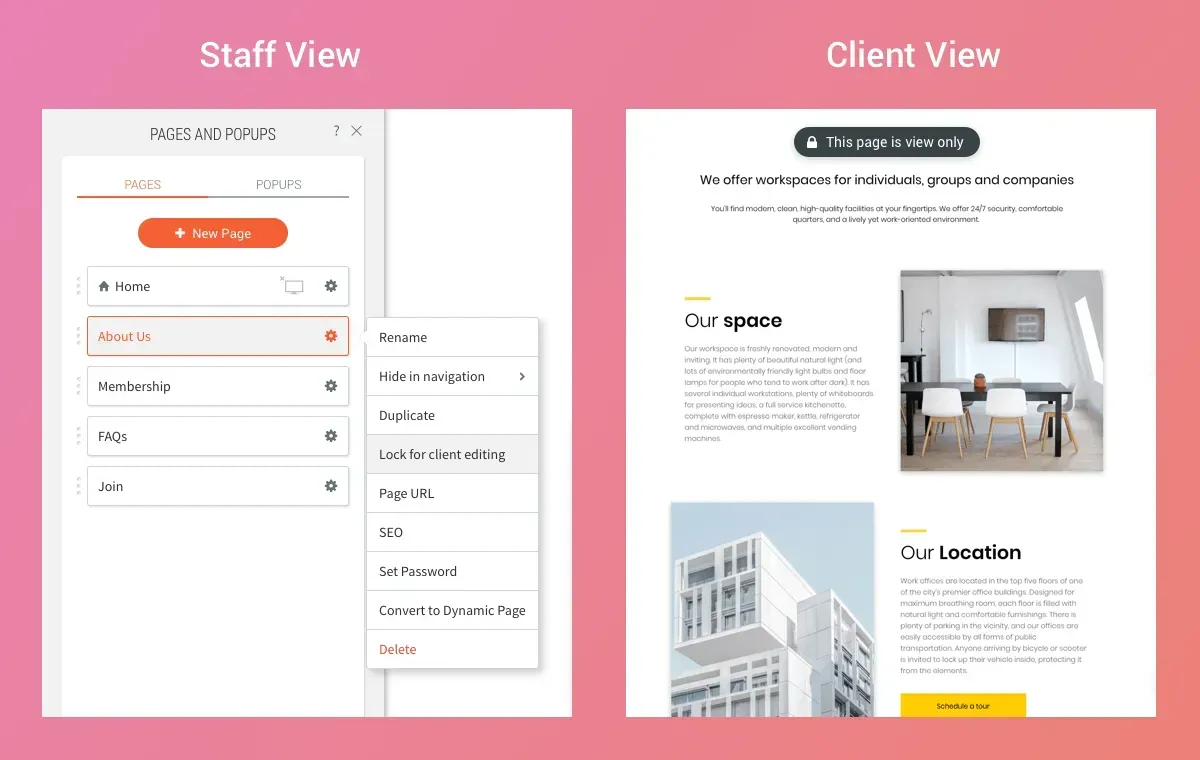
Your Lock for client editing capability is expanded, so that in addition to locking specific elements on your clients’ sites, you and your team members can now lock entire pages.


This protection can be used for any site, and regardless of the level of permissions that your clients have. It enables you to share site access with clients, without having to worry about them changing or deleting important site pages.

Protect Important Elements


Locking pages protects critical parts of your site such as Contact Us pages or designed components that are integral to the site's look and feel (and you don't want ruined). You can also lock pages in templates, so that they’re protected from the start whenever the template is used to build a new website.


Easy to Lock, Unlock


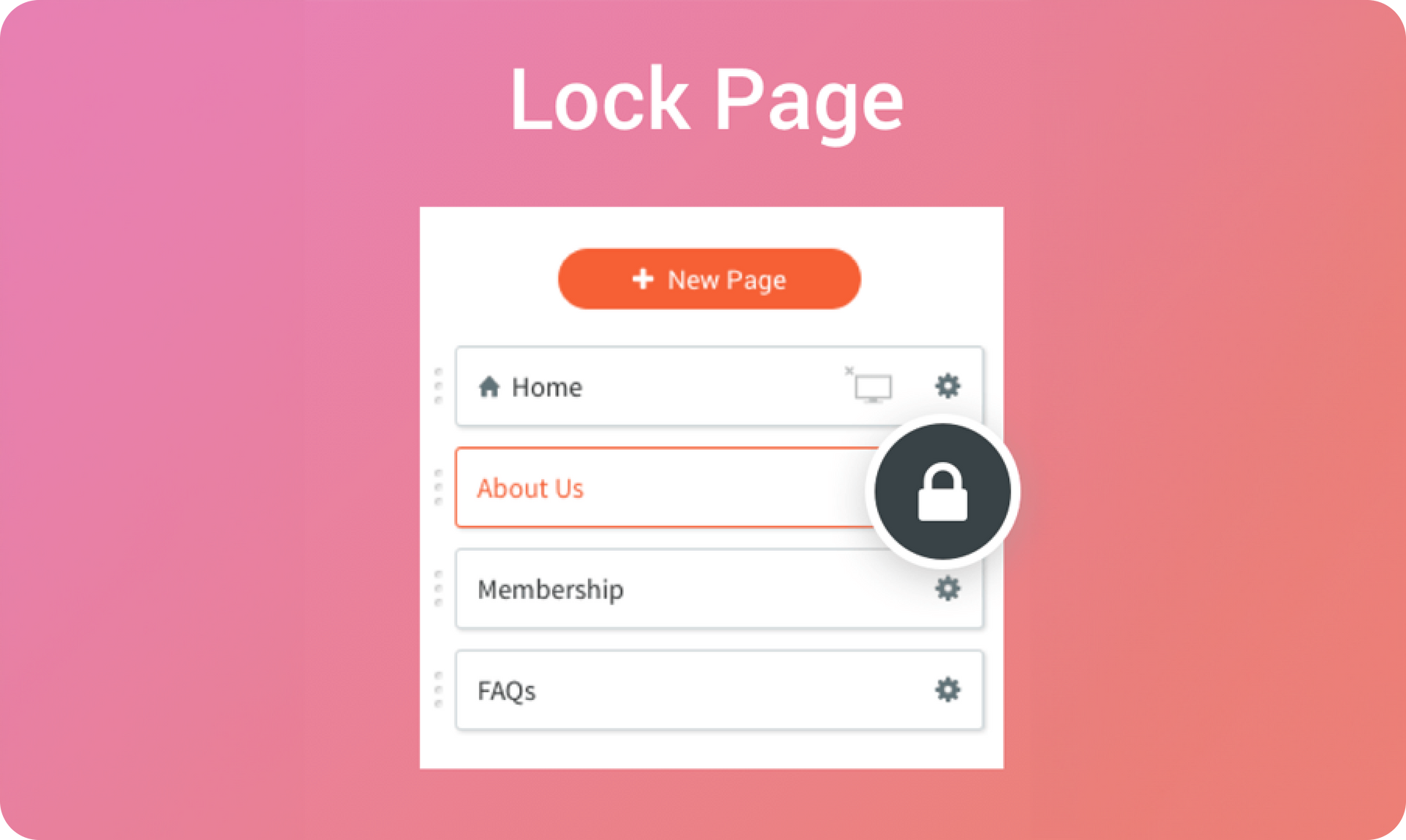
To lock a page, just click the Pages tab in the left side bar, click the gear icon beside the page you want to lock and select Lock for client editing. When clients access their site, they’ll see a notification at the top of the page. To remove the lock, simple click on the gear icon and click Unlock for client editing.

3 de noviembre de 2019
Roni Landau

 • 

Lock Page

Stay in the Loop with Duda Updates

Sign up to get feature releases, tools, and more to your inbox.

Últimas actualizaciones de productos

A smiling person in a photo on a screen, with code, and a bar chart icon against a blue background.
Por Tal Levi November 25, 2025
Building sites at scale like never before.
Printify interface: A hoodie with
By Mel Kozun November 14, 2025
Discover a print-on-demand (POD) platform that connects with Duda eCommerce.
Woman getting makeup applied, with pricing for
By Mor Zamir and Rim Elfahem November 11, 2025
Charge for appointments right on your site and add multiple staff members.