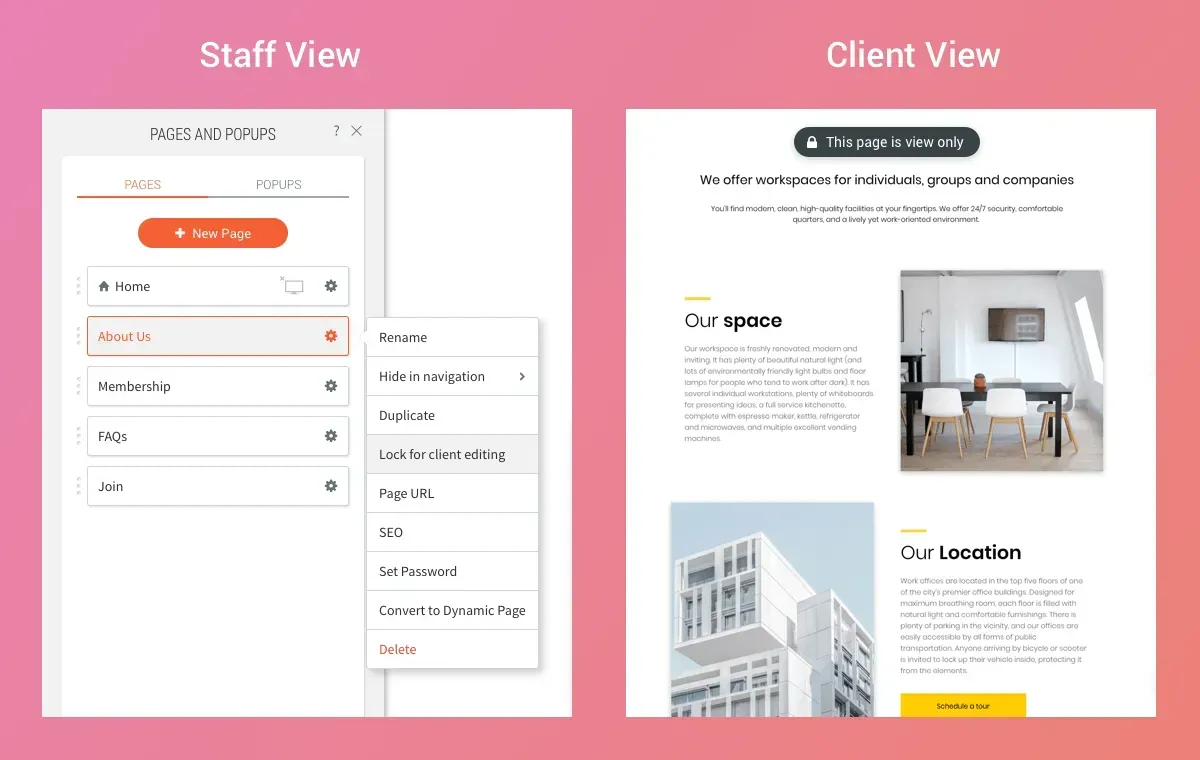
Your Lock for client editing capability is expanded, so that in addition to locking specific elements on your clients’ sites, you and your team members can now lock entire pages.


This protection can be used for any site, and regardless of the level of permissions that your clients have. It enables you to share site access with clients, without having to worry about them changing or deleting important site pages.

Protect Important Elements


Locking pages protects critical parts of your site such as Contact Us pages or designed components that are integral to the site's look and feel (and you don't want ruined). You can also lock pages in templates, so that they’re protected from the start whenever the template is used to build a new website.


Easy to Lock, Unlock


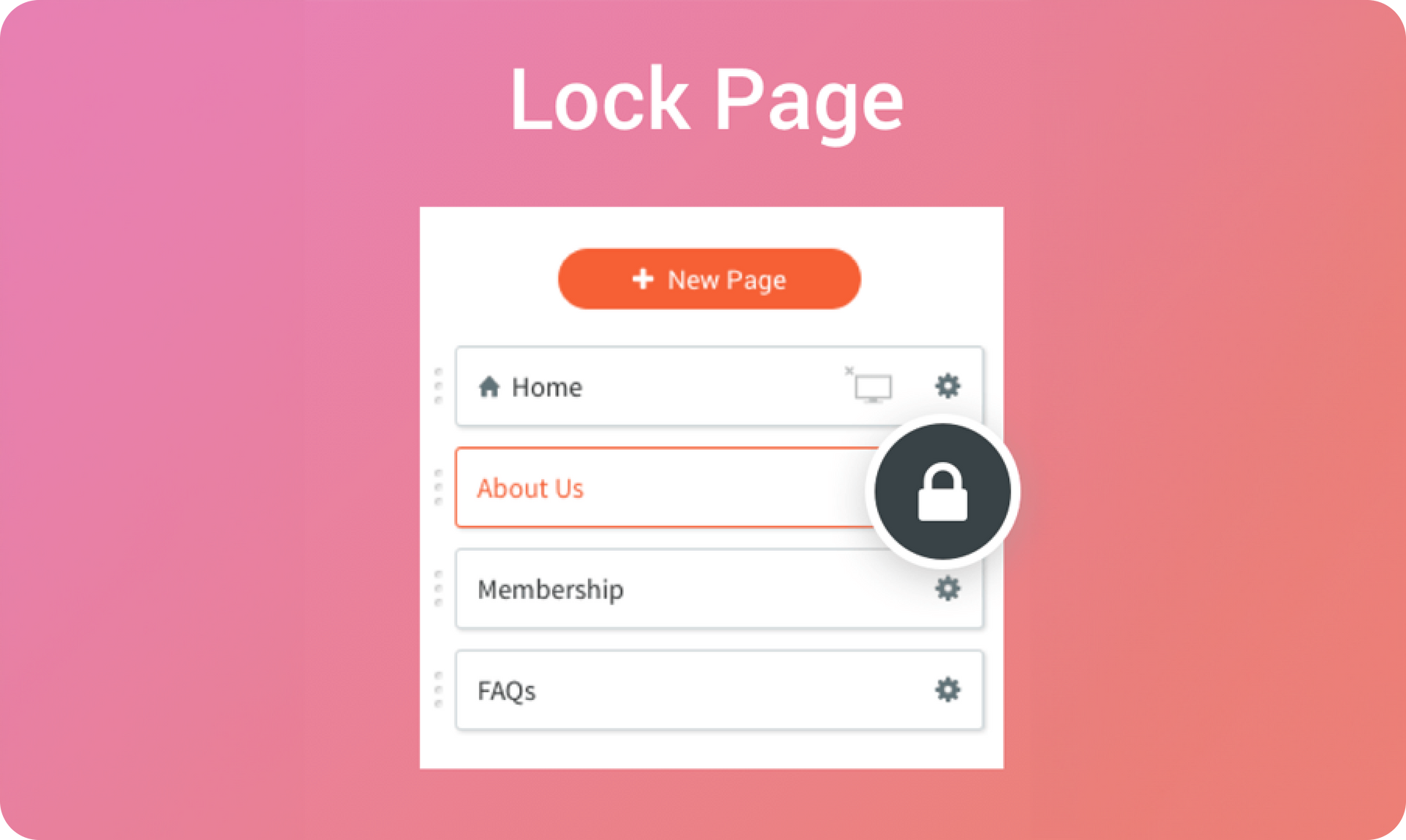
To lock a page, just click the Pages tab in the left side bar, click the gear icon beside the page you want to lock and select Lock for client editing. When clients access their site, they’ll see a notification at the top of the page. To remove the lock, simple click on the gear icon and click Unlock for client editing.

3 de novembro de 2019
Roni Landau

 • 

Lock Page

Stay in the Loop with Duda Updates

Sign up to get feature releases, tools, and more to your inbox.

Últimas atualizações de produtos

A website homepage titled
By Marianne Sheldon April 5, 2026
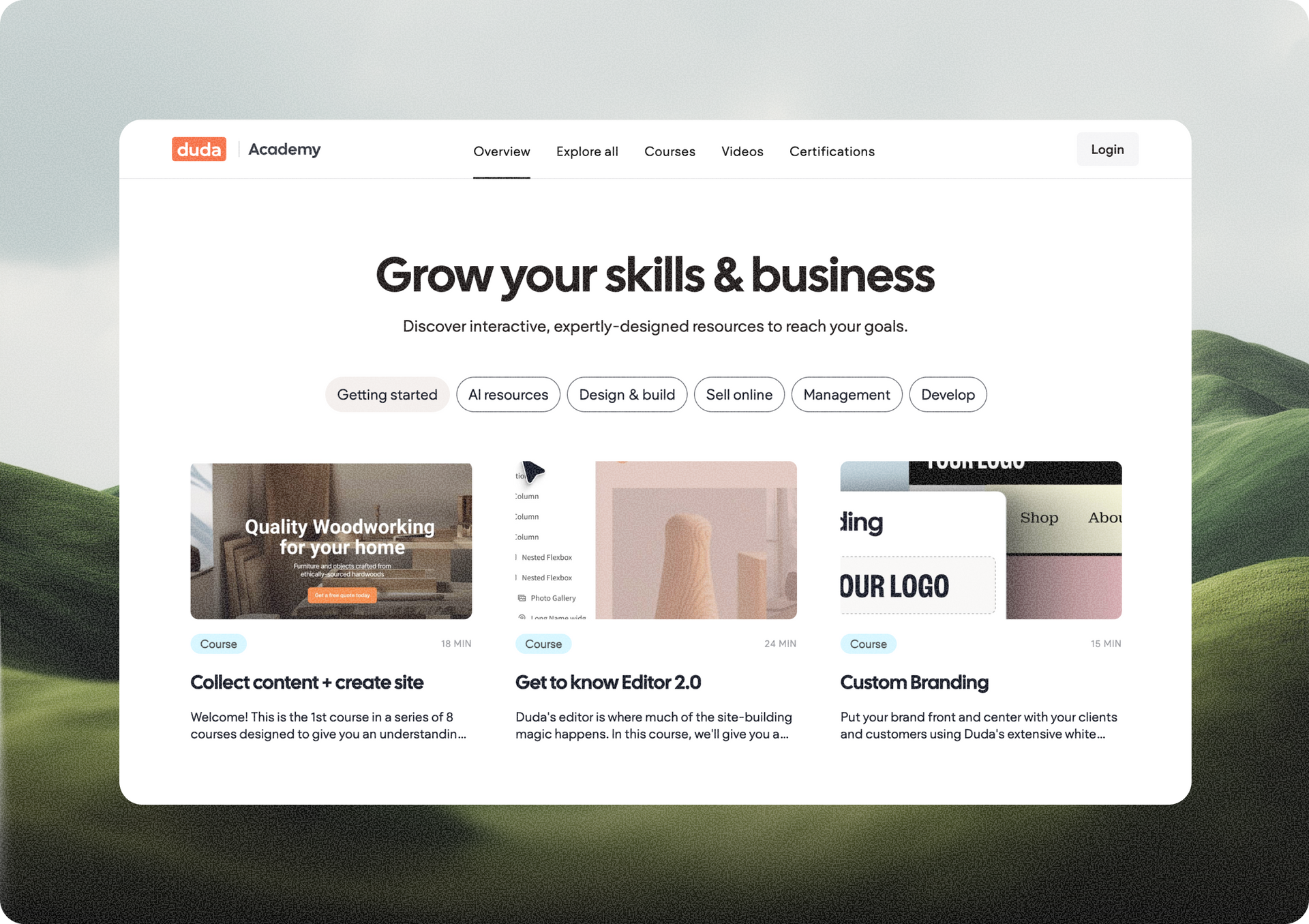
Explore a new and improved learning platform to help you design and build better sites.
A
Por Liron Hilb Horev March 25, 2026
New SEO & AEO updates to help you create content and keep it up to date, and keep winning the visibility game.
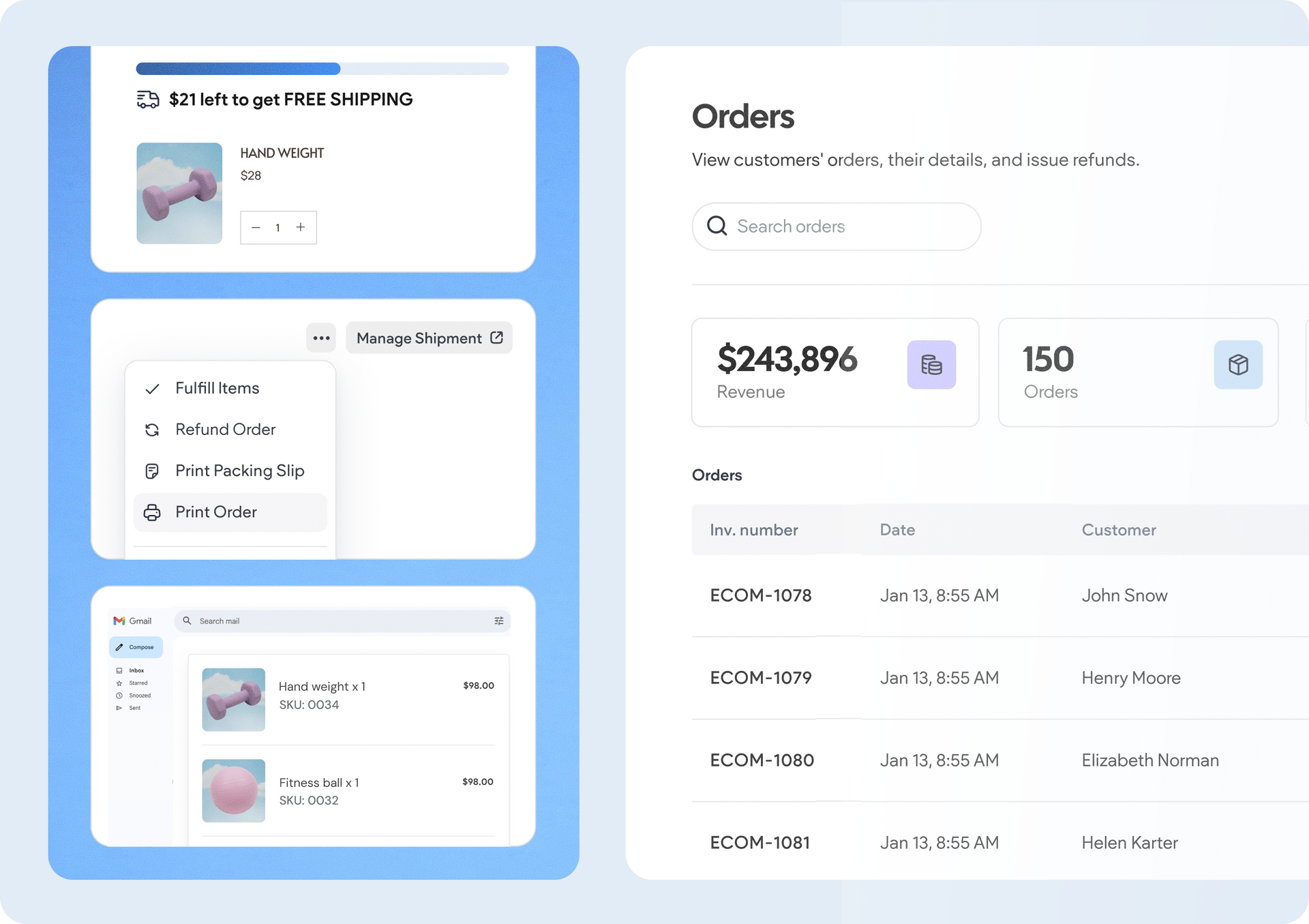
A software dashboard showing order statistics, a search bar, and a table of recent orders with product details.
By Rim Elfahem March 18, 2026
9 updates that make it easier for your clients to sell more, their way.