A bit more about Schema
Schema markup is a form of microdata that provides search engines with structured, reliable site information that can easily be found, categorized and made accessible on search engine results pages. By adding Schema to your sites, you make the content easier to access.
Enabling Schema in the accordion widget
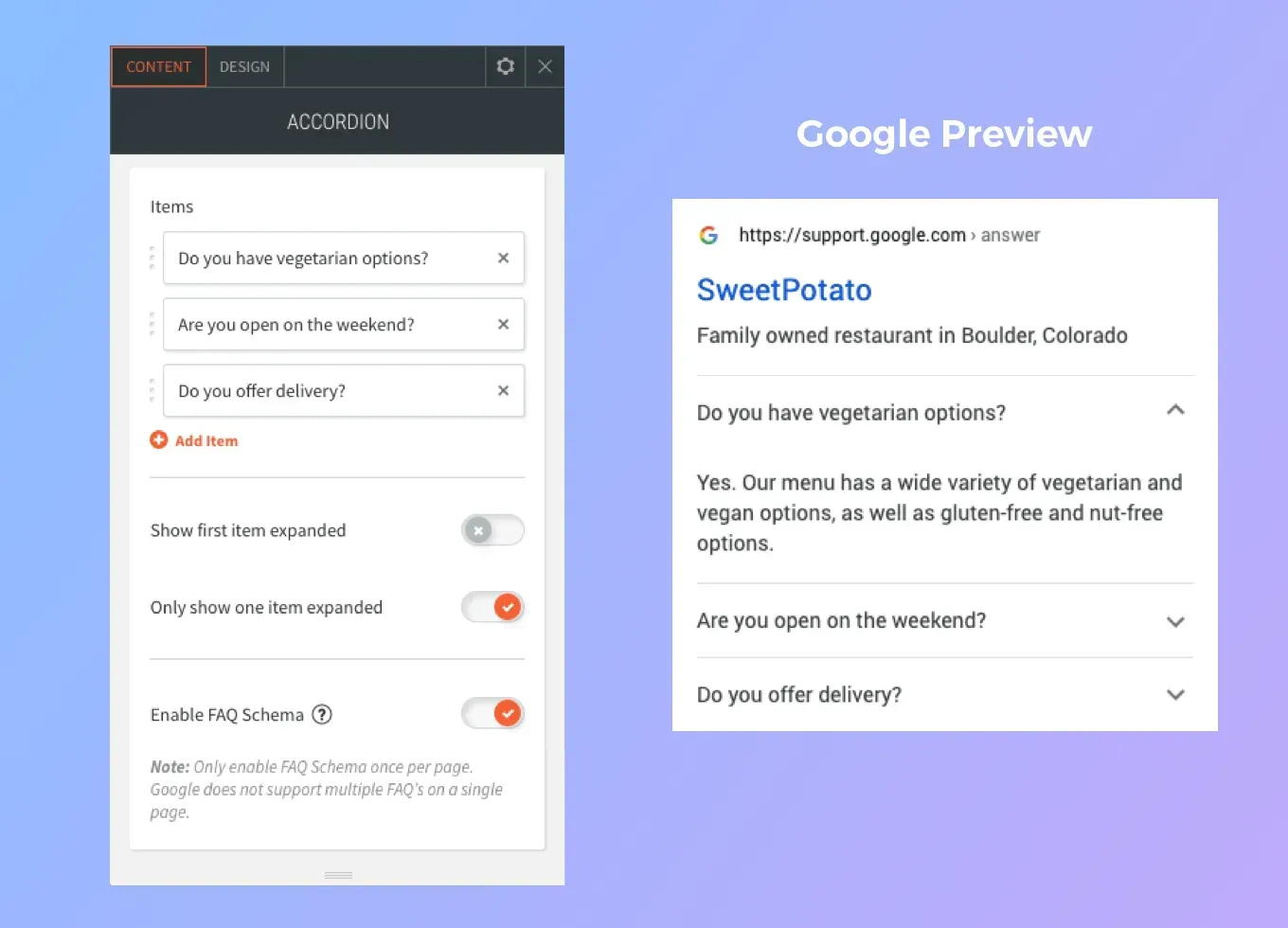
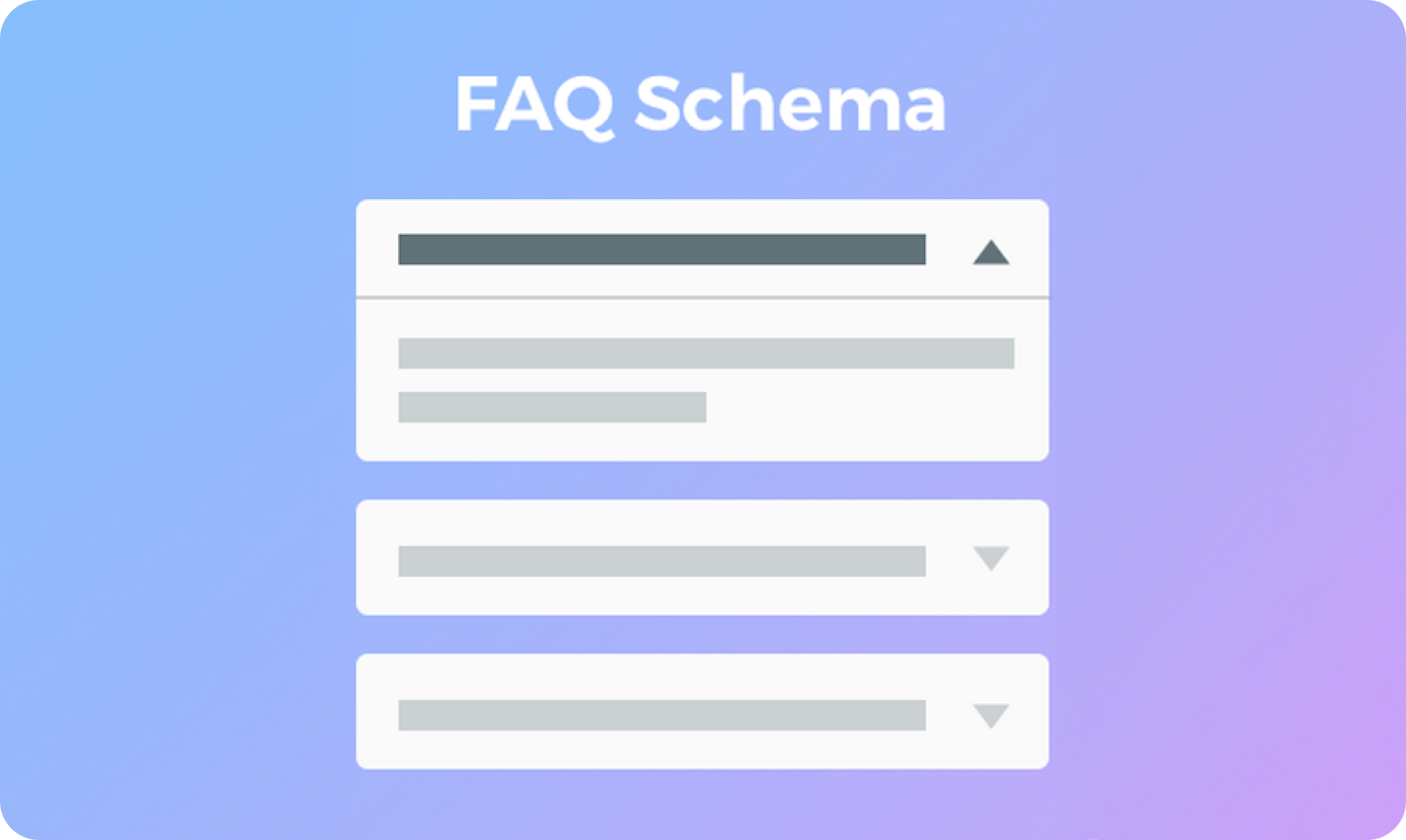
FAQ Page Schema is designed specifically for the question/answer format of FAQs. In Duda, many sites display FAQs using the Accordion widgets, so we’ve enabled this widget with FAQ Schema.
Simply turn on Schema in the widget’s Content Editor and the information it contains will be eligible for a rich result on search and an action on the Google Assistant, two avenues which make it easier for your sites to reach just the right users.
Note:
Google supports only one FAQ Schema per site page. If you’ve used multiple accordion widgets on the same page, make sure you enable FAQ Schema on the one with content that’s most representative of your site.
For more about Schema, visit
https://www.schema.org/
Once you’ve enable FAQ Page Schema and published the site, you can preview the results here:
https://search.google.com/test/rich-results