As eCommerce activities become even more important these days, the competition for customer loyalty is increasing too. New automated emails can help your clients stay top-of-mind amongst their customers by automatically sending emails at key points in their customer’s journey.
Improve your clients’ online sales and retention by enabling automatic emails in a click. Remind potential customers about abandoned carts, ask customers for feedback, or re-engage with customers who haven’t visited the store in a while - all automatically and with no effort from you or your clients.
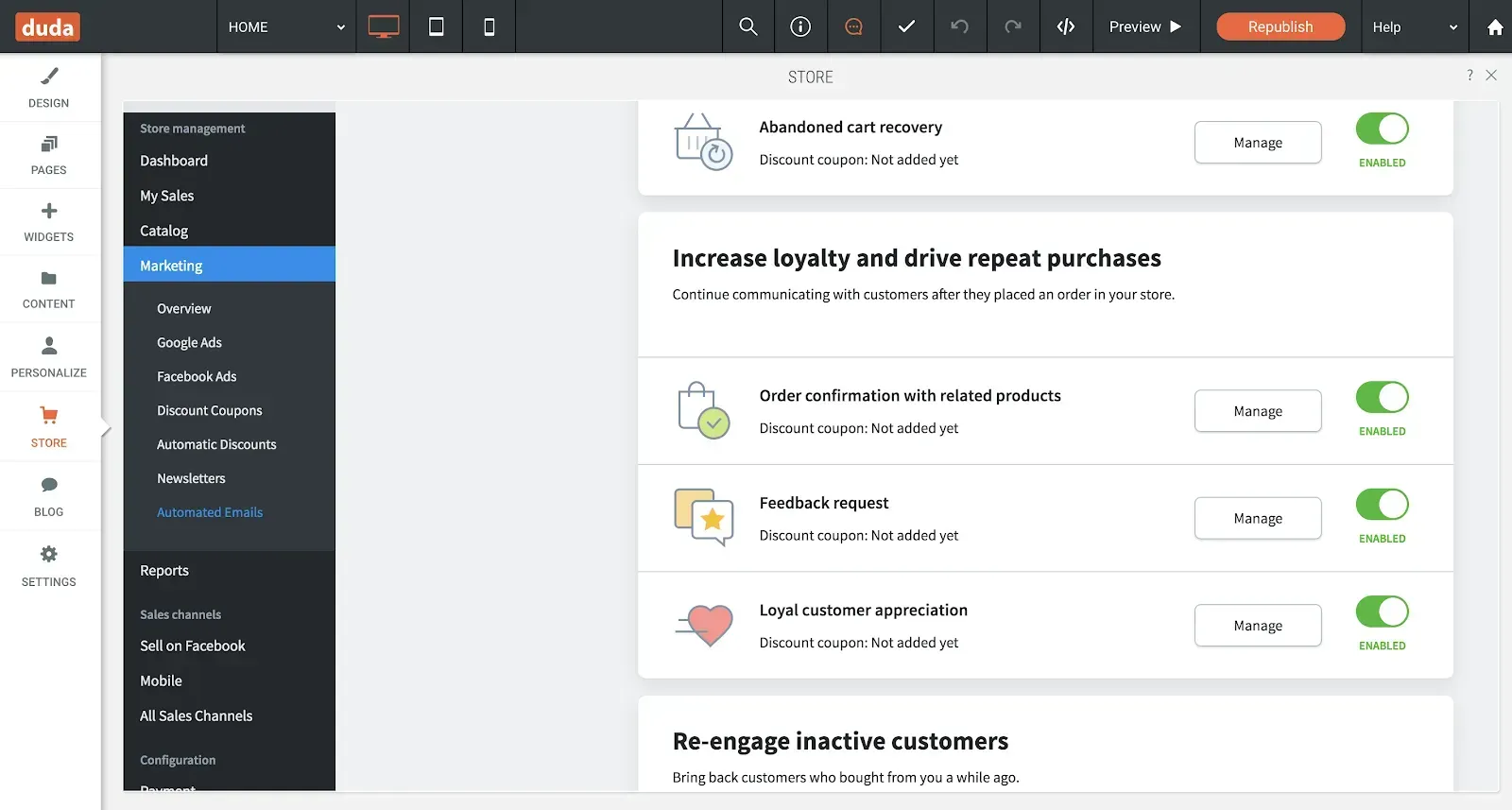
You’ve got several automated emails, ready to be activated in your store panel, each one triggered by a different event. Have them sent automatically and bring customers back to finish their purchase, check out new items, and more. Add coupons to sweeten the deal and increase the chance of closing the sale; include social media links to increase engagement.
Here are some examples of when automated emails reach customers at just the right moment in their shopping experience.
Enabling these emails can have so many benefits for your site, including:
These emails are ready to send for all stores with an Advanced or Unlimited Store plan. To manage them, go to Store Panel > Marketing > Automated emails. Turn on one or all of the following emails.
Remember to add coupons for improved conversion and include social media links for better engagement.

•

Sign up to get feature releases, tools, and more to your inbox.