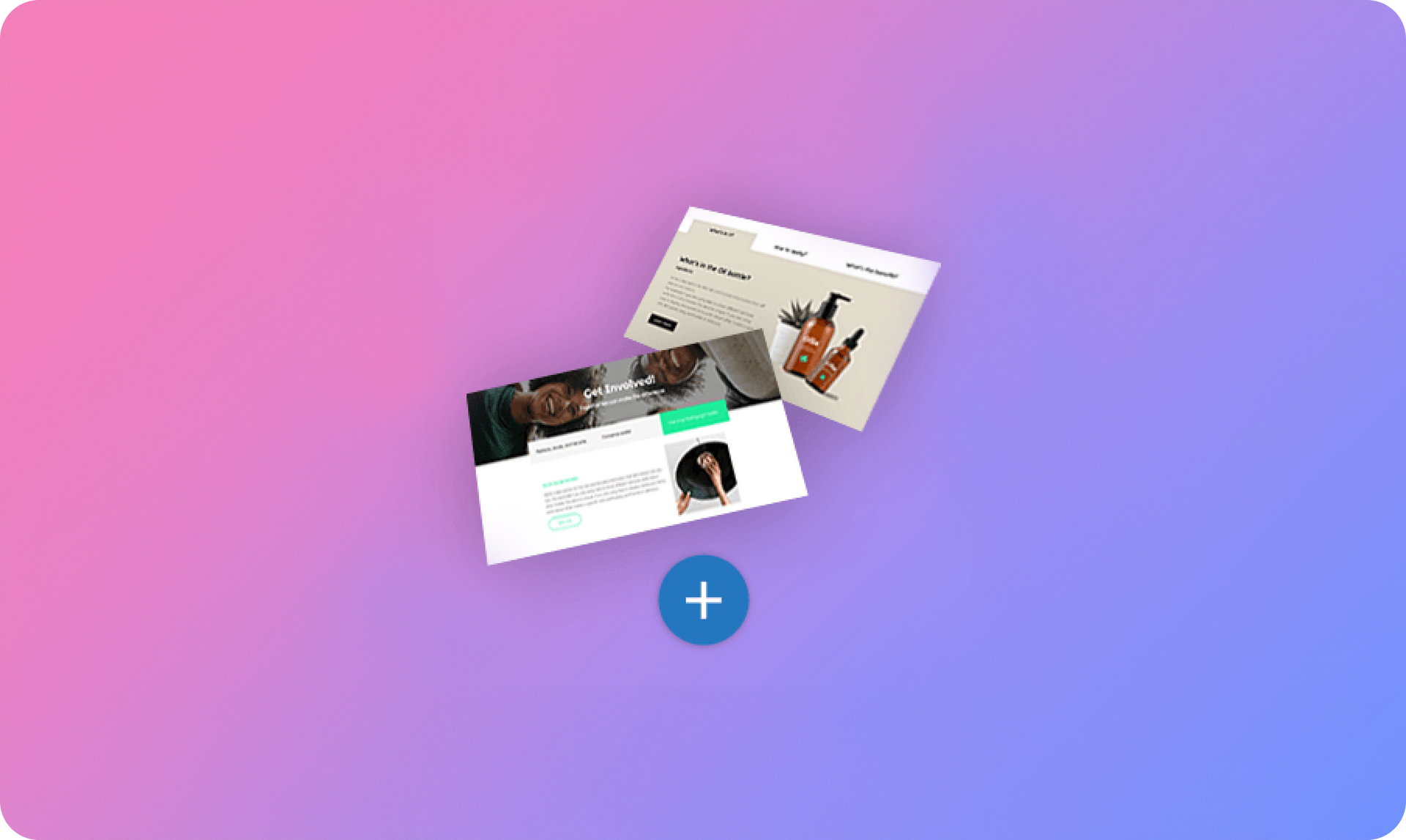
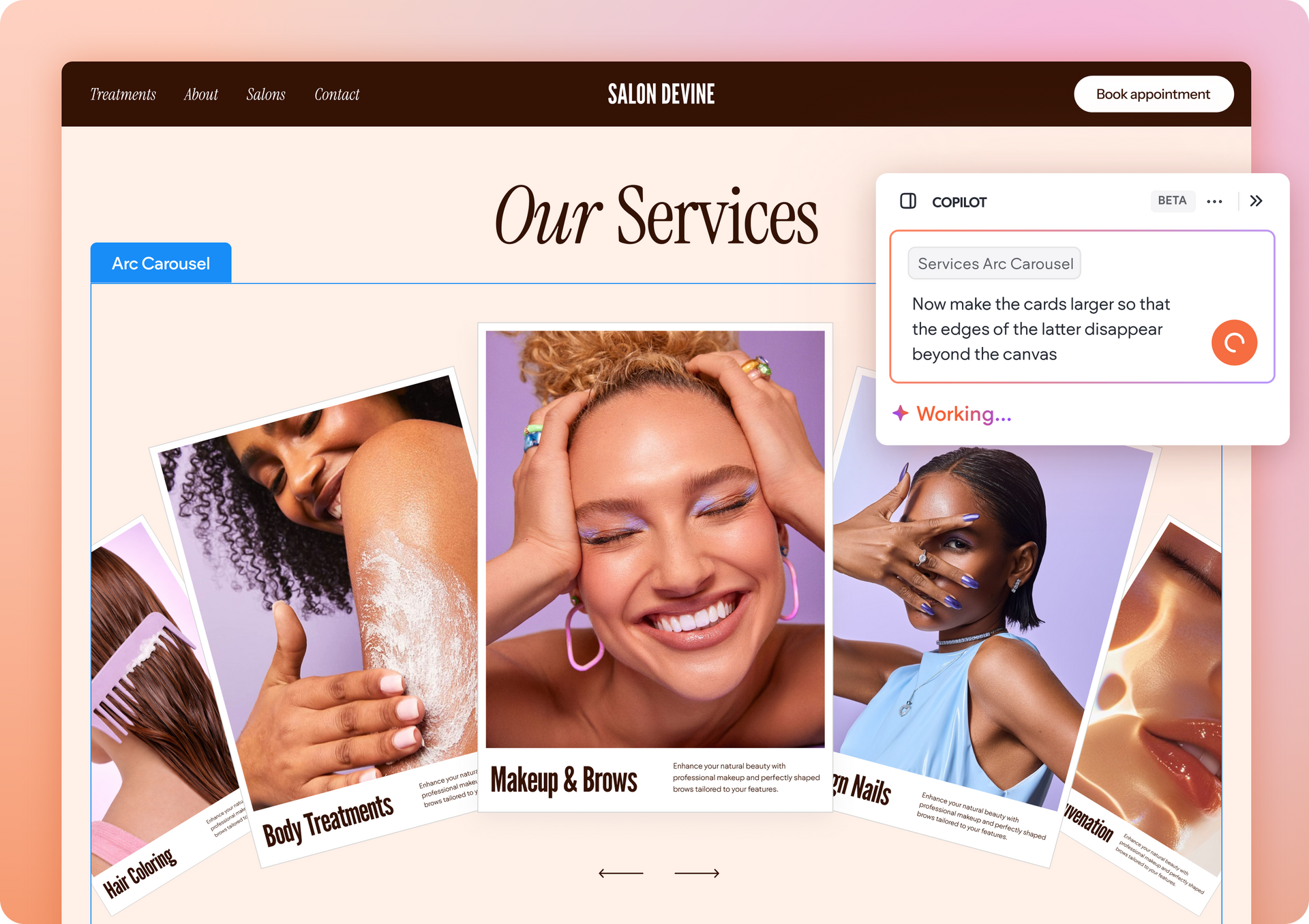
Many of you are already using the Tab widget in your websites, and you’ll find it even easier to integrate now that you’ve got eight gorgeous new Tab Sections based on it.


These Sections make it simple and quick to add compact, well-designed Services, Plans or Team member sections to your sites.

To check out the new Tabs sections, click + Add Section anywhere on your website. In the left sidebar, you’ll see the Tabs category immediately below Text Blocks. Here, you’ll find eight designed Sections, each one built using the Tab widget and perfect for adding content-rich material in an easily digestible manner.


Up Your Tabs Game With these Design Tips


We’ve used some simple design techniques to create these Sections. To integrate these techniques into your sites, you can add the Sections that features them or recreate them using the following steps:

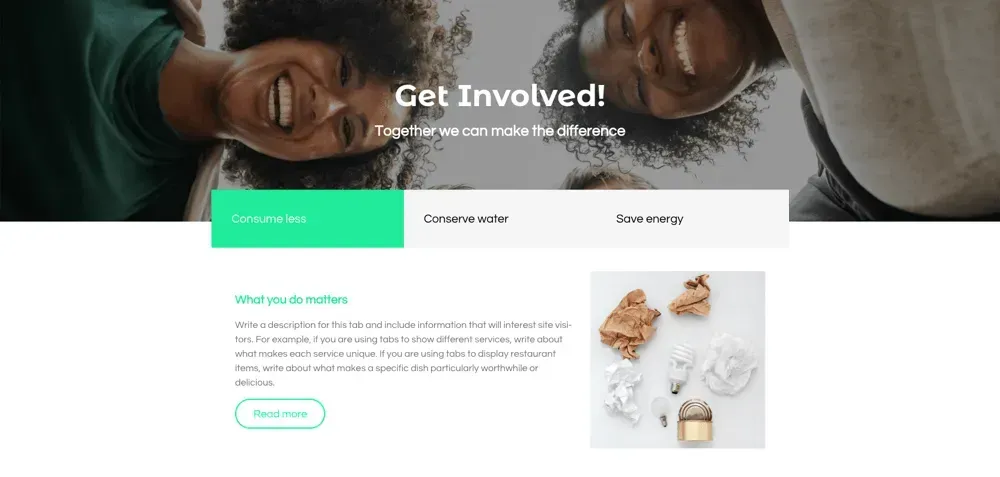
  1. This Section is made with two rows. In Row 1, add an image background and title widget. In Row 2, add a tab widget.
  2. Remove the top padding from Row 2.
  3. Open the Tab widget design editor and set a negative margin at the top. This will enable the widget to overlap slightly the image above it.
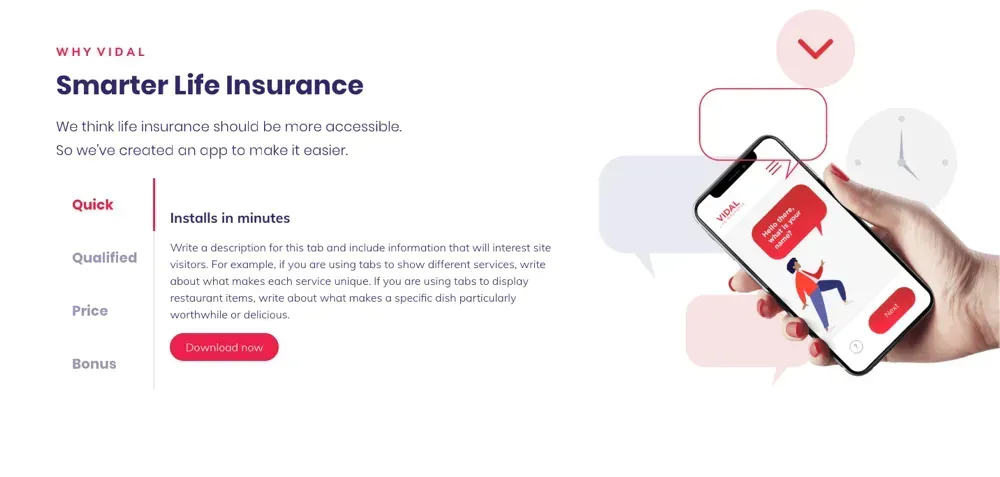
  1. This Section is made with a single row divided into two columns. In the right column, add a background image.
  2. In the left column, add three widgets: title, paragraph and tabs.
  3. Open the tab widget design editor and choose the third layout (the vertical one).
  4. Open the content editor and set the image toggle to off.


Remember: Use Manage Sections to Increase Efficiency


As you have more and more Sections to add to your sites, organizing them efficiently becomes even more important. Manage Sections makes this possible by enabling you to organize your Team Sections in new categories and to hide Sections that you never use.


  1. Open the Sections sidebar and click Manage Categories. From here, you can hide Sections that aren’t relevant to your team, and add new categories.
  2. Have a few Sections that you and your team love to use? Save them as Team Sections and save them in a Category called Favorites so everyone on your team knows where to find it.
February 4, 2019
Roni Landau

 • 

New Tab Sections: Add Services, Pricing Plans, Teams and More

Stay in the Loop with Duda Updates

Sign up to get feature releases, tools, and more to your inbox.

Últimas actualizaciones de productos

A
Por Liron Hilb Horev March 25, 2026
New SEO & AEO updates to help you create content and keep it up to date, and keep winning the visibility game.
A software dashboard showing order statistics, a search bar, and a table of recent orders with product details.
By Rim Elfahem March 18, 2026
9 updates that make it easier for your clients to sell more, their way.
Cycling club website template with cyclist, website section with architecture.
By Avigayil Lewin March 13, 2026
Discover scalable website generation with consistent quality and full brand control.