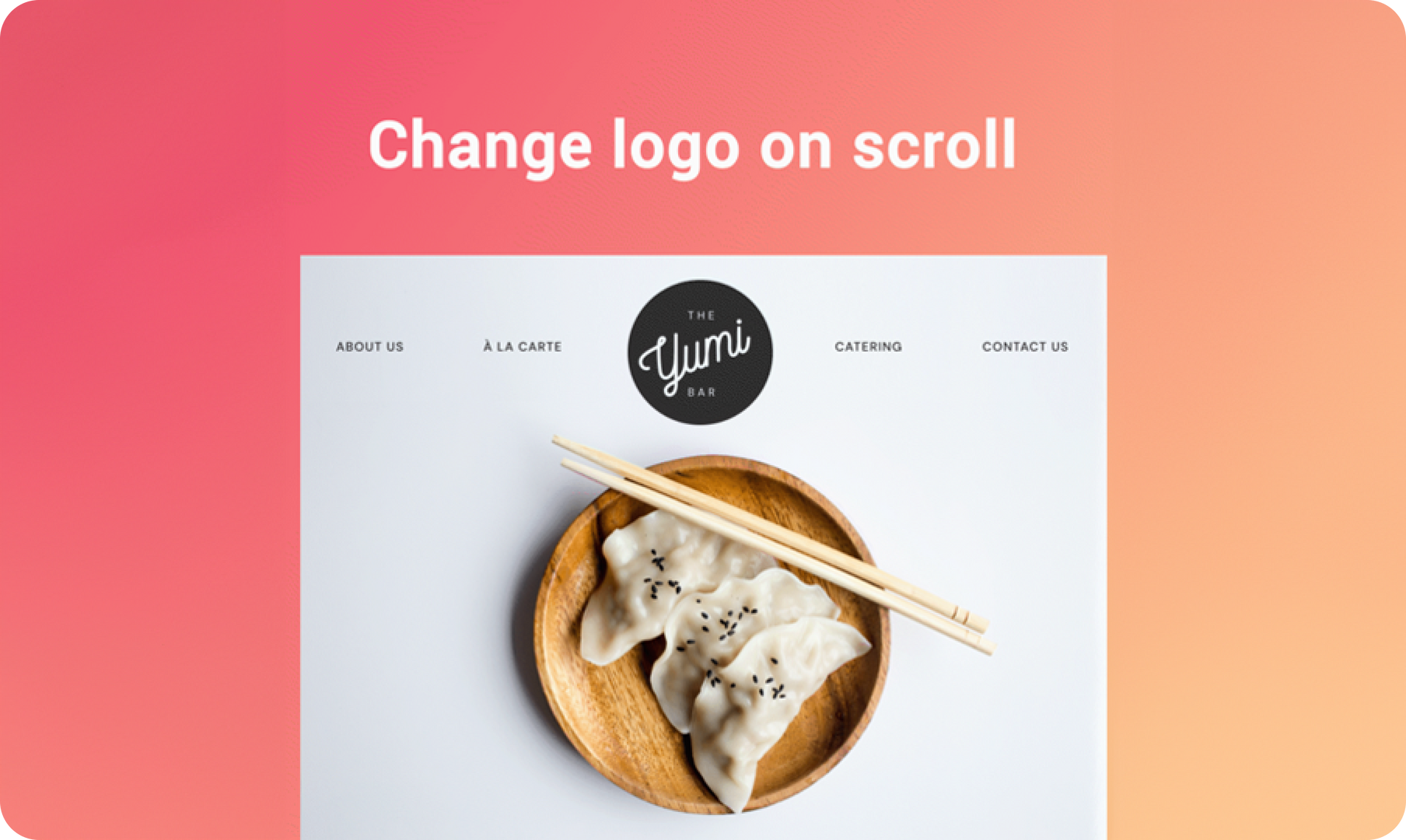
This new design flexibility enables you to change how your sites look on scroll by replacing the logo. It’s a simple way to make your sites more eye catching as visitors scroll. You can display a similar logo (with a different color scheme) that highlights the logo and/or complements the design on scroll.

How to access this feature:


  1. Open the Header Design Editor
  2. Turn on the Shrinking Header and the Change logo on scroll option (On mobile it's open by default so just scroll tot he Change logo section)
  3. Choose a logo that works well with the background that’s visible on scroll - maybe one that has contrasting colors, or one with blends in with the background.


This change can have a big effect on how your site looks, and it's a great way to refresh your site with little effort.


For more tips on how to design a great website header, check out this blog.

February 10, 2020
Roni Landau

 • 

Change Logo on Scroll

Stay in the Loop with Duda Updates

Sign up to get feature releases, tools, and more to your inbox.

Últimas actualizaciones de productos

A website homepage titled
By Marianne Sheldon April 5, 2026
Explore a new and improved learning platform to help you design and build better sites.
A
Por Liron Hilb Horev March 25, 2026
New SEO & AEO updates to help you create content and keep it up to date, and keep winning the visibility game.
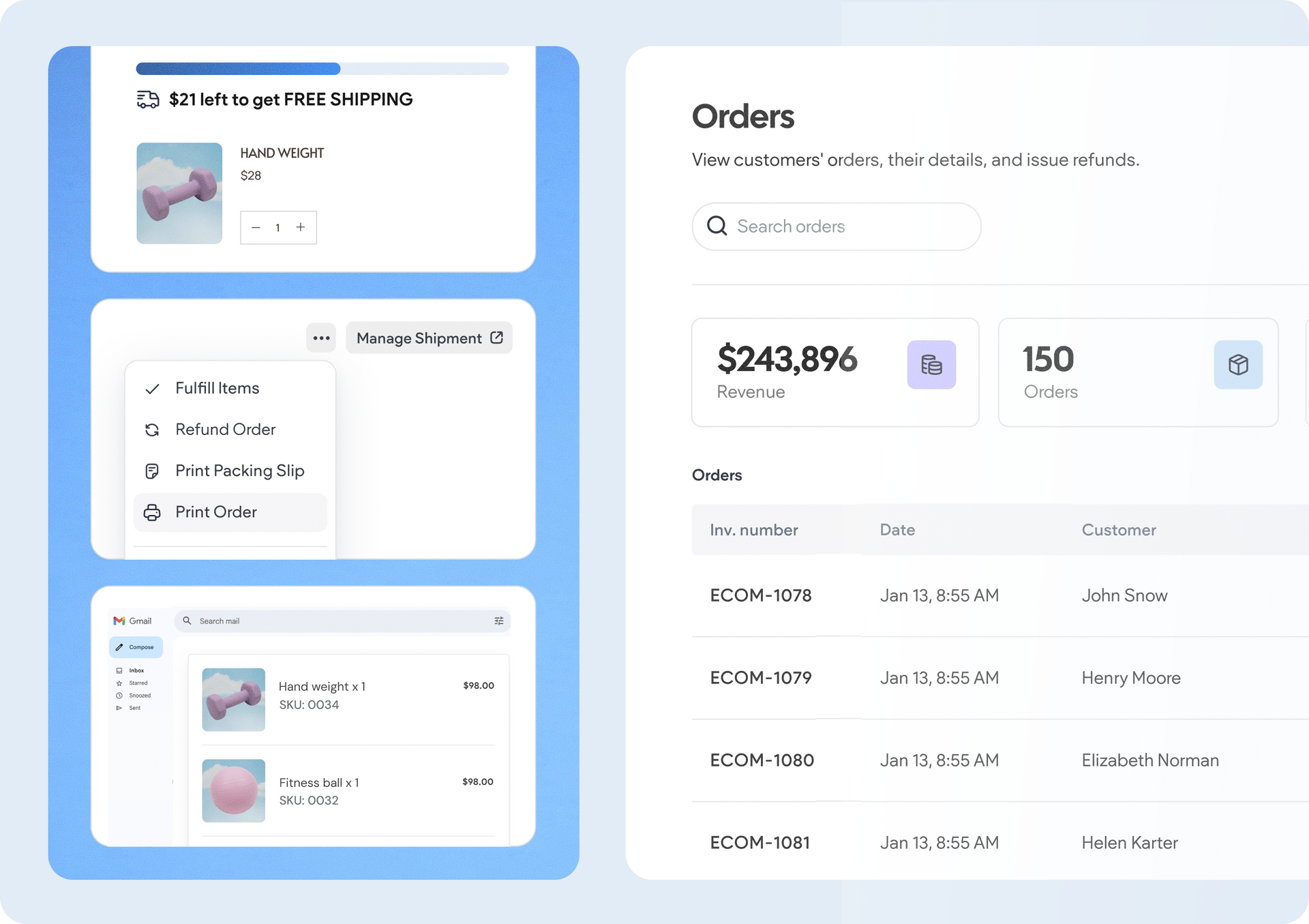
A software dashboard showing order statistics, a search bar, and a table of recent orders with product details.
By Rim Elfahem March 18, 2026
9 updates that make it easier for your clients to sell more, their way.