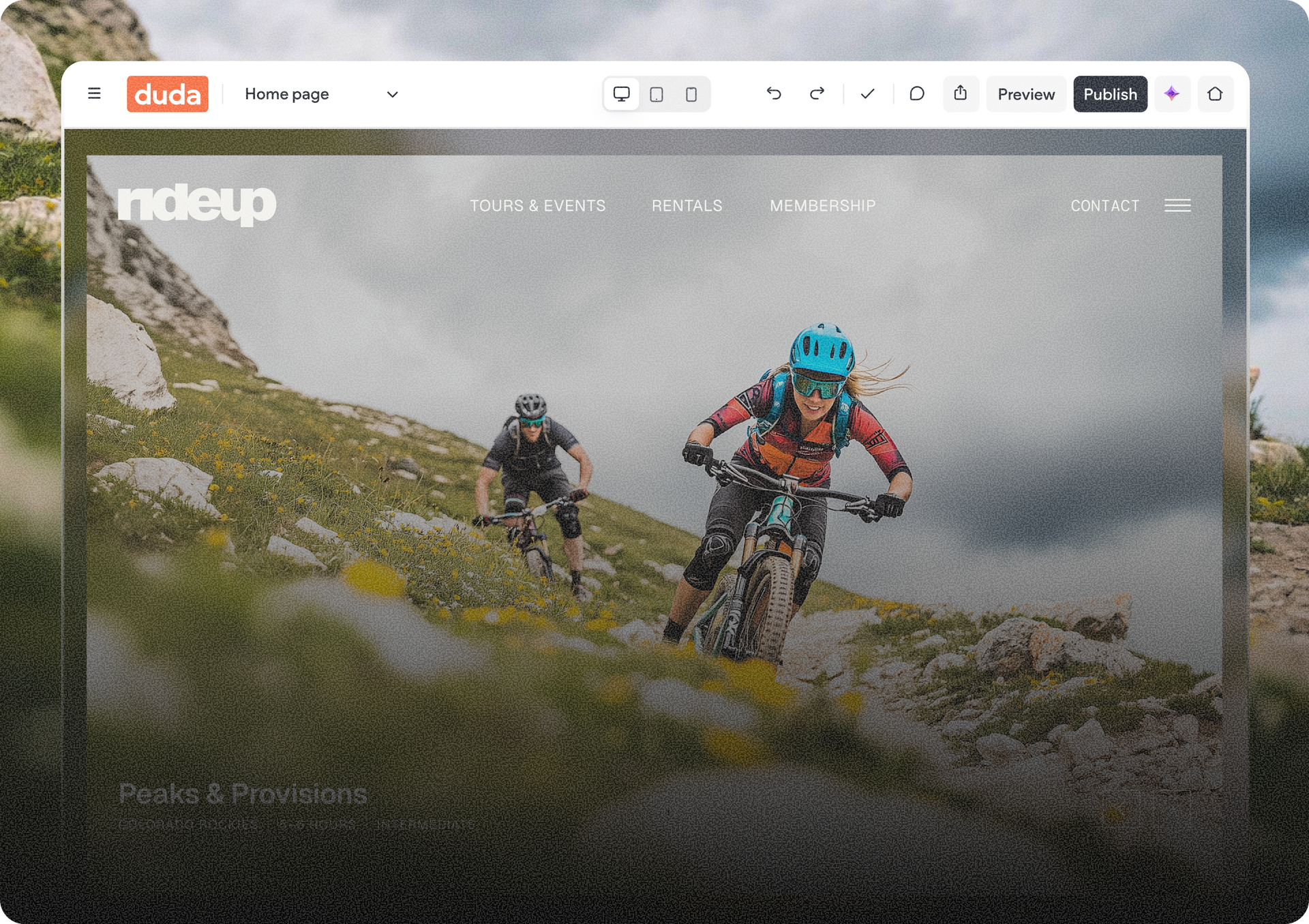
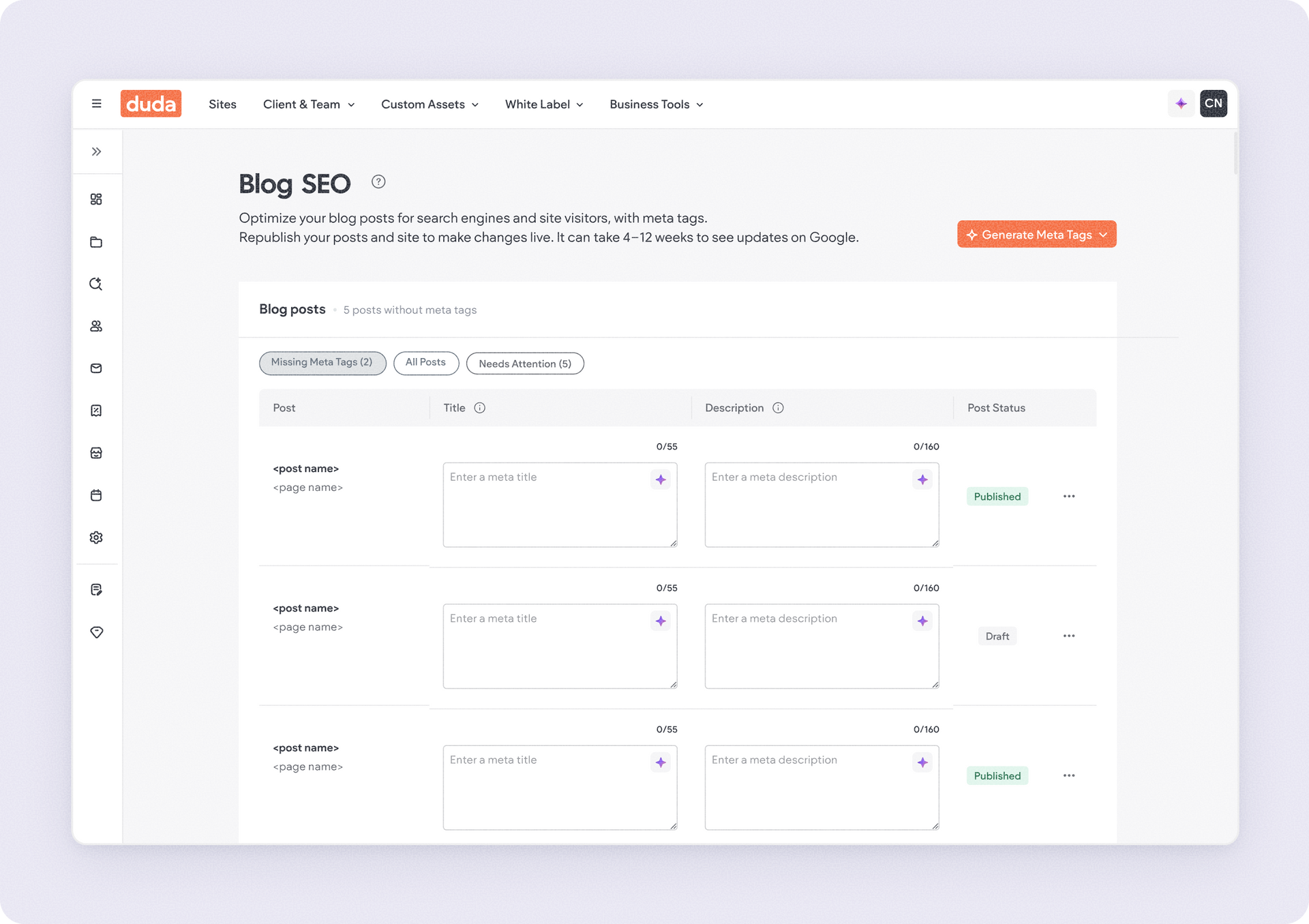
We’re introducing a refreshed top toolbar across the Site List y Editor to create a cleaner, more focused building experience. We’re gradually rolling out this update over the next few weeks.


The update simplifies navigation, makes key actions easier to find, and keeps core features right where you expect them.


For a quick walkthrough of what’s changing, watch this video:

What’s new

  • A cleaner, more modern toolbar with descriptive drop-down menus to help you find what you need faster
  • A new hamburger menu for your site dashboard, resources and account items
  • Improved account and navigation menus
  • A dedicated Share button in the editor toolbar
  • One consistent toolbar experience across editor modes, including dark mode


Please note that we're gradually rolling this out to all accounts .


If you’ve customized the top toolbar using HTML or CSS, get in touch with support to help transitioning those customizations.


We hope you find this refresh useful, and will help you focus on what really matters - building great sites for your clients.

March 10, 2026
Naama Mizrahi

 • 

Duda's Top Toolbar Gets a Cleaner, Smarter Redesign

Stay in the Loop with Duda Updates

Sign up to get feature releases, tools, and more to your inbox.

Últimas actualizaciones de productos

Interface showing photo editor with a woman’s portrait, text box with a list of photo editing options, and a cursor pointing.
Por Tal Levi March 5, 2026
Build widgets faster with real-time previews, AI images, visual references, in-editor validation, and a redesigned UI.
Inventory management interface with a hand entering
By Mor Zamir February 13, 2026
Instant bulk price & inventory changes, color swatches for color options, bulk shipping data management, and more.
Three colorful product cards with beverage bottles and the cursor hovering over the middle one.
By Yanir Moskovitz February 11, 2026
Faster, cleaner design layouts that scale with your collection content.