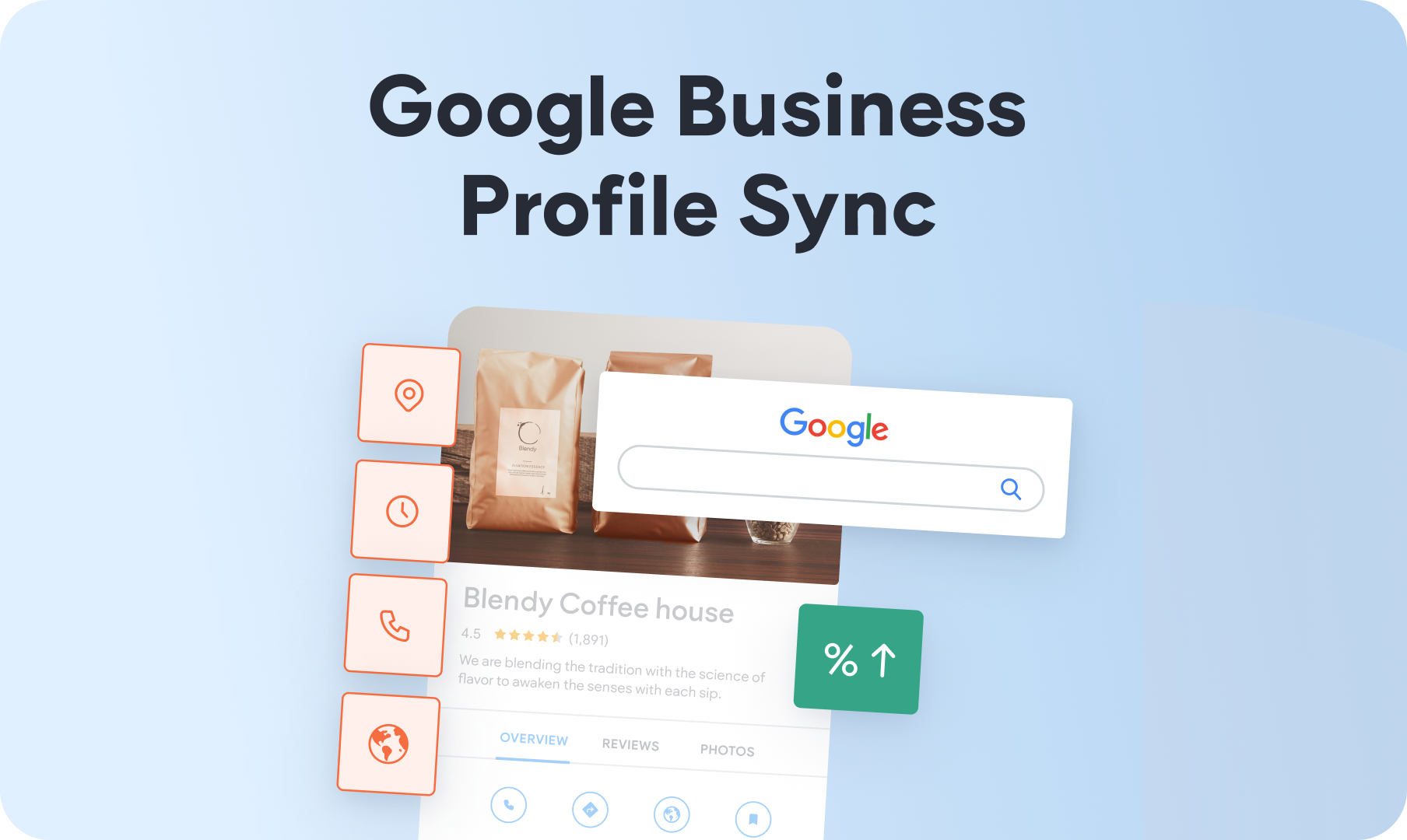
We’ve added the option to connect your site’s Business Information with a Google Business Profile for an easy sync between the two platforms. This will help ensure your client’s business details are up to date and consistent everywhere online while giving your built site a great SEO start.


Since most people search for businesses online, ensuring your client’s local business listing can be easily found on Google and Google Maps is important. This new sync option between Duda and Google helps your clients enjoy this crucial benefit.

Easy to connect, easy to manage


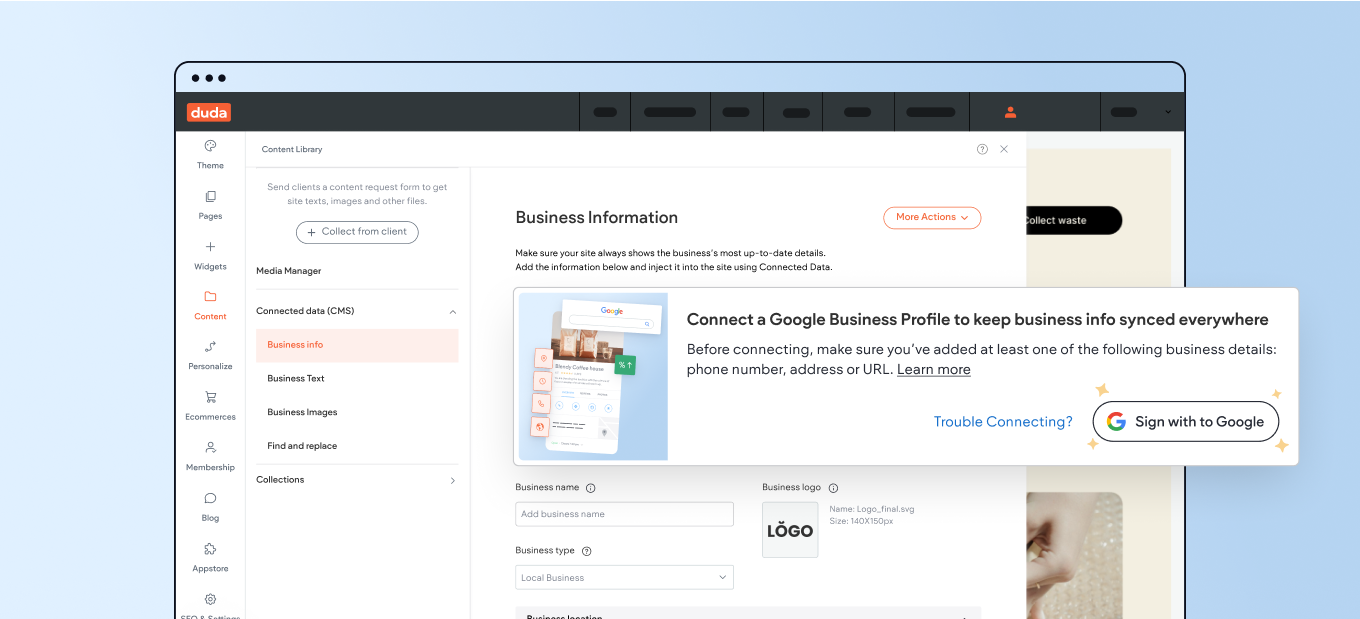
Setting up this new sync option is simple. Head over to your site’s Content Library > Business Info and connect your client’s Google Business Profile through their Google account. 


For a faster setup, the Google Business Profile listing should pre-exist in your or your client’s Google account, with an option for your client to authenticate it (or for you to do so on your client’s behalf). In addition, you’ll have to have at least a phone number or an address set up in one of the platforms to activate the sync between the two platforms.


If you need to create a new Google Business Profile from scratch, do it here.


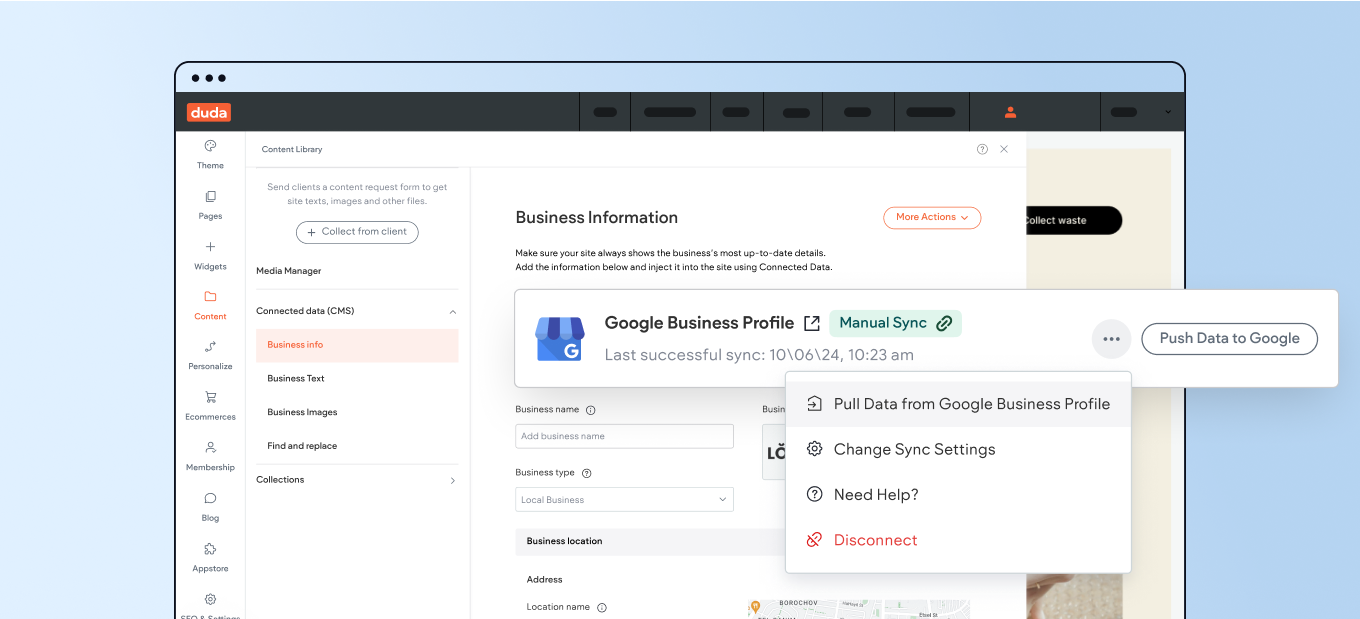
Once connected, you can choose to set up one of two possible sync methods:


1. Automated sync of pulled data - made from the Google Business Profile every 12 hours to ensure data integrity with any updates made to your Google Business listing—without needing to go into the editor to make changes.


2. Manual, instant syncs of data - either pulled or pushed to the Google Business Profile. This requires your active click-to-push or pull data, and gives you more control over the sync process.


What will sync between the 2 platforms:


  • Business name
  • Location or address
  • Número de teléfono
  • Social media account links
  • Business web address
  • Business Hours


To get started, head over to the Biblioteca de contenido section in the editor. Then select Business Info and look for the Google Business Profile sync banner where you’ll be able to connect a Google account.


A note on feature availability


The Google Business Profile sync feature is permission dependent, meaning only team members and clients with this permission enabled will be able to use and make changes to the Google Business Profile sync option.


In addition, it’s available on selected plans, so if you don’t see it in your site’s Business Info section, it’s possible you’ll need to upgrade your account plan to get it.


We hope you find this new sync capability useful, and that it helps you deliver greater value to your clients.


For more information on integrating your site with Google Business Profile, and to get step-by-step how-to instructions, visita esta guía de ayuda.

A computer screen with a screenshot of a website on it.
July 15, 2024
Idan Sapir

 • 

Sync with Google Business Profile to Save Time & Boost the SEO

Stay in the Loop with Duda Updates

Sign up to get feature releases, tools, and more to your inbox.

Últimas actualizaciones de productos

Two cards with photos and text, interface showing
Por Liron Hilb Horev January 15, 2026
Break down a form into separate pages to drive more completions and offer a better experience overall.
A purple rectangle with the text
Por Annat Katz January 1, 2026
The AI revolution changed everything. In 2025, Duda helped you stay on top of it with updates that transform how you build, manage, and compete.
Woman smiles, a form opens with
Por Annat Katz December 15, 2025
ChatGPT joins Duda's MCP, date picker and Zapier integrations added to Advanced Forms, plus more updates.