Your Google Analytics integration now supports Google’s new Global Site Tag (aka gtag or v4 of Google Analytics), ensuring compatibility with the new Google Analytics. In addition, you can now track other Google properties, including Google Adwords, Google Marketing Platform and Google Tag Manager. 

Integrate Google Analytics tracking directly in your site settings


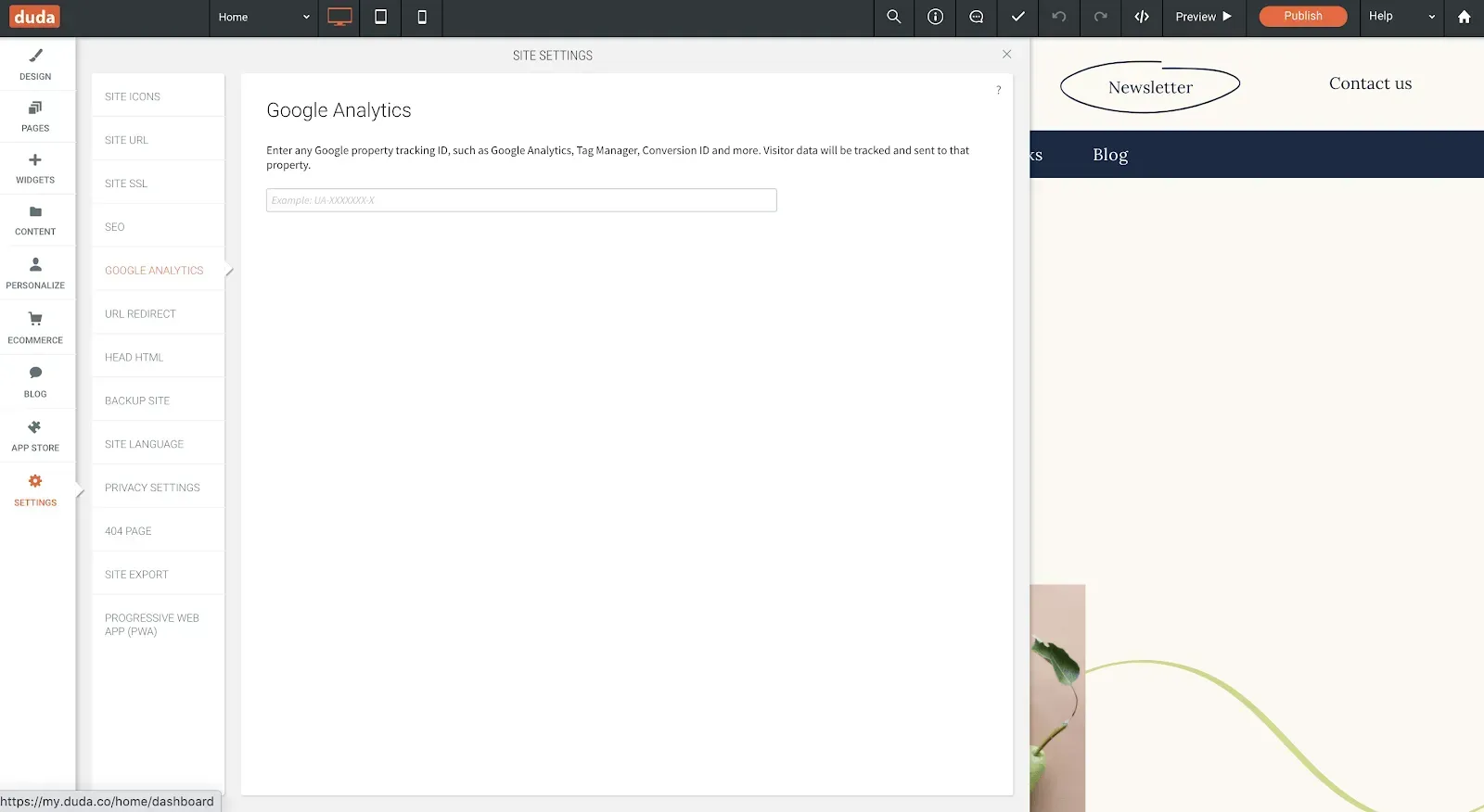
Integrating a Google Analytics tracking ID is simple. Just open the site, go to Settings > Google Analytics, enter the property of the ID you want to track, and publish the site.  Here’s a list of the properties currently supported:


  • Google Analytics Property ID (UA-*)
  • Google Tag Manager (GTM-*)
  • AdWords Conversion ID (AW-*)
  • Flood Light / Double Click Tracking ID (DC-*)
  • Google Global Measurement ID (G-*)


Once you’ve added the ID, all site visitors for that property will be tracked, and conversion events such as form submissions, eCommerce purchases, click-to-call, and more will be sent directly to it. In other words, there’s no don’t need to tag these events yourself; it’s already part of the Duda platform.


For more on the new Google Analytics, see this.

December 8, 2020
Russ Jeffery

 • 

Updated Google Analytics Integration

Stay in the Loop with Duda Updates

Sign up to get feature releases, tools, and more to your inbox.

Últimas atualizações de produtos

A website homepage titled
By Marianne Sheldon April 5, 2026
Explore a new and improved learning platform to help you design and build better sites.
A
Por Liron Hilb Horev March 25, 2026
New SEO & AEO updates to help you create content and keep it up to date, and keep winning the visibility game.
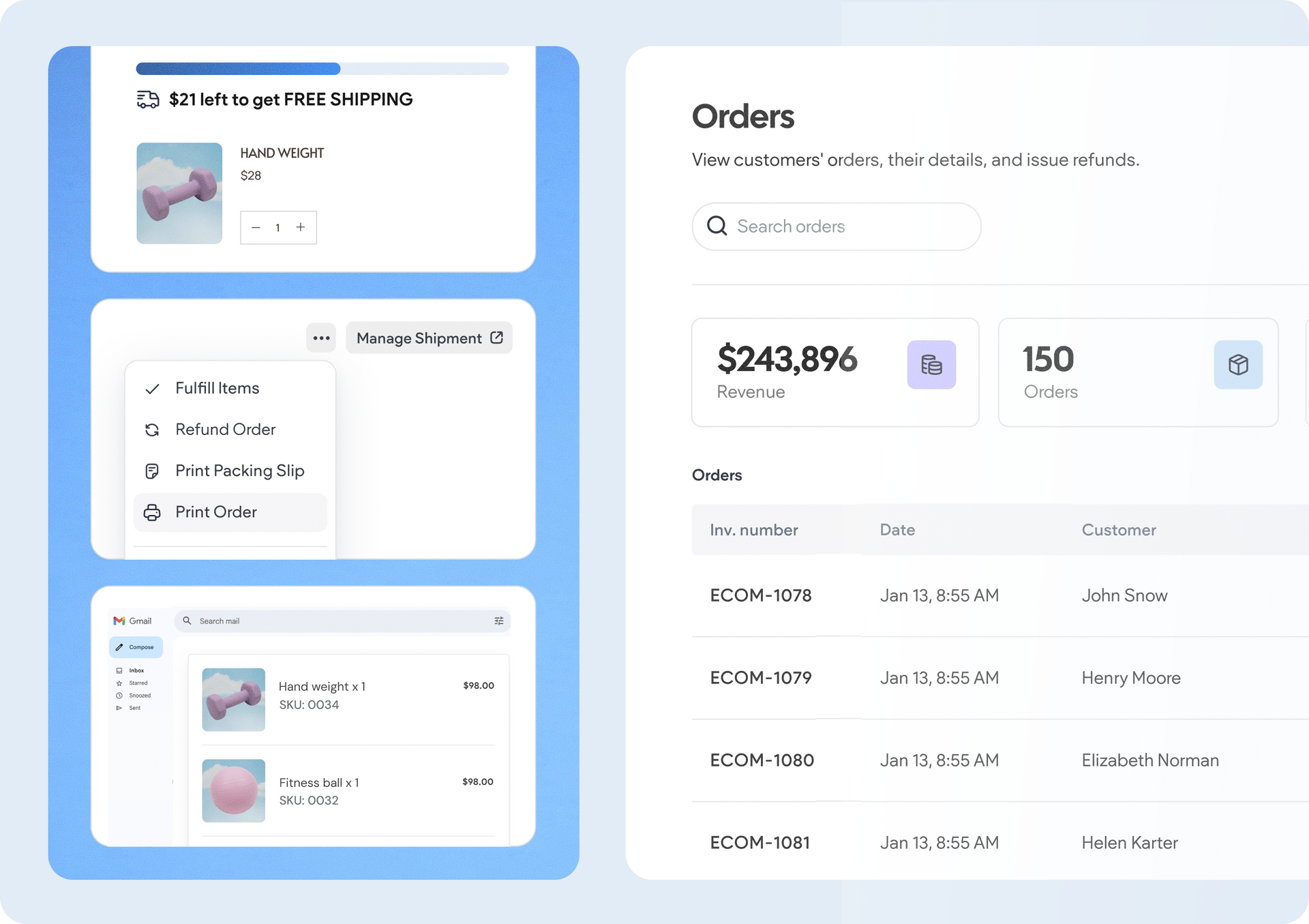
A software dashboard showing order statistics, a search bar, and a table of recent orders with product details.
By Rim Elfahem March 18, 2026
9 updates that make it easier for your clients to sell more, their way.