Add a dynamic touch to your websites by enabling your header to shrink and stay fixed at the top of the page while scrolling the page with the new Shrinking Header capability.


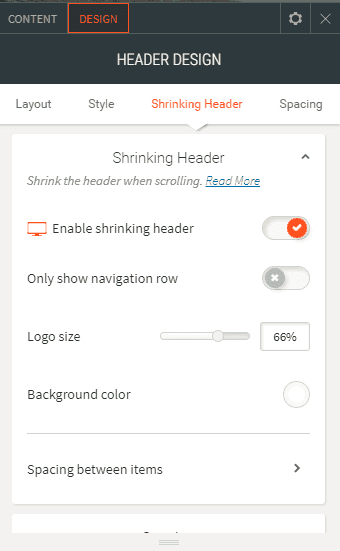
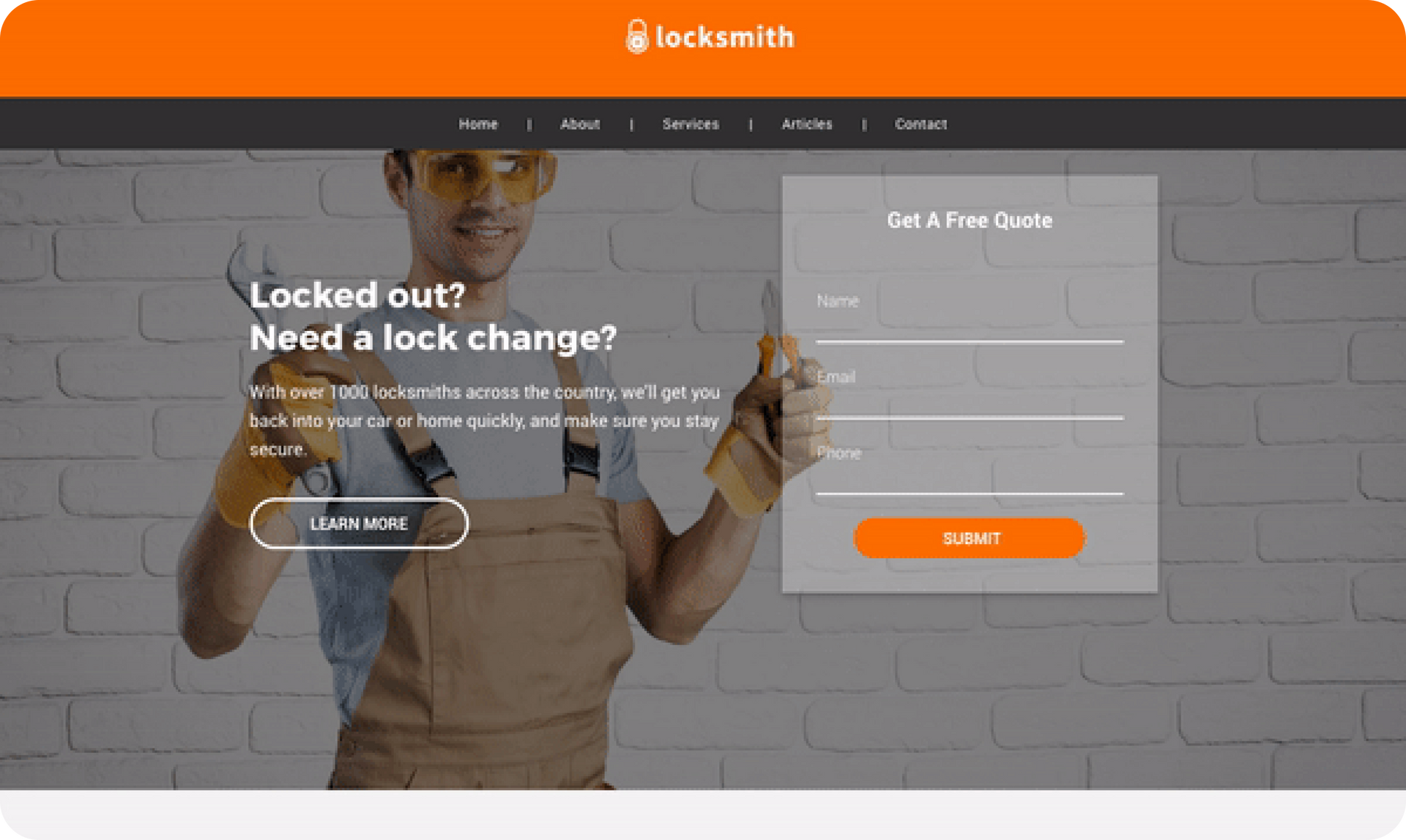
The Shrinking Header is a smaller version of the site header, enabling you to keep important navigation information fixed without distracting users as they scroll down a page and without taking up too much space. It acts as a sticky header but shrinks the size of the logo and removes its spacing to make it smaller. It is particularly useful in sites that have large headers, and sites designed for long scrolling.


You can control the size of the logo that appears in the Shrinking Header, as well as the background color and spacing.Also, if the Header contains several rows, you can choose to show just the navigation row.

You can enable a Shrinking Header on any Duda website.Just open the Header Design Editor and look for the Shrinking Header anchor.

For more details about the Shrinking Header, check out this support article.

September 3, 2017
Roni Landau

 • 

Shrink your site header

Stay in the Loop with Duda Updates

Sign up to get feature releases, tools, and more to your inbox.

Últimas atualizações de produtos

Woman smiles, a form opens with
Por Annat Katz December 15, 2025
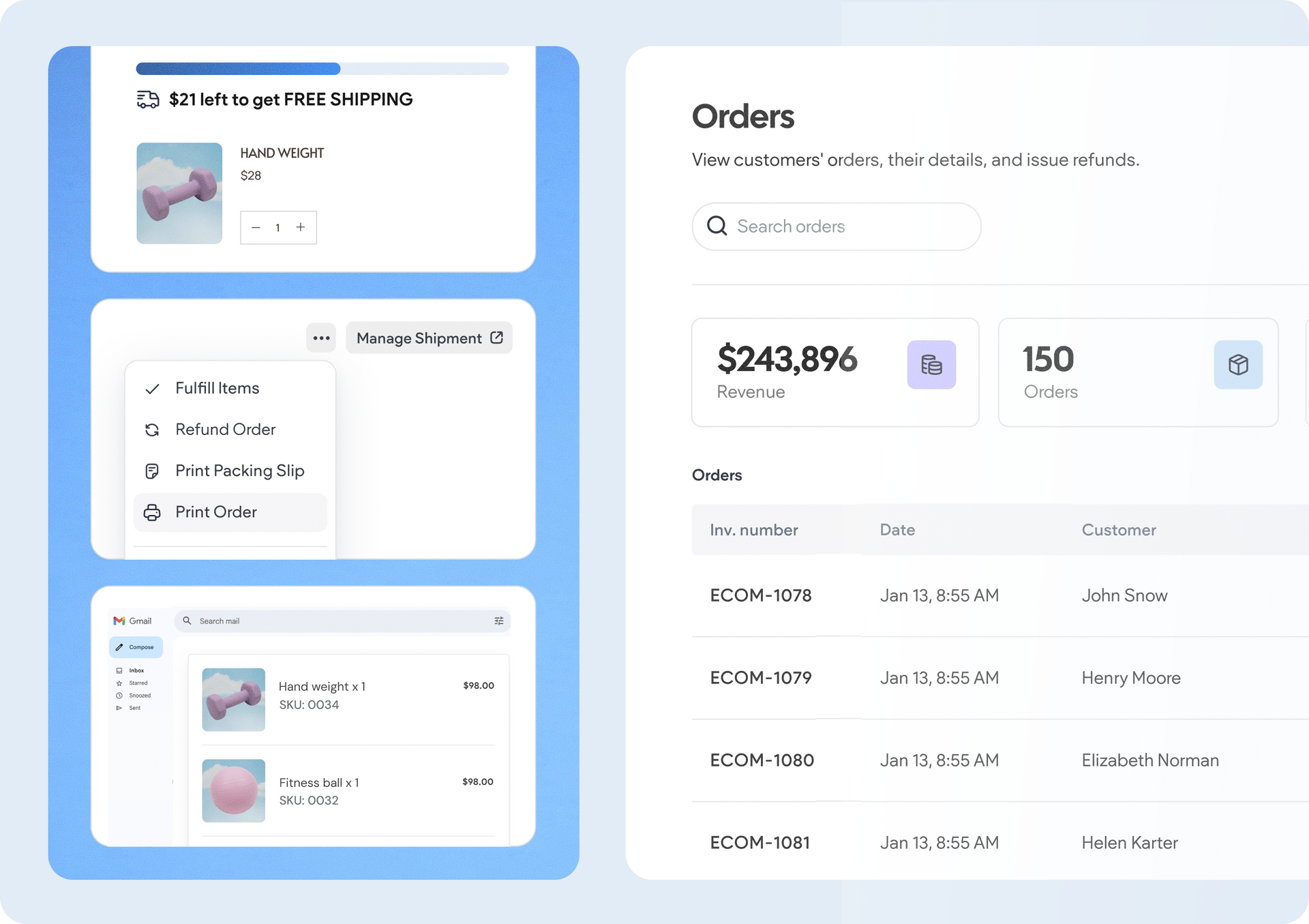
ChatGPT joins Duda's MCP, date picker and Zapier integrations added to Advanced Forms, plus more updates.
Copilot interface with text input
By Idan Sapir December 12, 2025
Discover a single, seamless experience where you can simply chat to get things done in your account and sites.
Coffee bag with customization options: grind, split, sample; and a
By Mor Zamir December 10, 2025
From pizza toppings to software add-ons, this update is a great new way to personalize products.