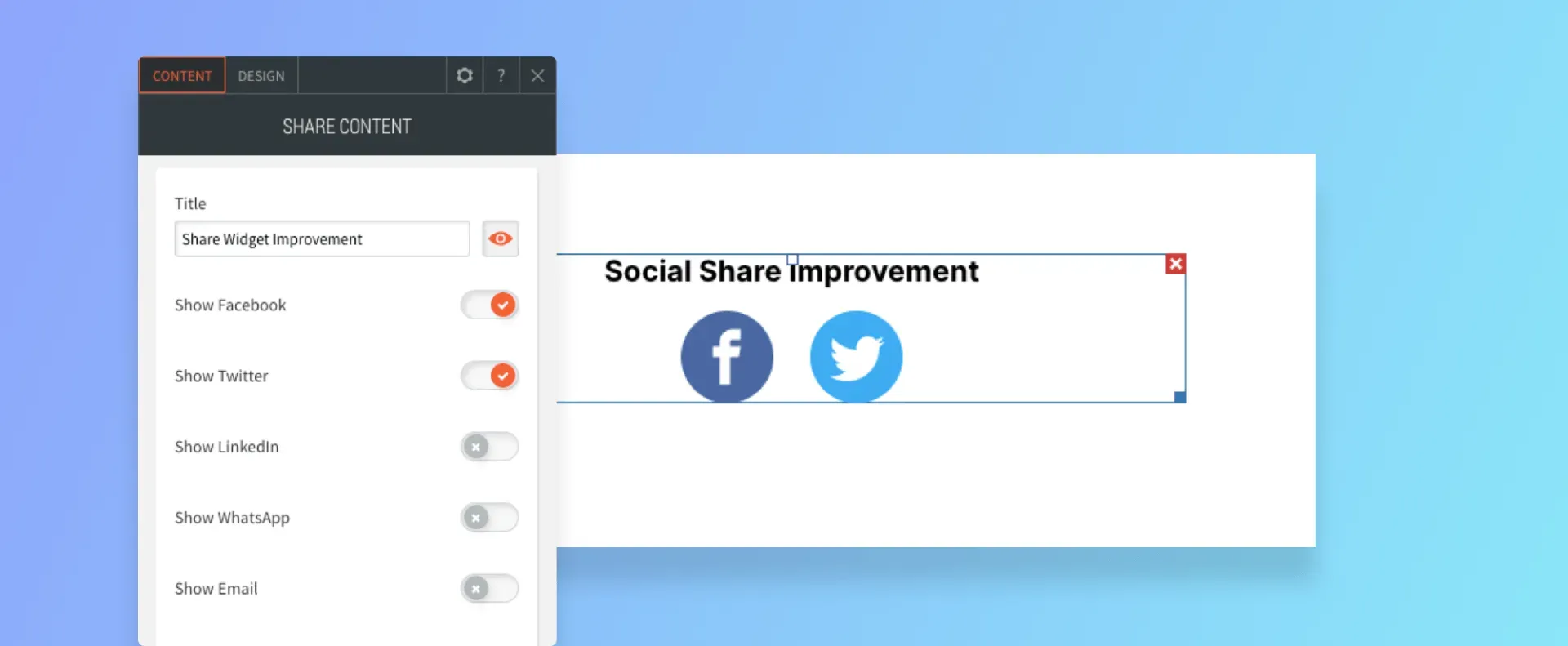
The Share widget makes it simple for site visitors to share your site with their friends. This is important for boosting organic traffic and conversion rates.

More Flexibility in Which Icons You Show


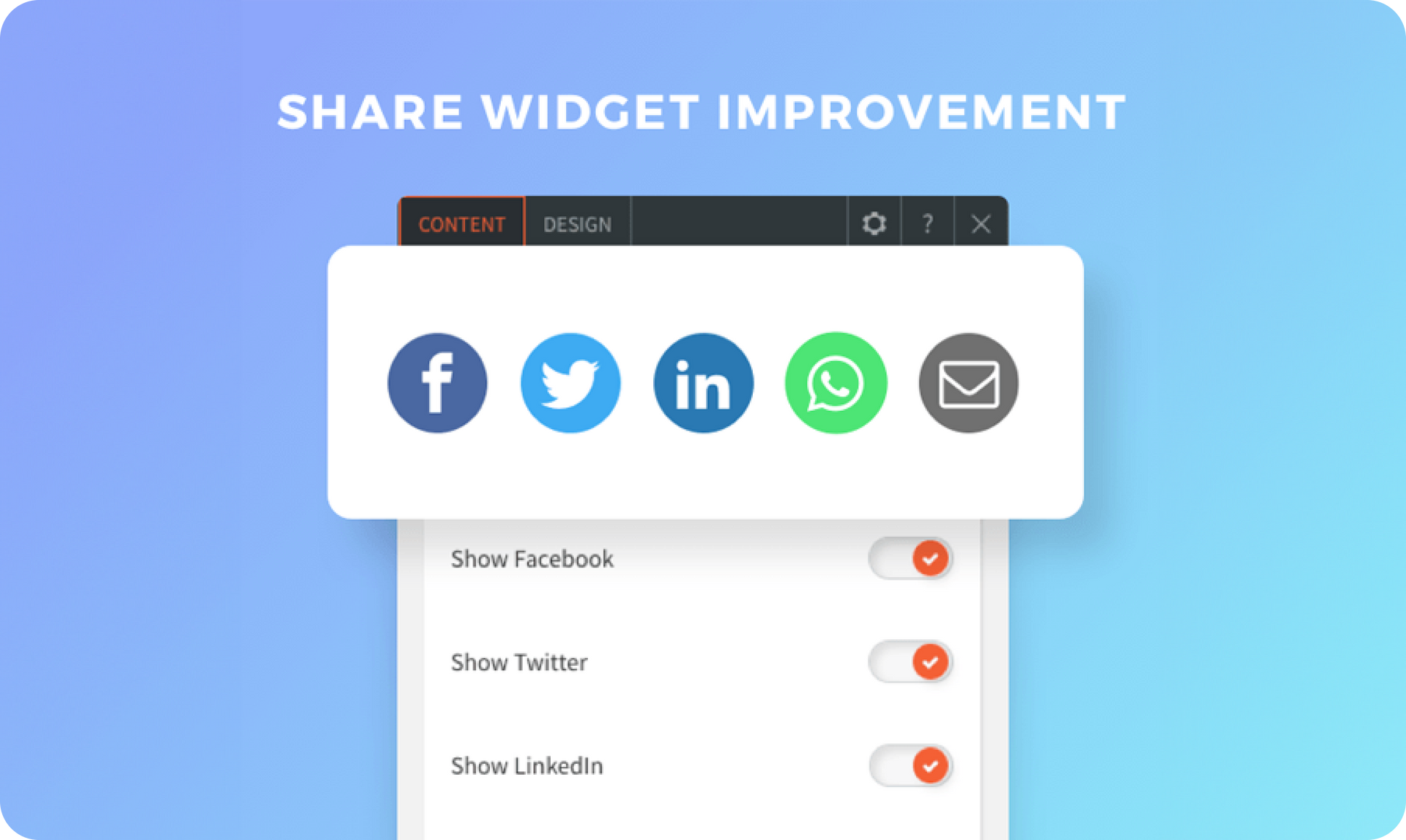
Now you can choose which icons to display on the widget for more design flexibility and enable you to customize the icons to the type of site you’re adding them to.


You’ve got five to choose from:


  • Facebook
  • Twitter
  • LinkedIn
  • WhatsApp
  • E-mail


You can display all of them (that’s the default) or show just a few.


Choose from one of two great-looking layouts, one of which comes with the set colors and the other which enables you to choose icon and background colors. Add hover effects to draw attention to the icons when visitors hover.


For more about the importance of having Share widgets on your site, see

this .

May 6, 2020
Roni Landau

 • 

Share Widget - Choose the Icons to present

Stay in the Loop with Duda Updates

Sign up to get feature releases, tools, and more to your inbox.

Últimas atualizações de produtos

Inventory management interface with a hand entering
By Mor Zamir February 13, 2026
Instant bulk price & inventory changes, color swatches for color options, bulk shipping data management, and more.
Three colorful product cards with beverage bottles and the cursor hovering over the middle one.
By Yanir Moskovitz February 11, 2026
Faster, cleaner design layouts that scale with your collection content.
Form with fields to fill out and
Por Annat Katz February 2, 2026
Multi-file upload in the Advanced Form, 2-trigger animations, meta tags import with Copilot and more.