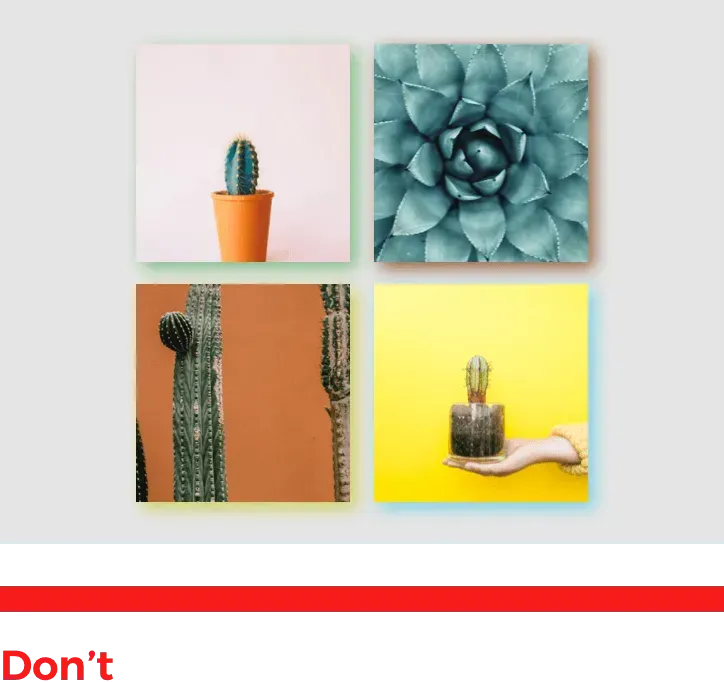
Make website elements come to life with the new shadow controls that enable you to customize the shadow on key elements including buttons, images, rows, popups and more.

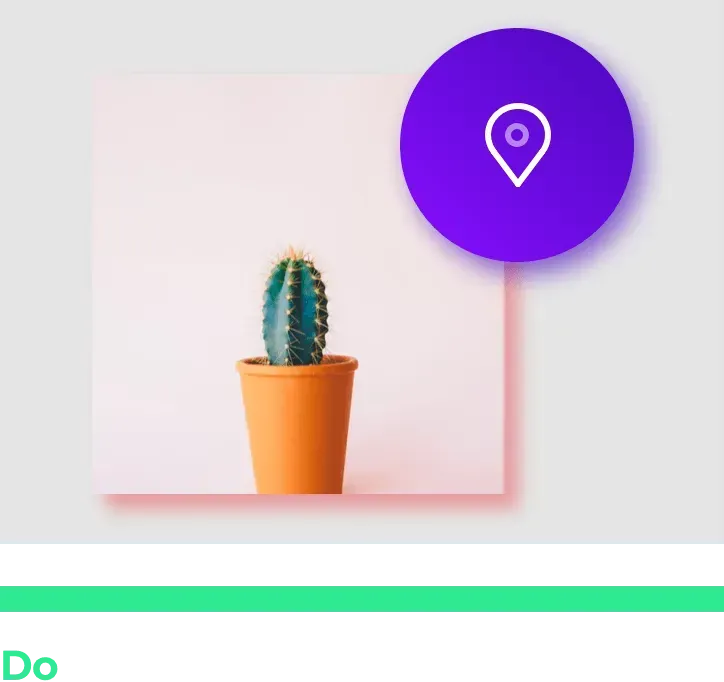
With this enhanced design capability, you can give objects a trendy, minimalist touch. You’ll help elements pop off the screen , enhance the overall page design, and add a realistic 3D appearance to your websites.

Your Shadow Controls

You can control shadows in the following way:


  • Color: Choose just the right shadow color.
  • Opacity: Shadows aren’t solid splashes of color, so use the opacity setting (located in the color picker) to get your shadow effect just right.
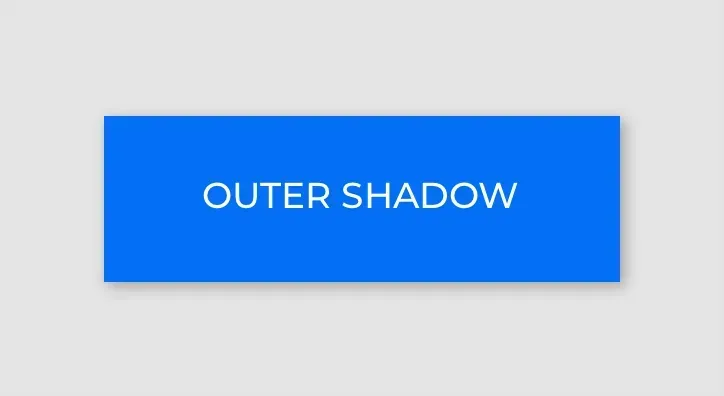
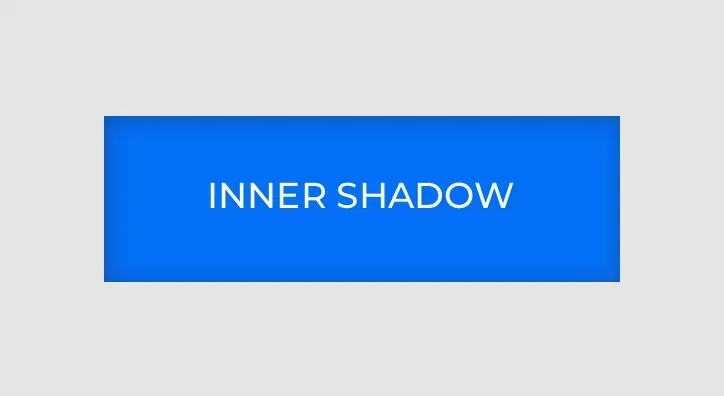
  • Type: Choose whether the shadow appears on the inner or outer border of the object.
  • Position: Choose whether the shadow appears at the top, bottom, right or left side of the element, or set the shadow to surround the entire element.


Shadow Tips & Best Practices

Outer Shadow


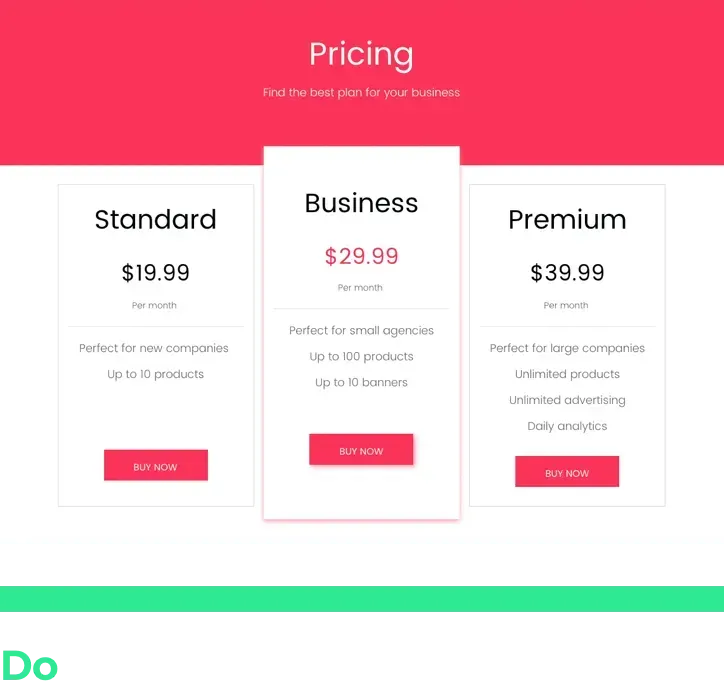
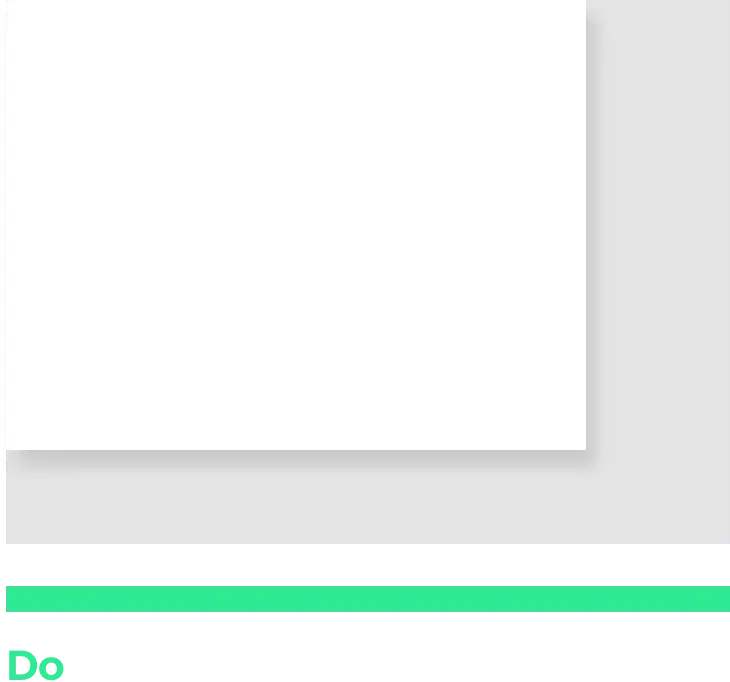
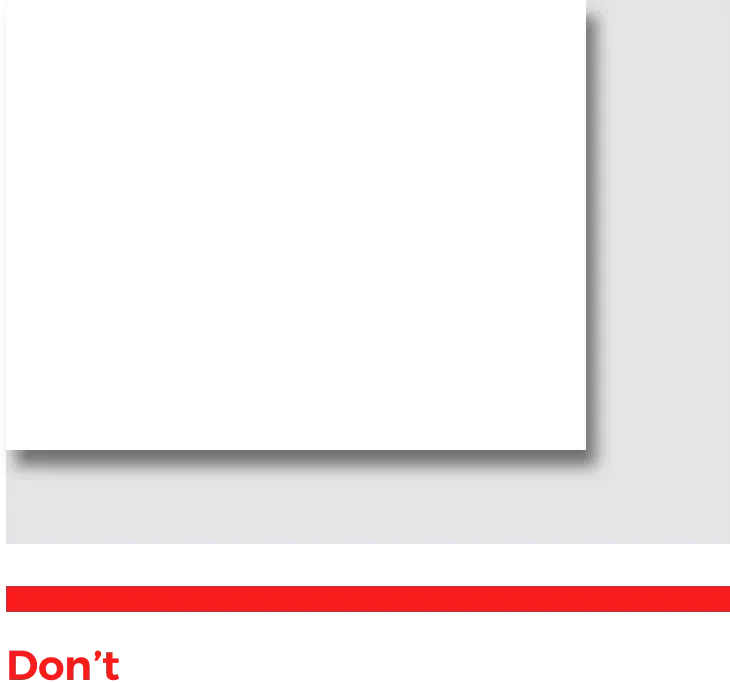
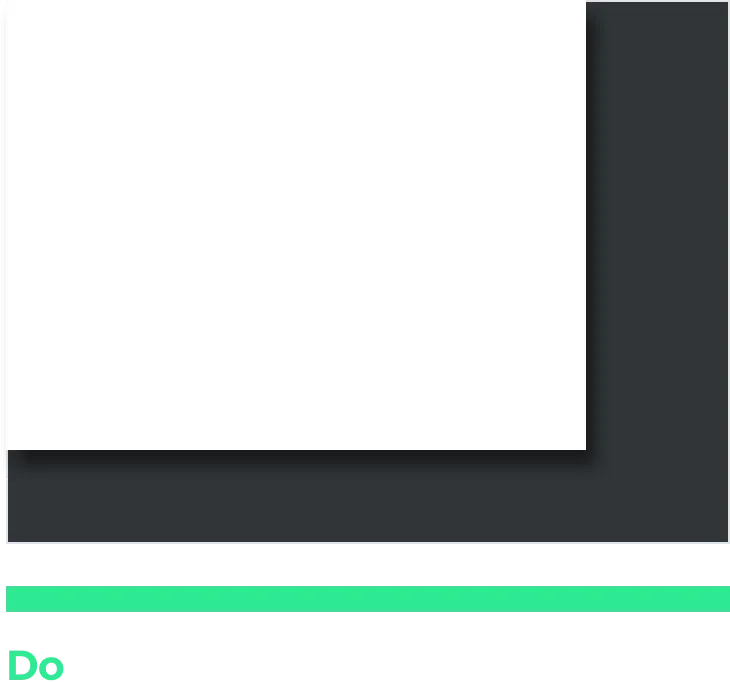
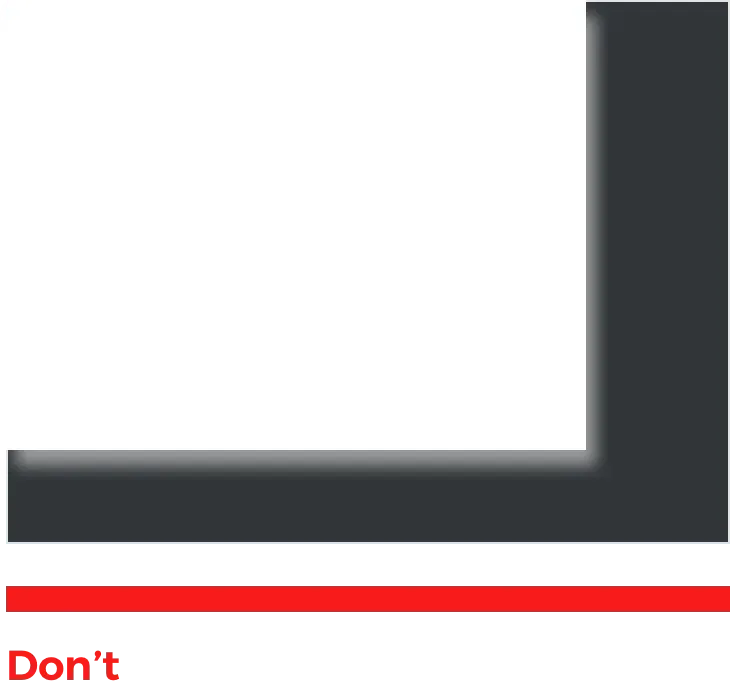
Shadow Dos and Don'ts


Dark Background Do


To explore your new shadow capabilities turn the Shadow toggle to on.

August 20, 2018
Roni Landau

 • 

New Capability! Customize & Control Shadows

Stay in the Loop with Duda Updates

Sign up to get feature releases, tools, and more to your inbox.

Últimas atualizações de produtos

Inventory management interface with a hand entering
By Mor Zamir February 13, 2026
Instant bulk price & inventory changes, color swatches for color options, bulk shipping data management, and more.
Three colorful product cards with beverage bottles and the cursor hovering over the middle one.
By Yanir Moskovitz February 11, 2026
Faster, cleaner design layouts that scale with your collection content.
Form with fields to fill out and
Por Annat Katz February 2, 2026
Multi-file upload in the Advanced Form, 2-trigger animations, meta tags import with Copilot and more.