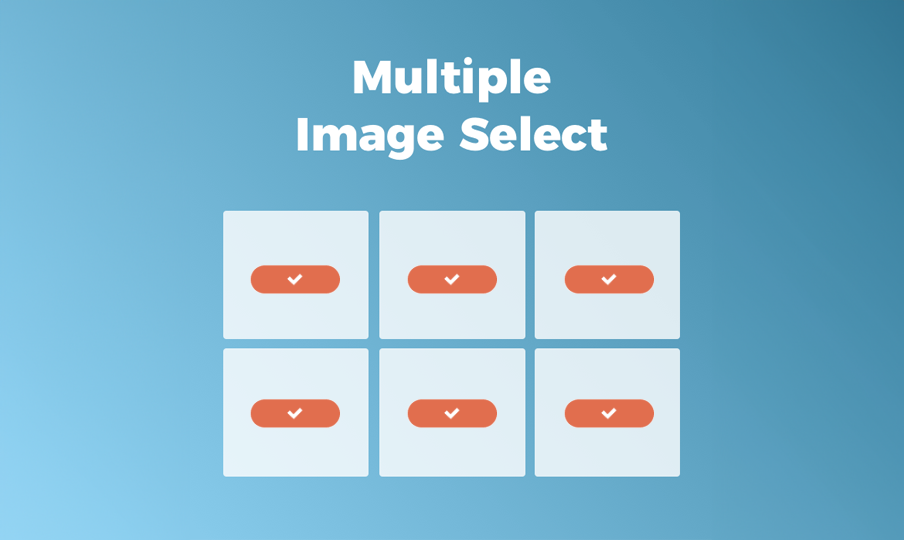
Save time when selecting images with the new multi-image select capability. Available in every image picker, both Quick View and Full View, it enables you to choose multiple images simply and in record time, speeding up site design and image management.   

Save Time, Design Faster


Here’s how to use it: 


  1. Open the Image picker.
  2. Select an image and click Shift. Scroll until the last image you want to choose and click Select again.


That’s it. All the images between the first and second click will be selected. 


Manage Your Images More Quickly, Too 


Use multi-image select to quickly arrange site images into folders. This makes it easier for you and your team to find the images you want to use in each area of your site. 

October 7, 2020
Roni Landau

 • 

Multiple Image Select, For Faster Website Design

Stay in the Loop with Duda Updates

Sign up to get feature releases, tools, and more to your inbox.

Últimas atualizações de produtos

A website homepage titled
By Marianne Sheldon April 5, 2026
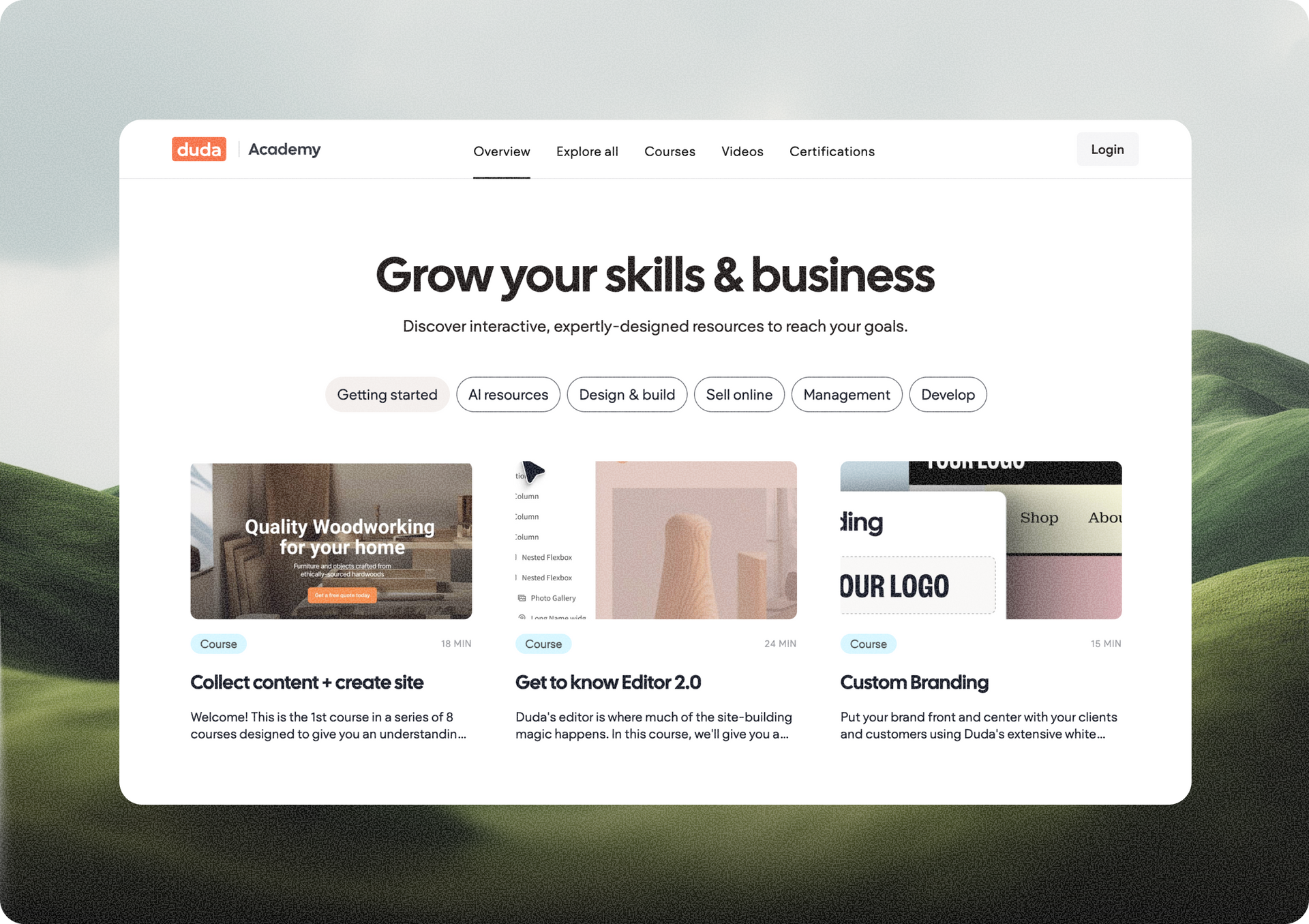
Explore a new and improved learning platform to help you design and build better sites.
A
Por Liron Hilb Horev March 25, 2026
New SEO & AEO updates to help you create content and keep it up to date, and keep winning the visibility game.
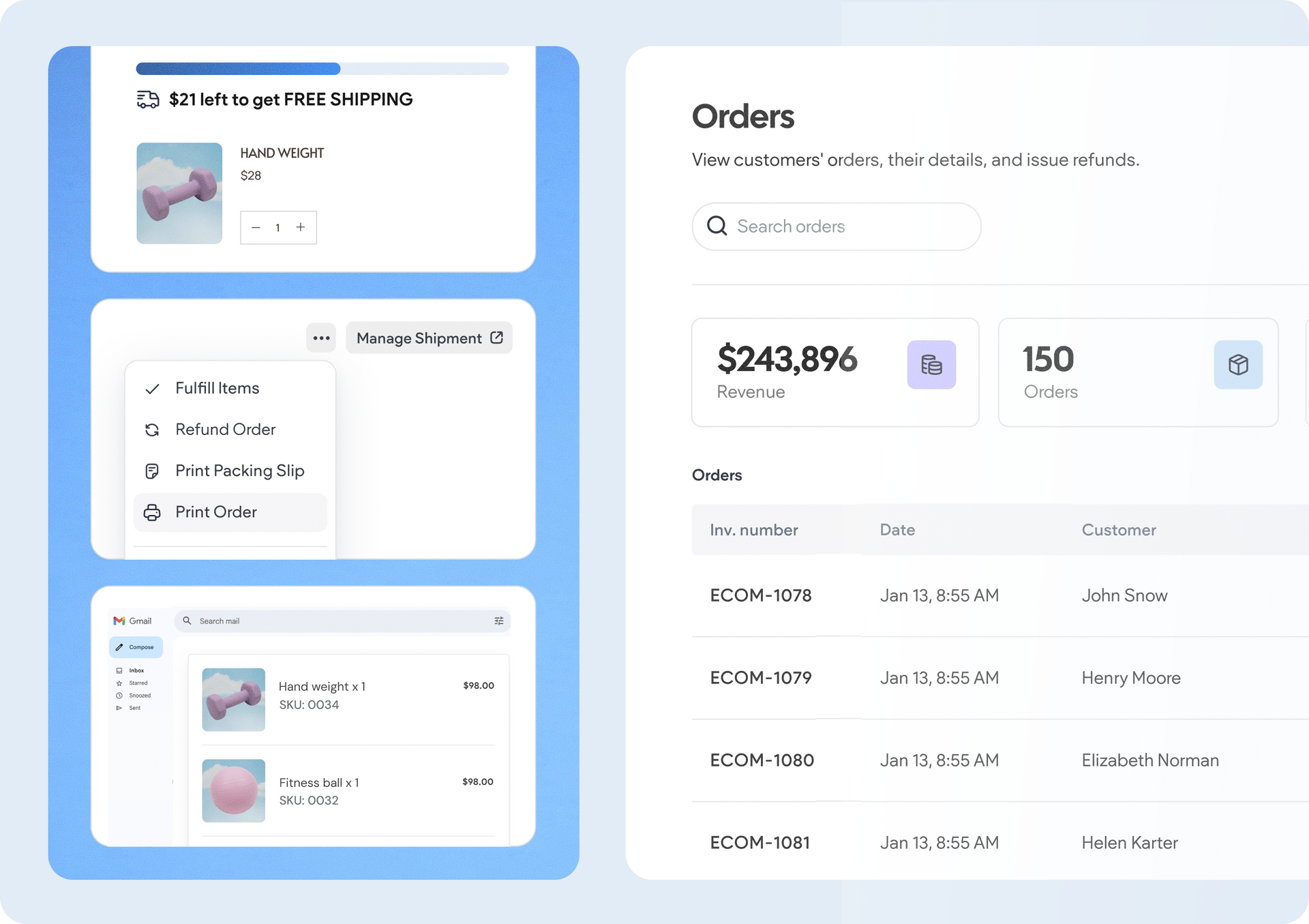
A software dashboard showing order statistics, a search bar, and a table of recent orders with product details.
By Rim Elfahem March 18, 2026
9 updates that make it easier for your clients to sell more, their way.