Helping your mega menus stay ahead in SEO and accessibility

We’ve made some important updates to the mega menu to help your sites stay SEO-friendly and easy to use for everyone:

Smarter SEO behavior

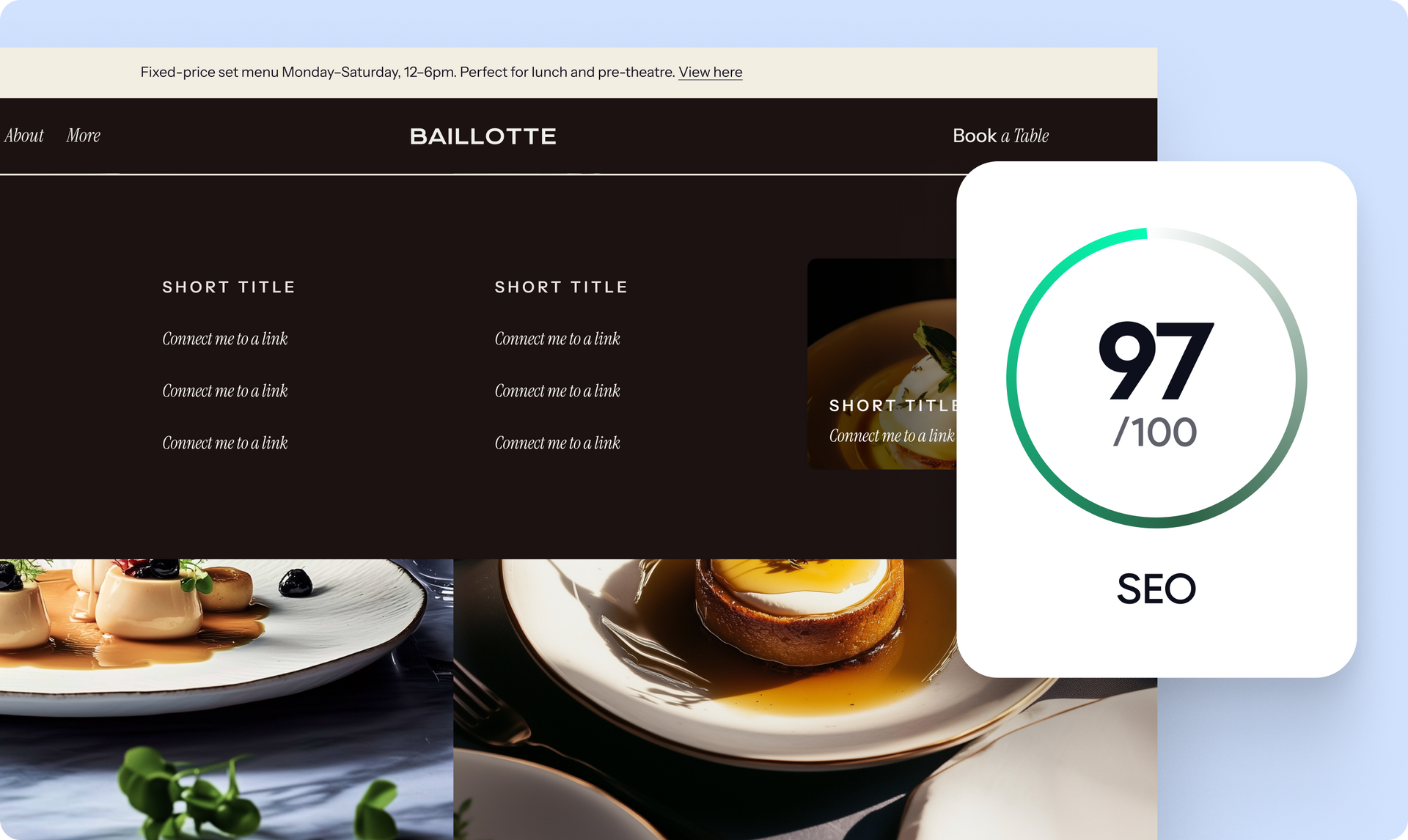
The mega menu now hides in a way that’s still visible to search engines, so its content can be indexed properly.

Accessibility improvements

  • Screen reader support: The menu works better with screen readers. It only gets read when it’s open, and is skipped when closed
  • Screen reader control: Site visitors  can now open the menu using screen reader commands
  • Keyboard-friendly navigation:
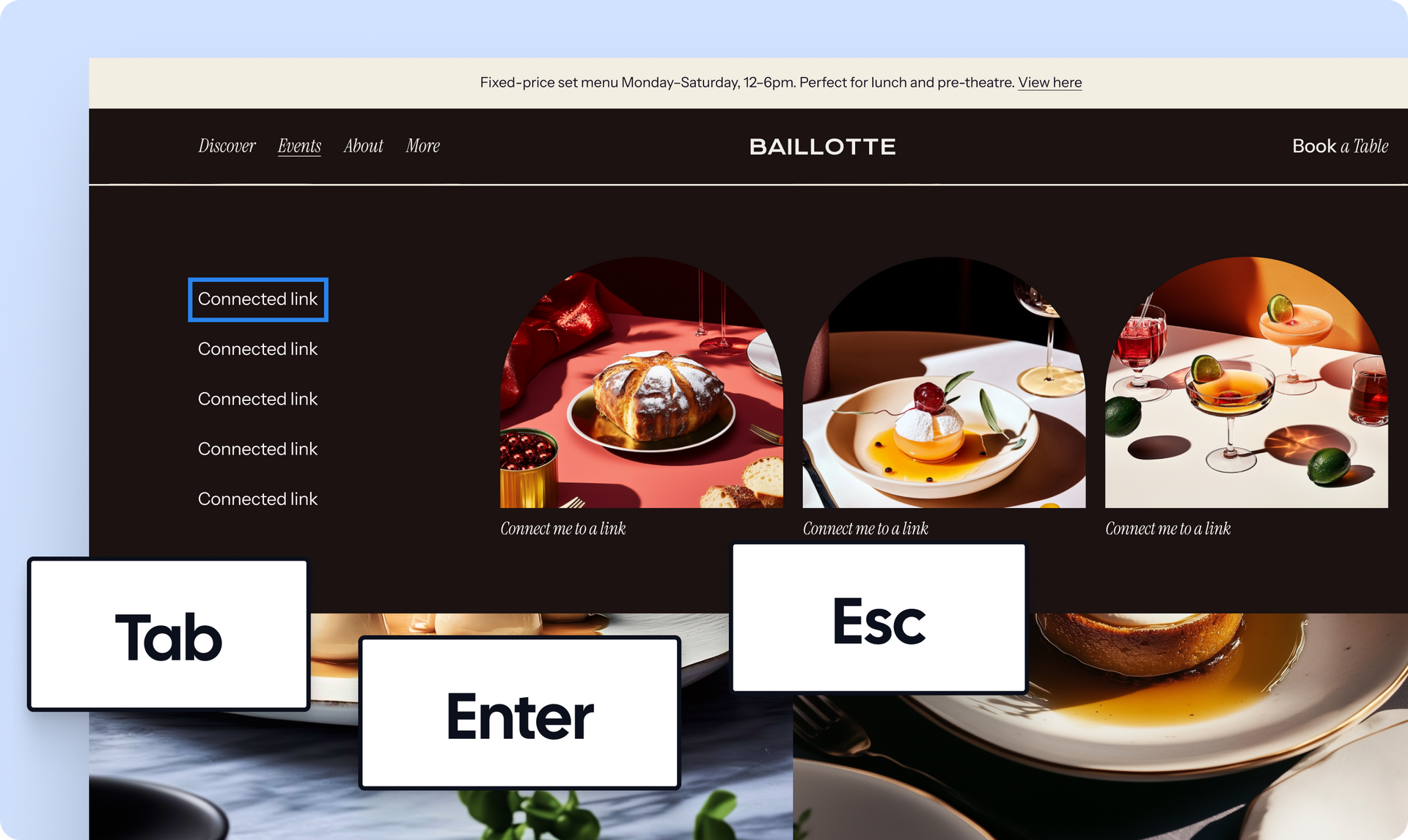
  • You can tab into and out of the menu easily
  • Once inside, tab through all the links and buttons like you’d expect
  • Hit Escape to close the menu, and it’ll send you back to where you were

Why all this matters

These updates help make your site more usable, more inclusive, and better optimized for search, without any extra work on your end.


Have your own media library inside Duda’s media picker via API

This post is part of our Monthly Wrap Up series - a collection of small product and feature improvements we’ve released in the past month.


We’ve added an external resources capability to Duda’s API to let you seamlessly integrate your media libraries into the Media Picker in the Duda editor.


This lets you search and add third-party media directly into your site projects. The end result? More flexibility and efficiency to fit the way you work. Visit the documentation page for more info.


API access is available with the Custom account plan.


Make quick, laser-focused tweaks in section content when generating a page 

We’ve added 2 new productivity-enhancing instruction shortcuts to page sections when using the Page Builder to generate a page. These will speed up and add accuracy to the content you generate for your page:

The “Generate content for” tag

To let AI draft your section copy based on the guidance you provide, like: Generate content for an inviting hero section that showcases our delicious variety of pancakes and warm atmosphere, featuring a prominent call to action to make a reservation.

The "Use this exact text" tag

To paste or type your own text (pre-written or on the fly) and have it injected word for word into the section. And if you change the section's layout, it will keep the same content as specified in the prompt, so you can preview different designs for the same content!

Improved WhatsApp Click to Chat experience 

WhatsApp links of click-to-chat (e.g. https://wa.me/1XXXXXXXXXX) now automatically redirect visitors to their preferred WhatsApp experience, either WhatsApp Web in their browser or their WhatsApp desktop app if it’s installed.


This creates a smoother, more intuitive connection between your website's WhatsApp widget and your visitors' messaging preferences.


That's it for these Monthly Wrap Up updates. See you again next time :)

July 1, 2025
Annat Katz

 • 

Duda's Monthly Wrap Up (June)

Stay in the Loop with Duda Updates

Sign up to get feature releases, tools, and more to your inbox.

Últimas atualizações de produtos

A product display of four different types of cookies against a light background, with navigation buttons at the top.
Por Tal Levi April 30, 2026
Discover a new way to turn ideas into fully functional widgets in real time, right on the canvas.
Blog SEO dashboard with content fields and an orange action button on a light interface
Por Tal Levi April 23, 2026
A new and easy way to review and generate blog post SEO metadata - in bulk.
A website homepage titled
By Marianne Sheldon April 5, 2026
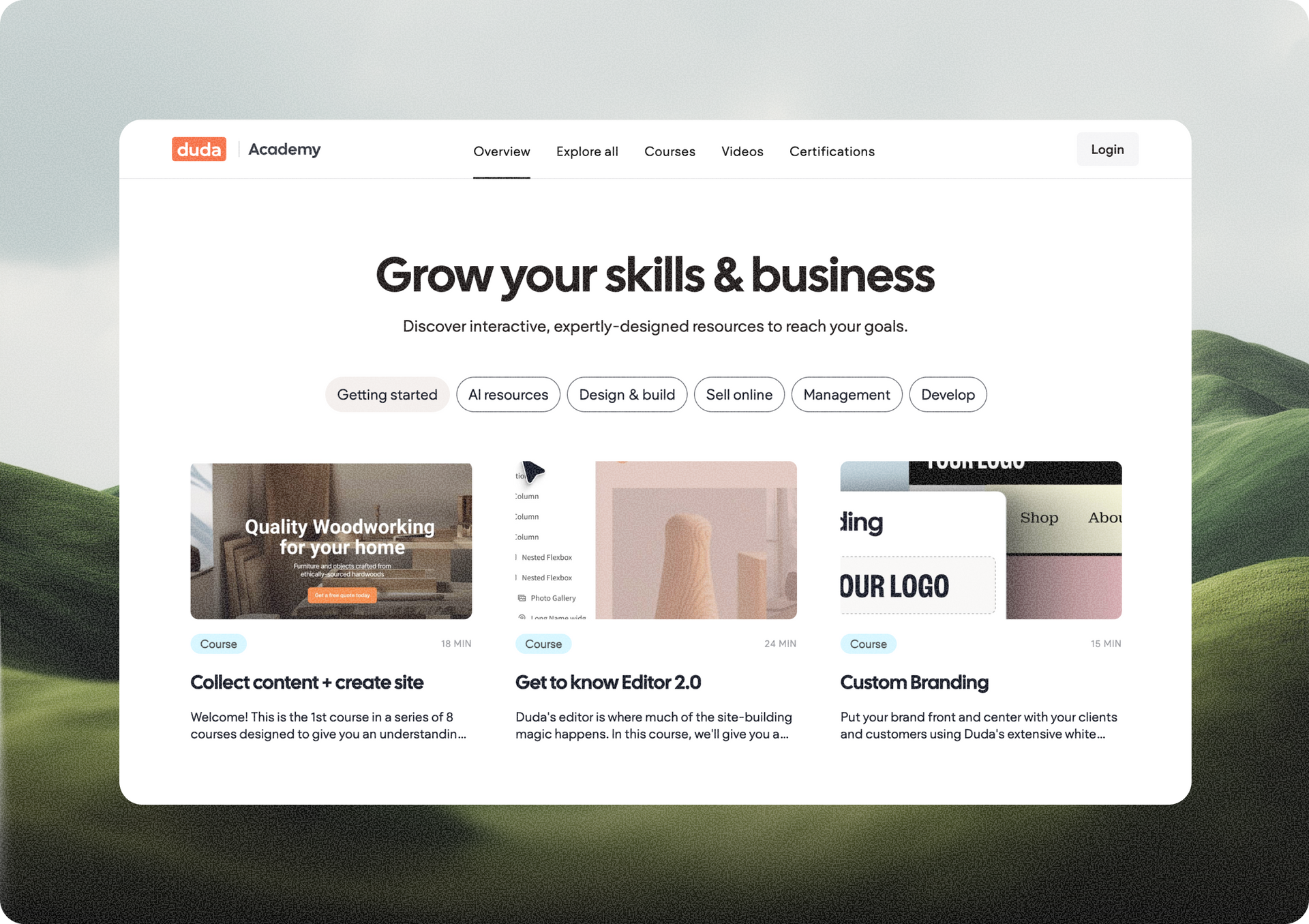
Explore a new and improved learning platform to help you design and build better sites.