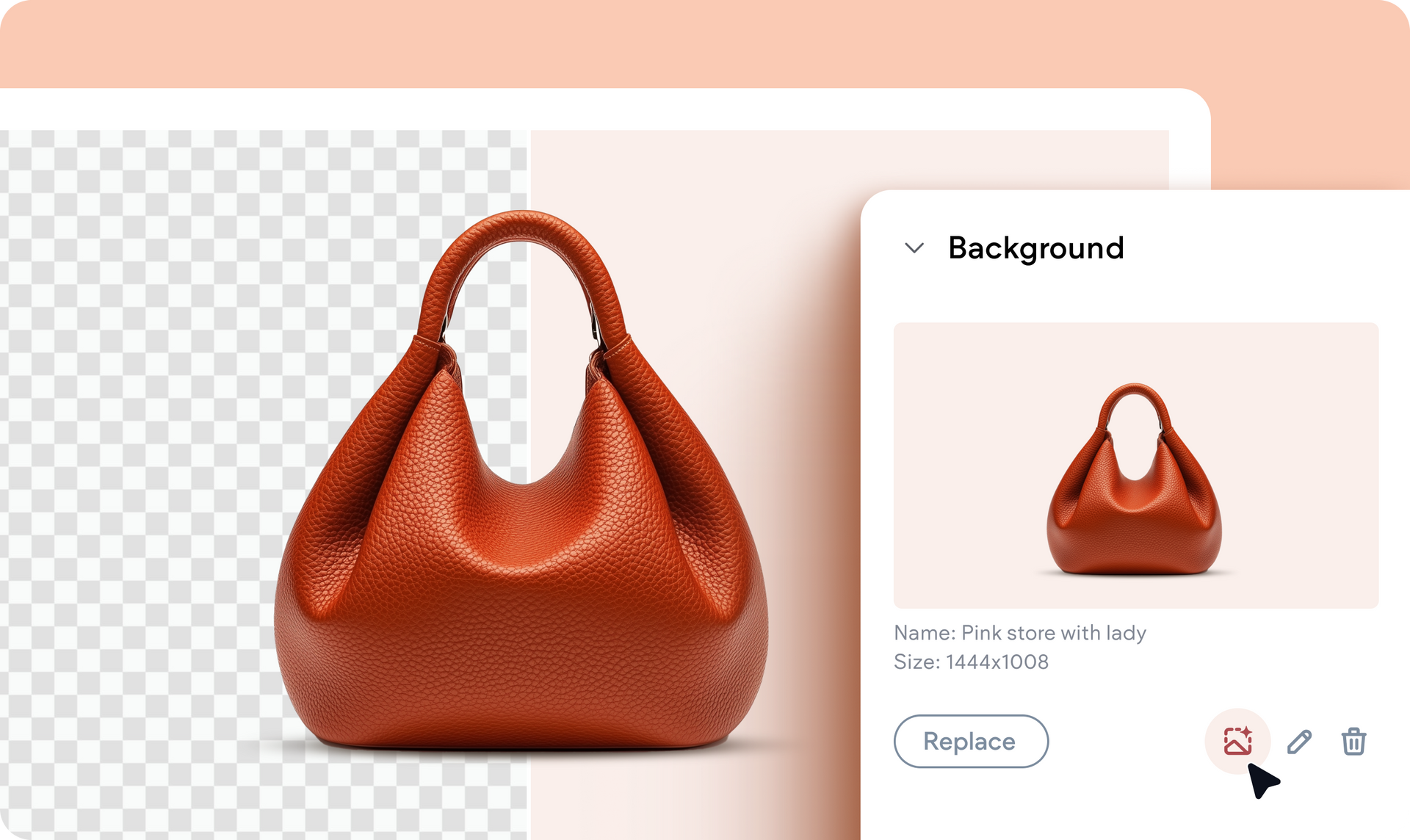
We’ve upgraded our image editor so it now includes more options, with the most notable one being removing the background of an image. And the best part? We applied this capability to our very own Image widget and container background settings in Editor 2.0.


To dive right in, go to and click an Image widget in the editor and look for the Remove image background  icon right under the image file name. Click it and the background will be removed.


This addition brings flexibility and efficiency to your workflow, whether you’re showcasing products, crafting hero sections, or fine-tuning background visuals. Seamlessly apply the background-removal feature to any image or container in real time, giving your designs that professional edge in seconds.

22 de agosto de 2025
Liron Hilb Horev

 • 

A edição de fotos ficou ainda melhor: dê as boas-vindas à remoção de fundo

Stay in the Loop with Duda Updates

Sign up to get feature releases, tools, and more to your inbox.

Últimas atualizações de produtos

Coffee bag with customization options: grind, split, sample; and a
By Mor Zamir December 10, 2025
From pizza toppings to software add-ons, this update is a great new way to personalize products.
A cursor hovers over an
By Rim Elfahem December 8, 2025
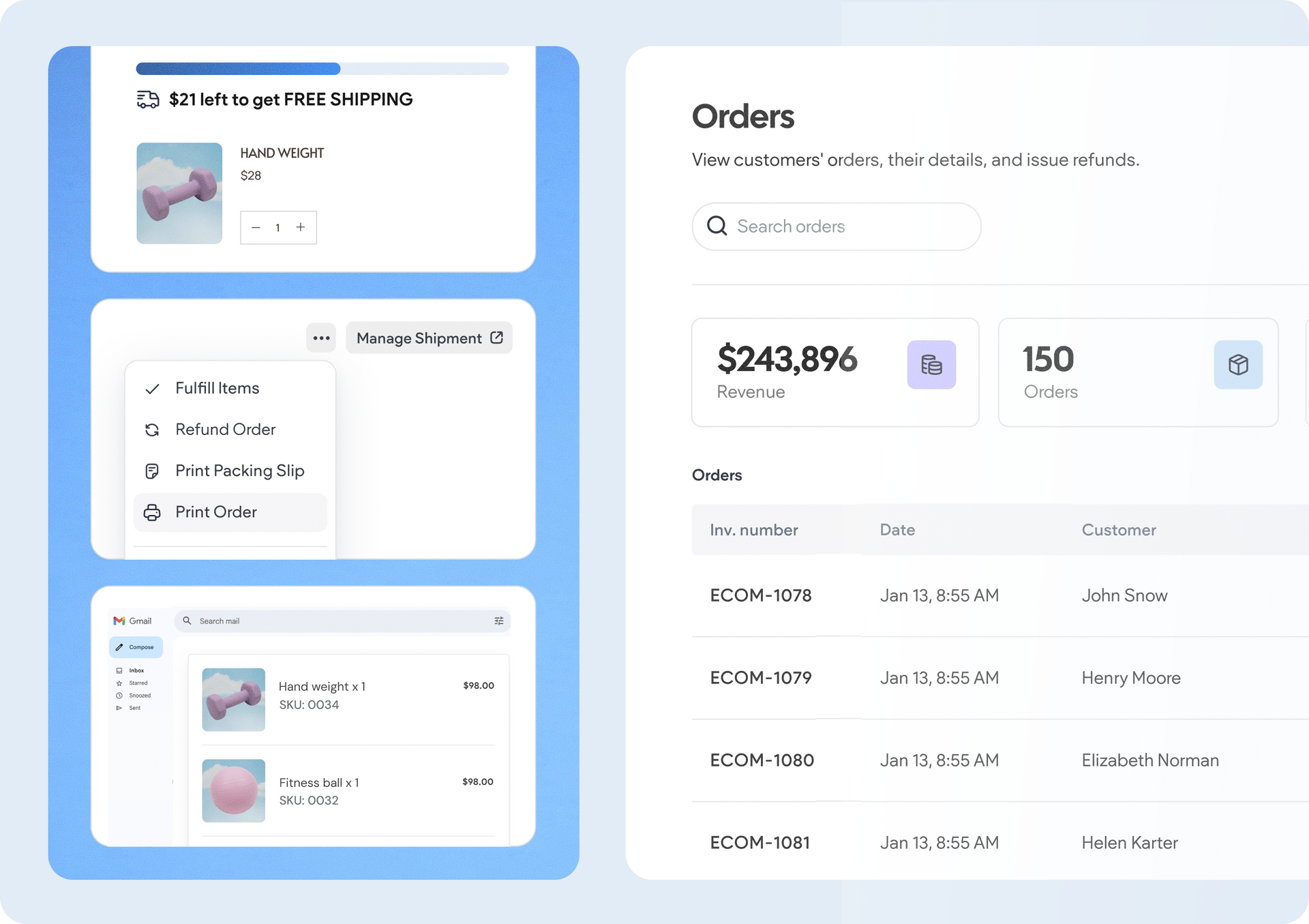
Offer clients more ways to get paid for sales and bookings.
A smiling person in a photo on a screen, with code, and a bar chart icon against a blue background.
Por Tal Levi November 25, 2025
Building sites at scale like never before.