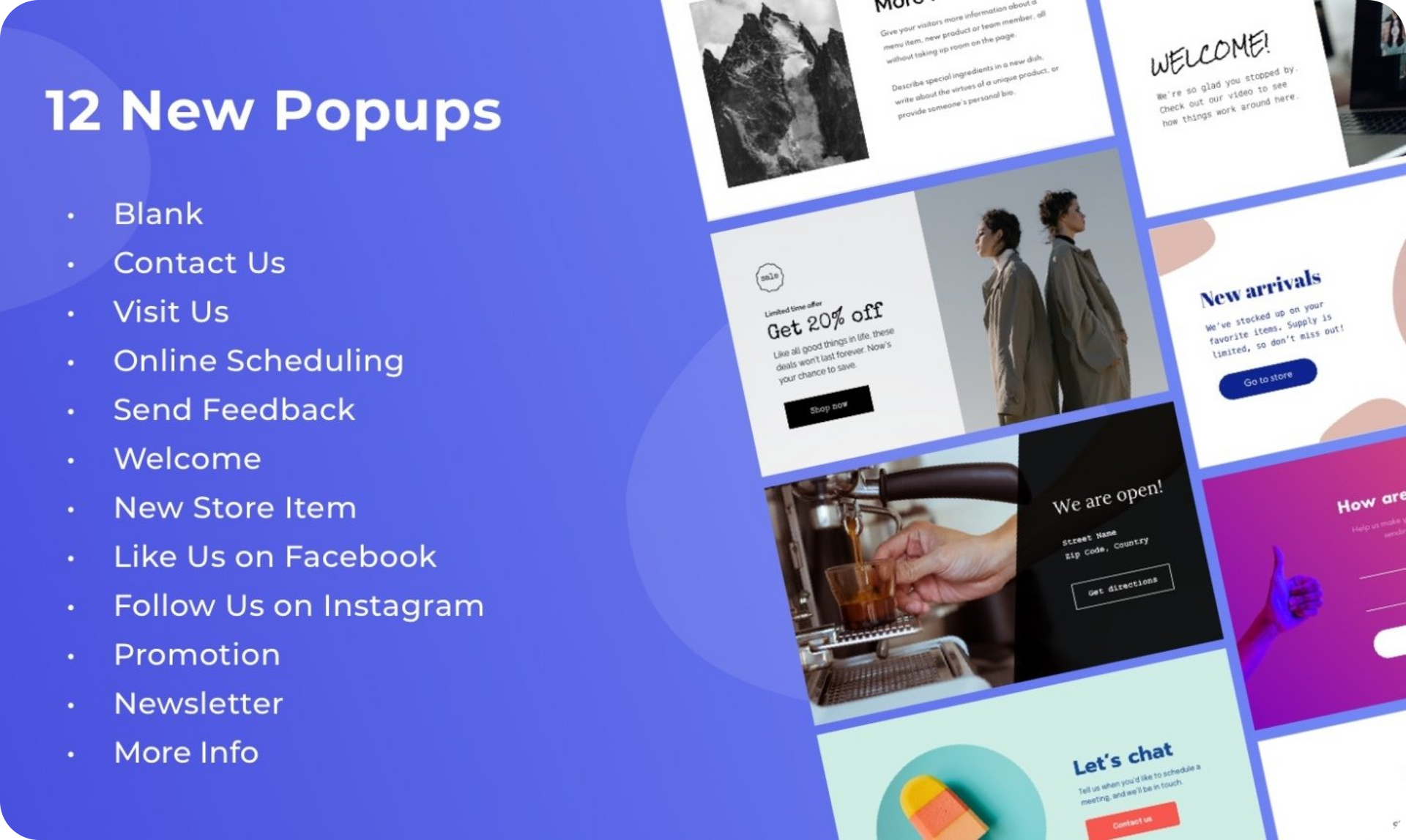
Popups are a great tool for driving site conversions by directing site visitors to a very specific message. You’ve got 12 fresh new popups now in the editor (scroll down to see a video with them all), designed to help you and your clients do just that. 

Draw attention with just the right popup


Popups are a great tool for drawing site visitors’ attention to a specific message. You can use them for so many purposes, including promotions, newsletter signups, scheduling and more.


Adding popups to your sites is easy. Here’s how to do it: 


  1. Open any site and click Pages in the navigation bar
  2. Choose the Popups tab
  3. Click + New Popup


After you’ve chosen which popup you want, add and edit the popup as you would edit any Duda page. 

Ways of displaying popups on your site


Popus can be displayed via link or button on the site, or through a personalization. Personalizations are actions that occur on your site according to triggers that you choose, such as time of day, site visitor's geographic location, and more. For more on Personalizations, see this.

May 24, 2021
Roni Landau

 • 

12 Fresh Popups

Stay in the Loop with Duda Updates

Sign up to get feature releases, tools, and more to your inbox.

Últimas atualizações de produtos

A website homepage titled
By Marianne Sheldon April 5, 2026
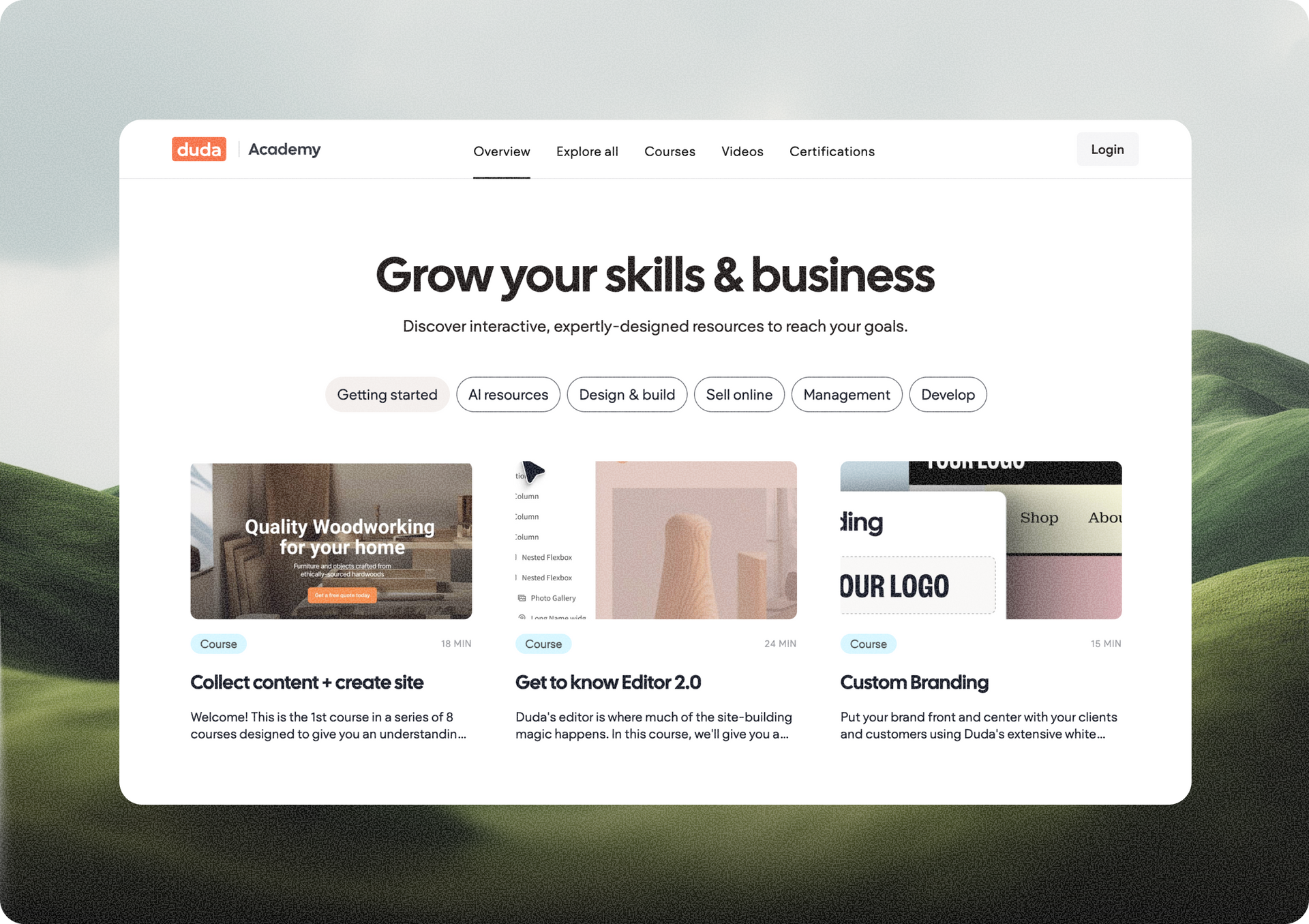
Explore a new and improved learning platform to help you design and build better sites.
A
Por Liron Hilb Horev March 25, 2026
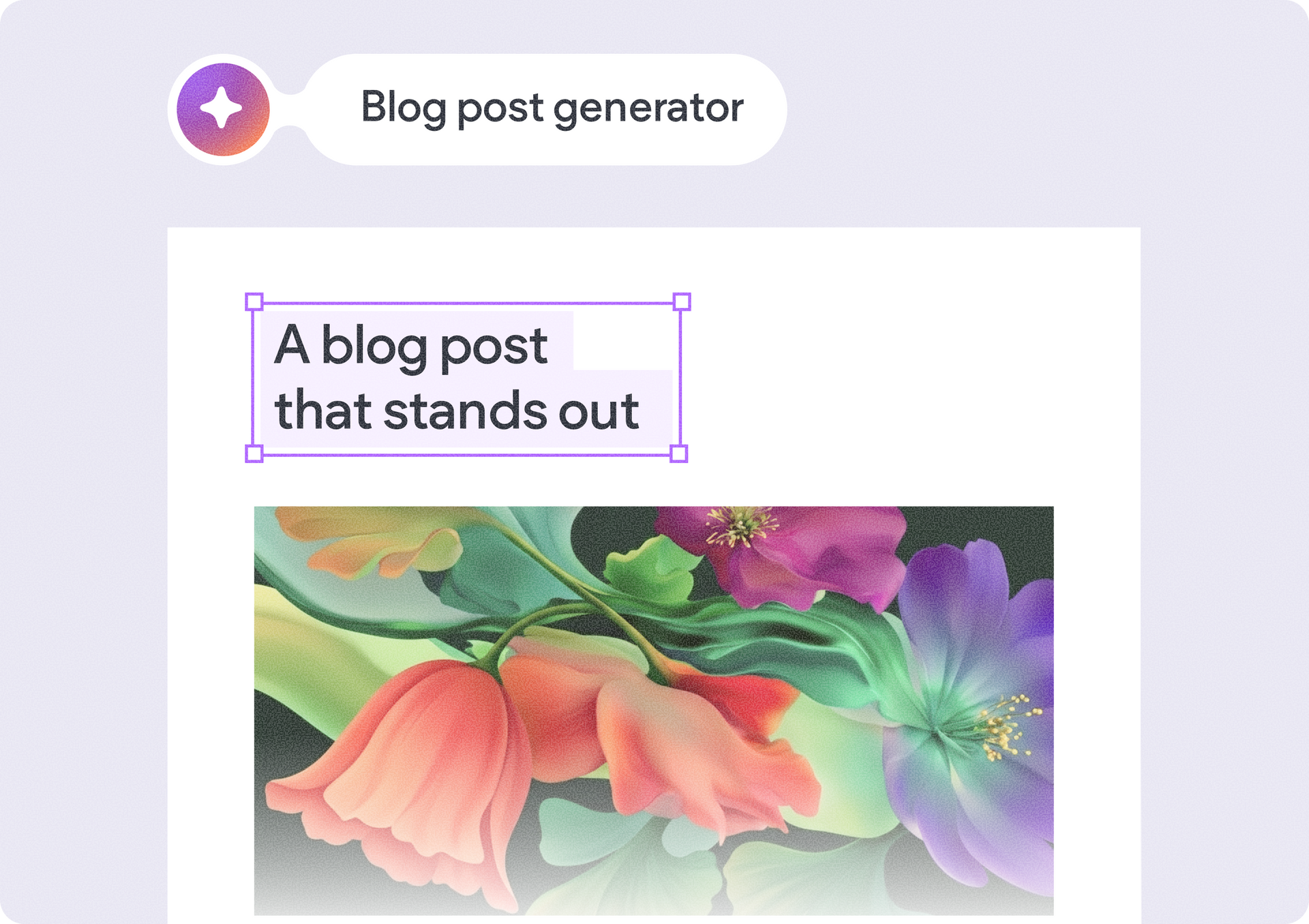
New SEO & AEO updates to help you create content and keep it up to date, and keep winning the visibility game.
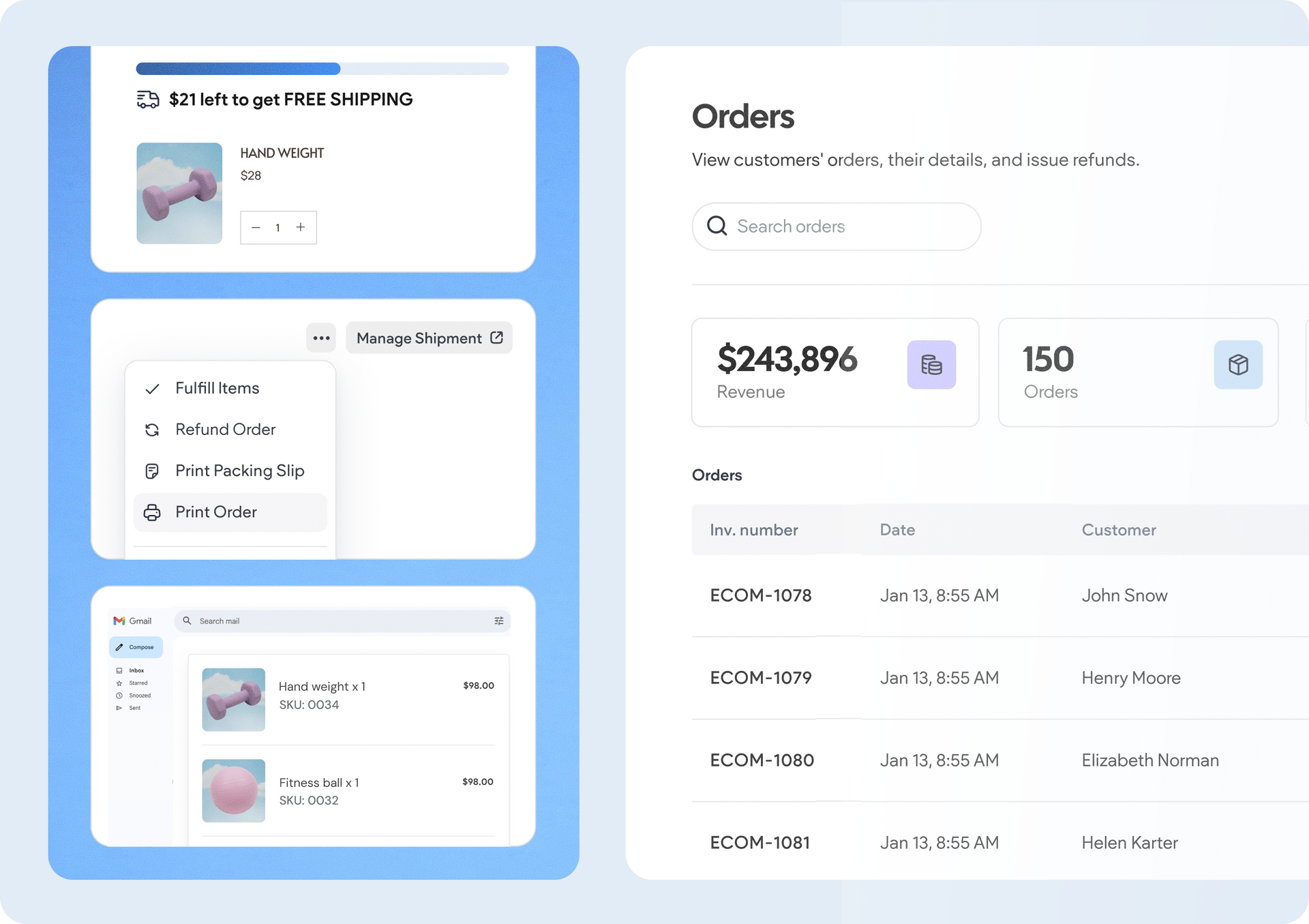
A software dashboard showing order statistics, a search bar, and a table of recent orders with product details.
By Rim Elfahem March 18, 2026
9 updates that make it easier for your clients to sell more, their way.